Handling the LU600 LiveU LU600 User Guide
Attaching and Replacing a Battery
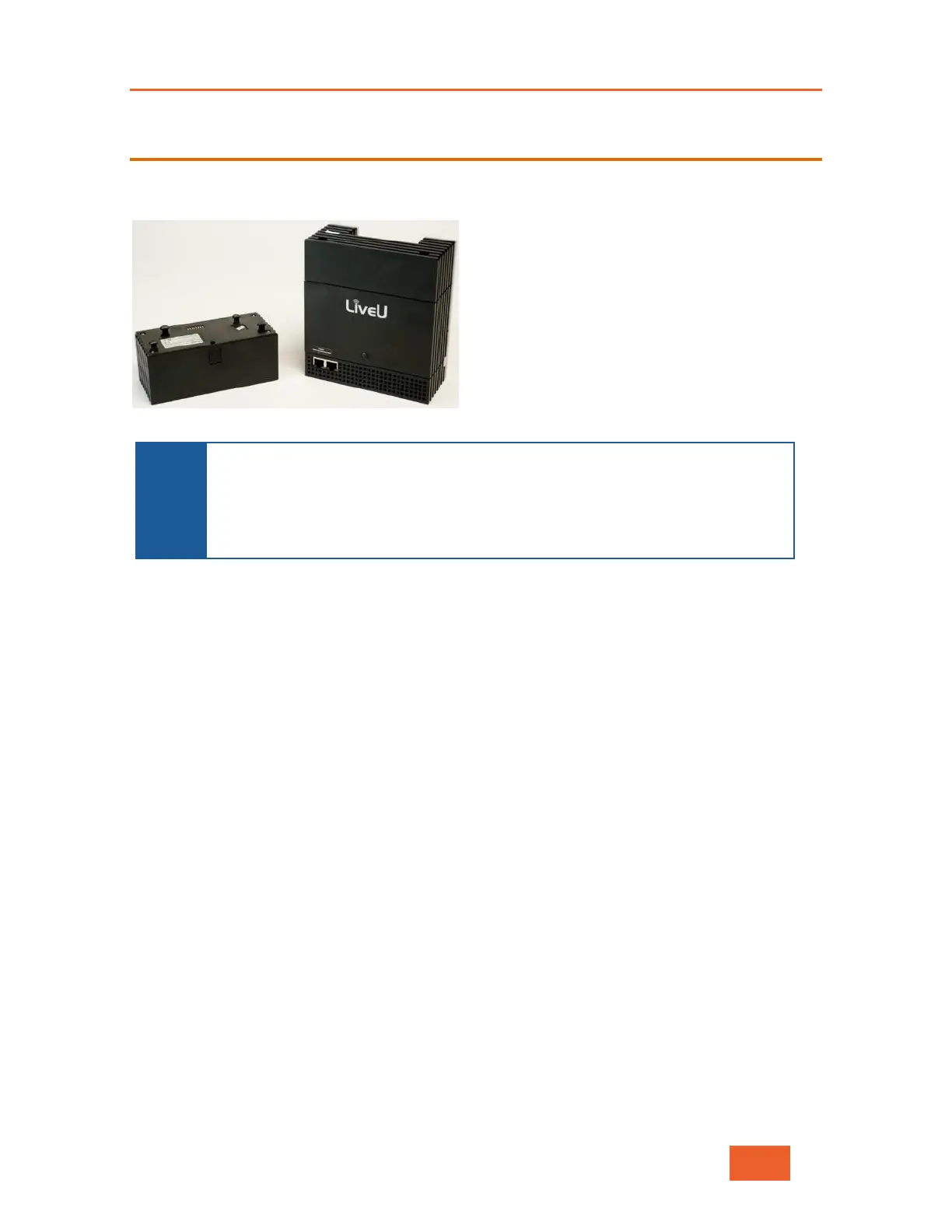
The LU600 is provided with a standard battery. The following picture shows the battery
when not connected to the LU600.
Figure 108: LU600 Battery
NOTE
The LU600 can also be ordered with a special connector for mounting on a
camera. There of two types of connectors used for this purpose: one with an
Anton Bauer battery and one with a V-mount battery. If your LU600 has this
special camera connector, then the Anton Bauer/V-mount battery charges
both the LU600 and the camera. Another separate battery is not needed to
To attach the battery:
1 Use both hands to press the two battery latch buttons on the left and right sides of the
battery.
2 Position the body of the LU600 over the battery by matching the pegs on the unit to the
slots on the battery.
3 Slide the LU600 body into place until you hear it snap into the battery.



 To Next Page