Quick Start LiveU LU600 User Guide
• Video Return, page 64
• DataBridge, page 67
• Metadata, page 74
Video Preview and Audio Bars
This area of the Home screen automatically shows a preview of the incoming video feed
after the camera is connected and turned on. On the left part of the video, you should be
able to see two audio bars (Left and Right). Note that when using an HEVC Pro video card,
the audio bars will appear to the right. Additionally, if your audio input was defined as 4
channels, this will be reflected in the audio bar display on screen.
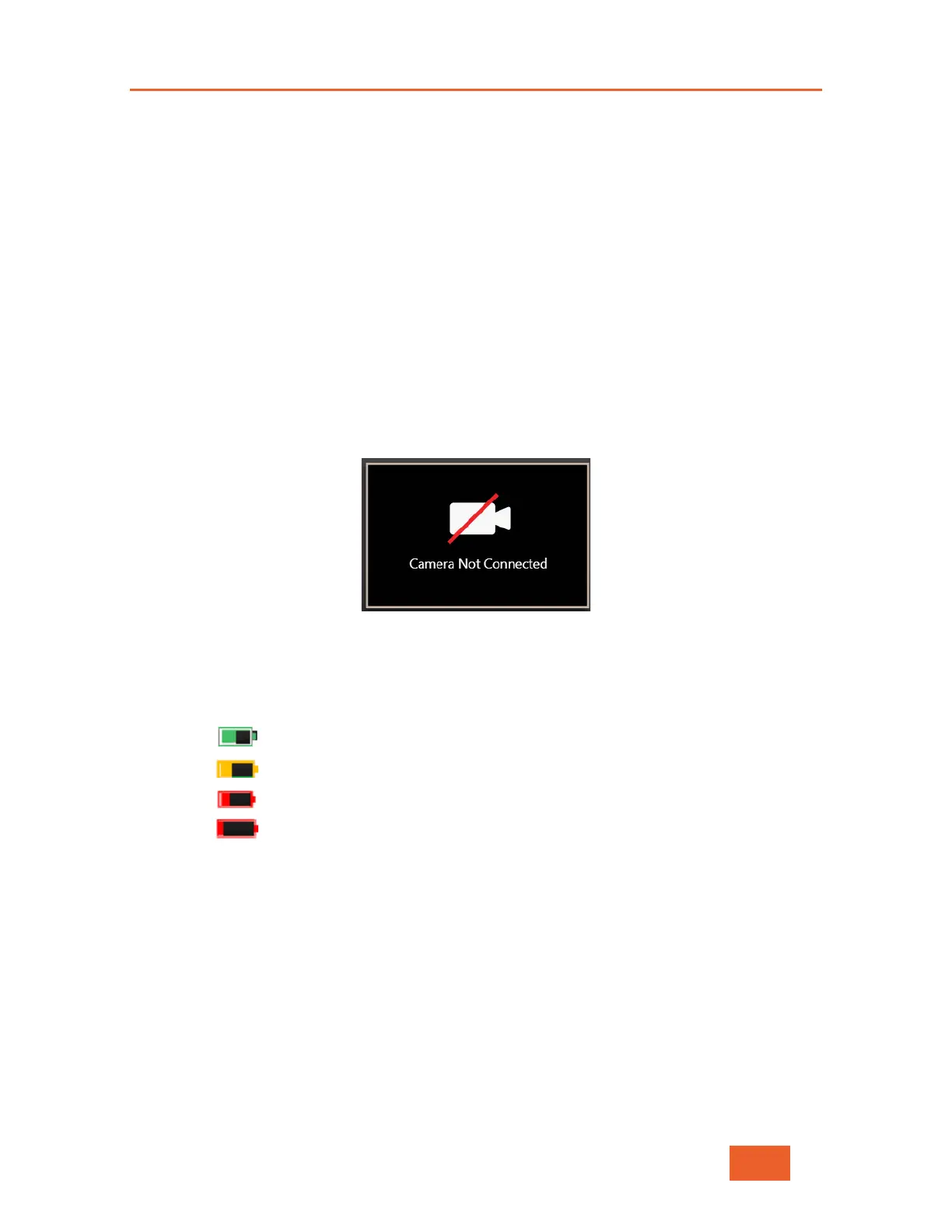
The video feed is displayed a few seconds after the camera is connected and automatically
detected by the LU600. If the LU600 cannot detect any incoming video, this area will
display a message “Camera Not Connected”.
Figure 11: Camera Not Connected message
Battery Status
This icon displays battery charge as follows:
Green: The battery is charged 20% or more
Yellow: The battery is charged between 10% to 20%
Red: The battery is charged between 5% to 10%
Flashing Red: The battery is charged less than 5%



 To Next Page