Video Return LiveU LU600 User Guide
Figure 81: Video Return on the Home Screen
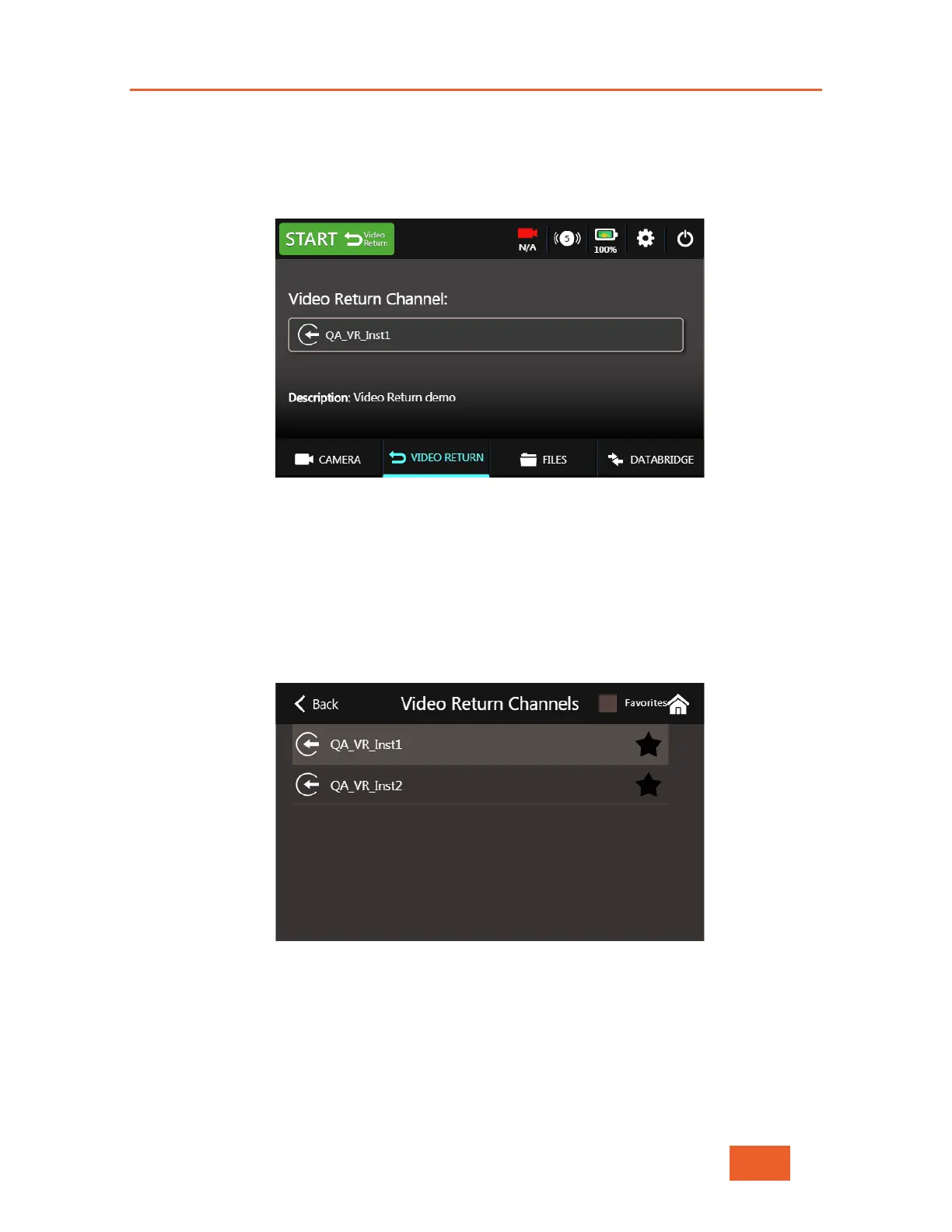
You will now be taken to the Video Return Screen where you can select a channel from
the Video Return server and START / STOP incoming Video Return.
Figure 82: The Video Return Screen
Return Channel Selection
Tapping on the Video Return Channel name will open a list of currently available video
channels (previously set up on the Video Return server). Select one of these channels by
tapping on it. You can also use this screen to “favorite” a channel, using the same method
as for standard MMH channels (see Marking a Channel as a Favorite on page 31)
Figure 83: Video Return Channel Selection
Activating the Video Return stream
Tap on the green START button at the top of the screen. After a few seconds, the button
will change to STOP and turn red.



 To Next Page