Using the LU600 LiveU LU600 User Guide
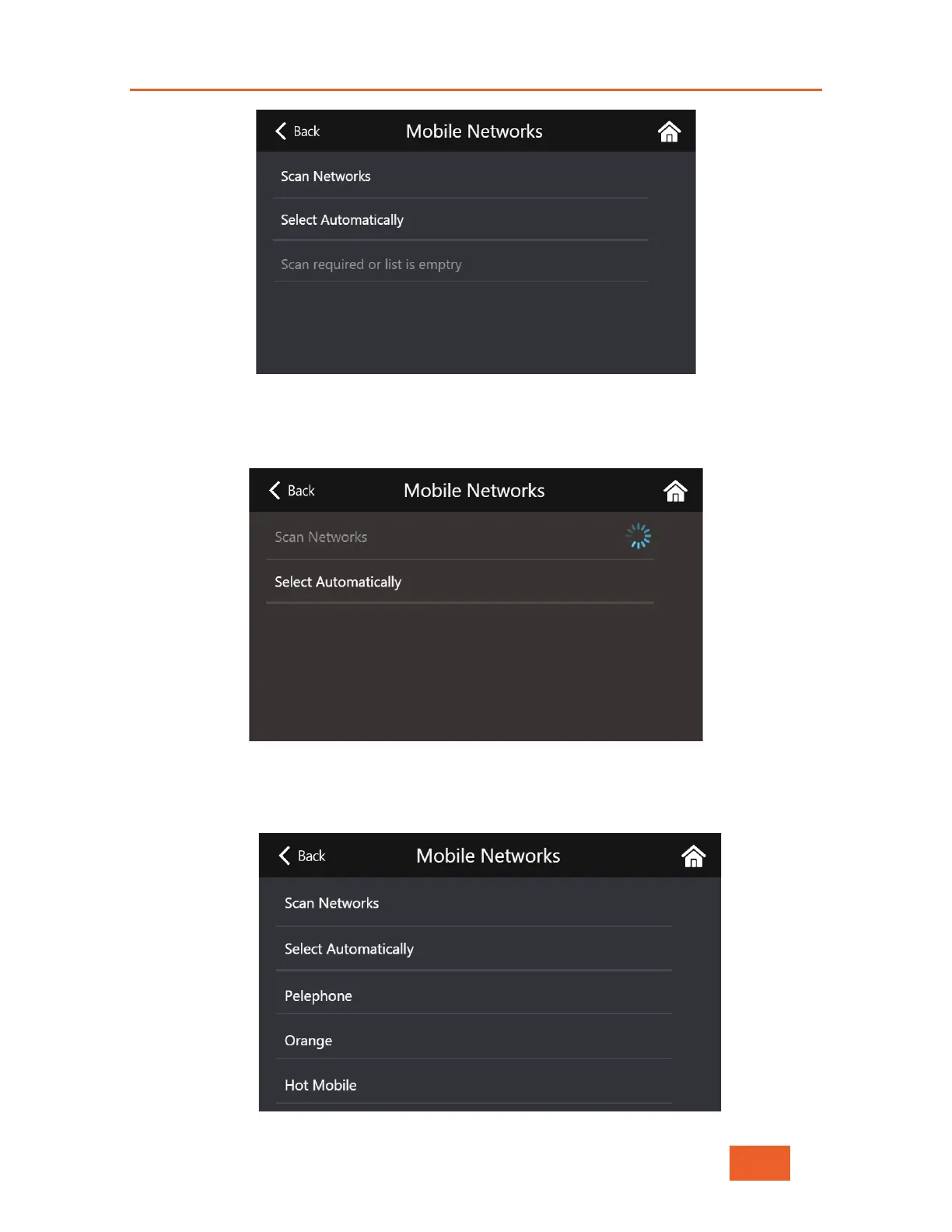
Figure 34: Mobile Network Selection Screen
5 Tap Scan Networks. The unit will start scanning and display a list of all cellular
networks relevant to the SIM installed. This operation may take up to 2 minutes.
Figure 35: Mobile Network Screen During Scan
6 Select the preferred operator. From this moment on, this SIM will always use the
operator selected



 To Next Page