Working with Metadata on the LU600 LiveU LU600 User Guide
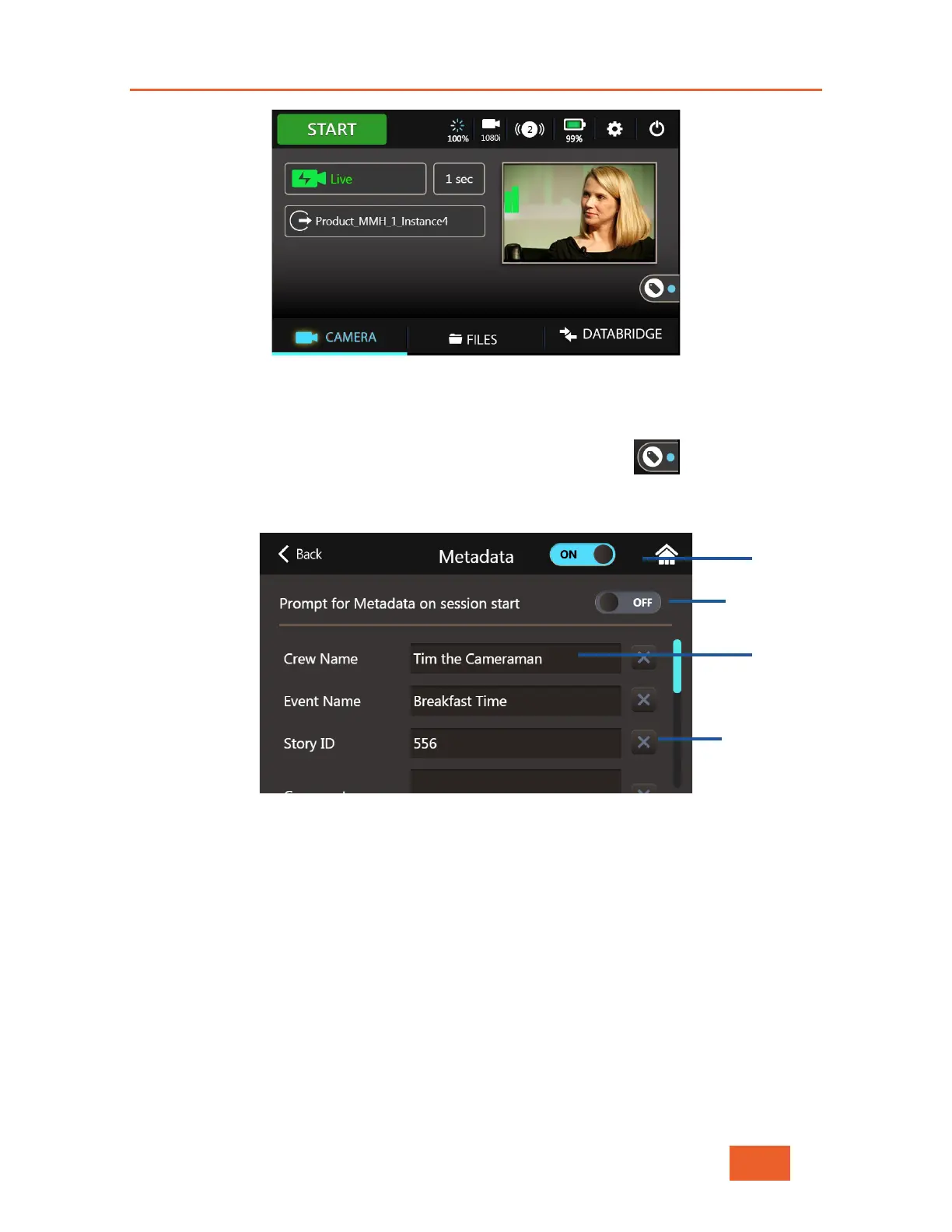
Figure 93: LU600 Home Screen w/Metadata Enabled
Turning Metadata On or Off
You may access the Metadata tab by tapping on the Metadata icon that appears on
the home screen.
Figure 94: The Metadata Tab
To include Metadata in your transmissions, turn Metadata on by tapping on the top switch,
moving it to the ON position. Each transmission will now be accompanied by its own XML
file. Whenever Metadata is enabled, the Metadata Active indicator in the Metadata icon on
the home screen will be “lit”.
Turning Metadata Prompts On or Off
The LU600 can remind you to set Metadata fields whenever you wish to go live or start a
Store & Forward session. To set the Metadata Prompt, tap on the “Prompt for Metadata on
session start” button at the top of the screen as shown above.
Prompt
Fields
Clear Field
button



 To Next Page