Using the LU600 LiveU LU600 User Guide
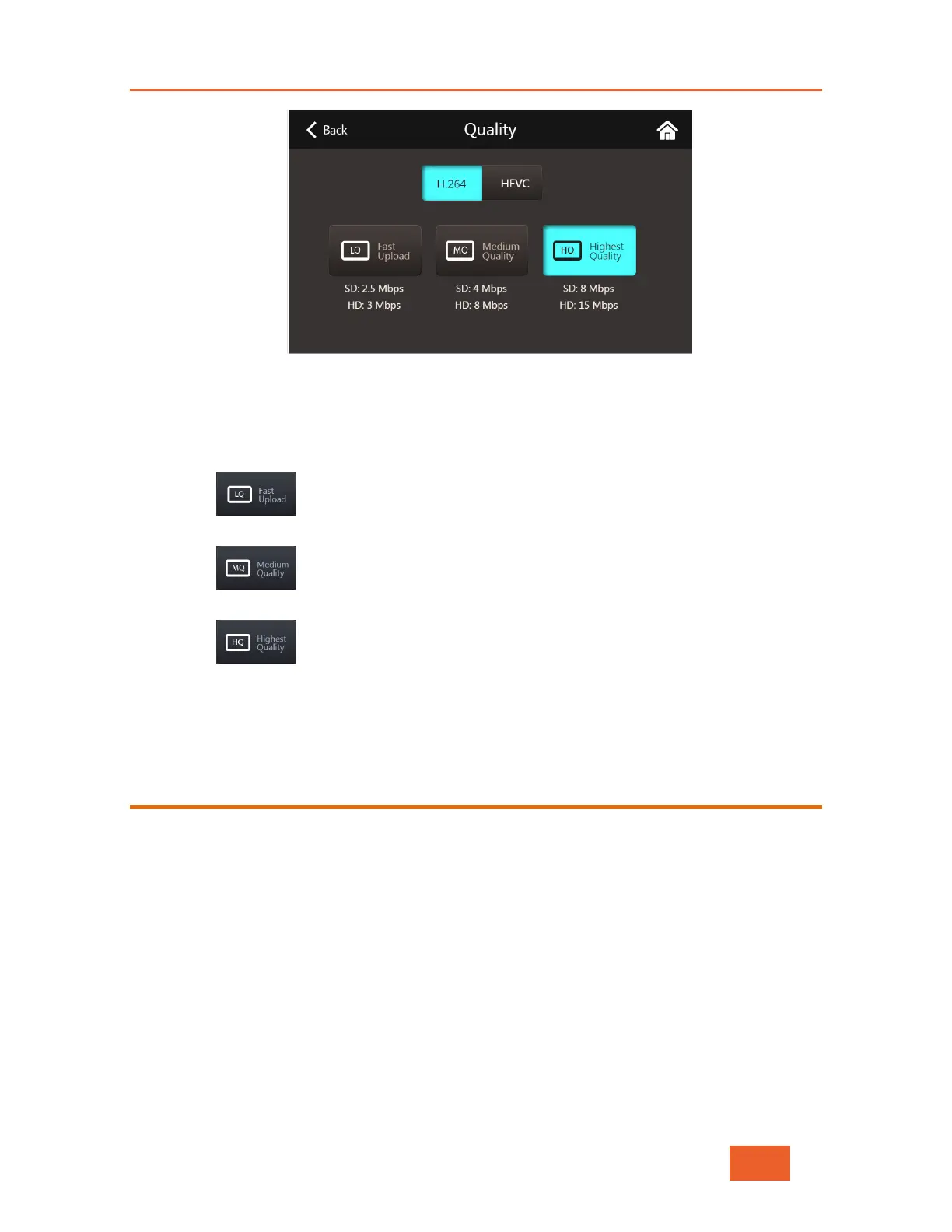
Figure 23: Setting the Streaming Quality
1 On units with an HEVC Card, you can select either H.264 or HEVC by tapping the
relevant button. On units with no HEVC card, your files will be saved in H.264 format.
2 Tap the quality option that you prefer:
Low video bit rate to allow fast file uploads to the server. This option
is recommended in case of urgency and when network coverage is low.
Medium bit rate. Provides good video quality with relatively fast file
uploads.
Highest bit rate. Provides the best video quality with the slowest file
uploads. This option is recommended when the highest quality is required and
network performance is high, or when there is no urgency in video arrival at the
studio.
Selecting an Output Channel
You will need to define where your LU600 is going to send its output to. This step is
mandatory the first time that you use the LU600, after which the LU600 will use the same
destination channel until changed.



 To Next Page