Advanced Configuration Settings LiveU LU600 User Guide
Auto Resolution
When Auto Resolution is enabled, the LU600 automatically adjusts the resolution at which it
transmits according to the bit rate that is available in order to provide the best available
video quality on the server side. This feature is enabled by default and is the recommended
mode. Disabling this feature is only required in advanced scenarios (e.g. bypassing
transcoding on the server side)
To enable auto resolution:
• In the Settings screen (see Figure 52), set Auto Resolution to ON.
Figure 57: Auto Resolution
IMPORTANT
NOTE
Disabling auto-resolution is not recommended and should only be
selected in specific cases.
About
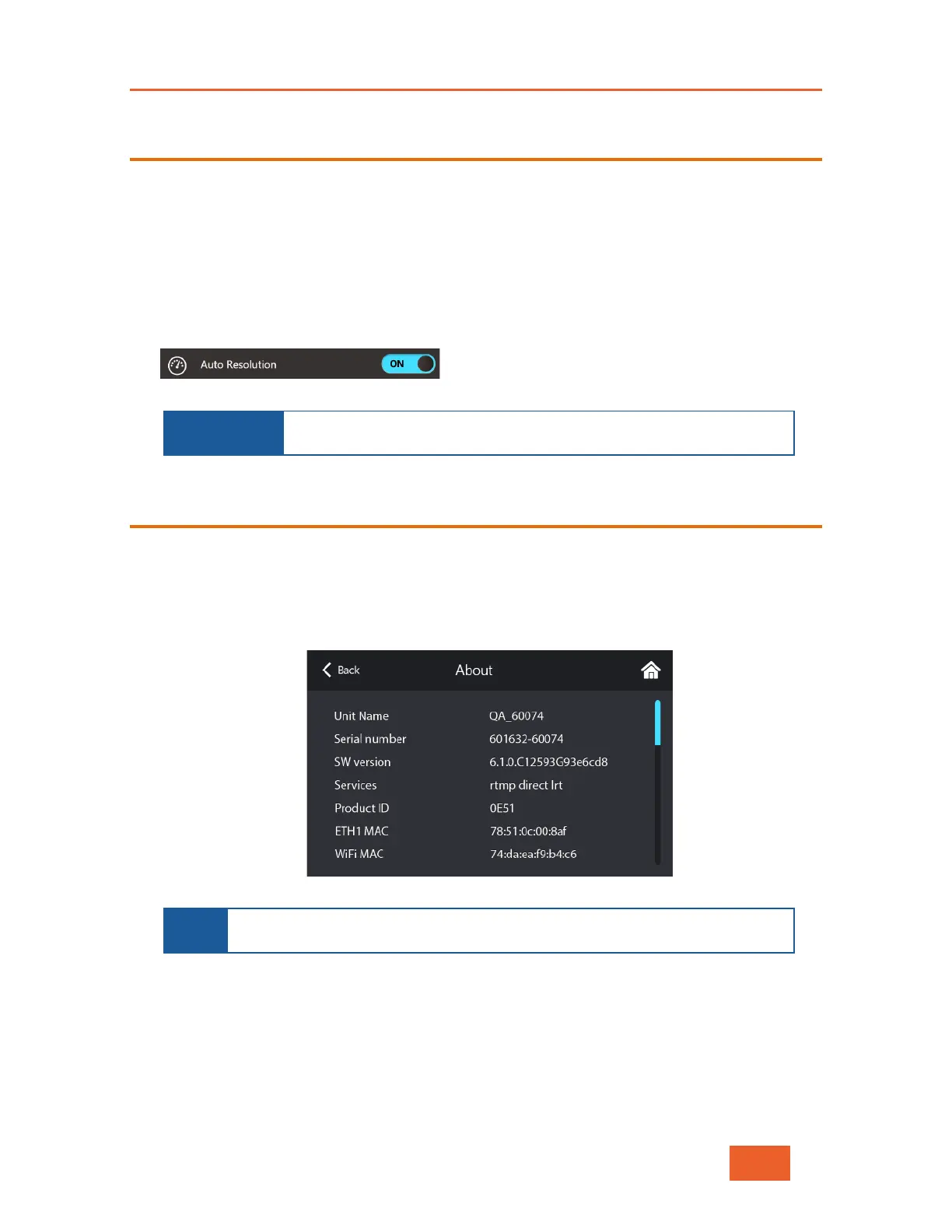
The About screen displays the LU600 unit’s name, serial number, software version and all
enabled services associated with the unit.
To display information about the software version:
• In the Settings screen (see Figure 52), tap About to display the following screen.
Figure 58: About Screen
NOTE
If a LiveU Xtender is connected to the LU600, information about the
Xtender will also be displayed.
When contacting a support representative, make sure to have the last five digits of the
LU600 unit’s serial number displayed in the screen above available. In the example
screen above, that would be 60074.



 To Next Page