Handling the LU600 LiveU LU600 User Guide
Connecting the LU600 WiFi Client Pouch to the
Backpack
The WiFi Client for the LU600 has one connector – the LAN connector (LAN CBL00218),
which connects to the LAN port on the LU600 device. This connector provides both
communication and power.
To connect the LU600 WiFi Client pouch to the backpack:
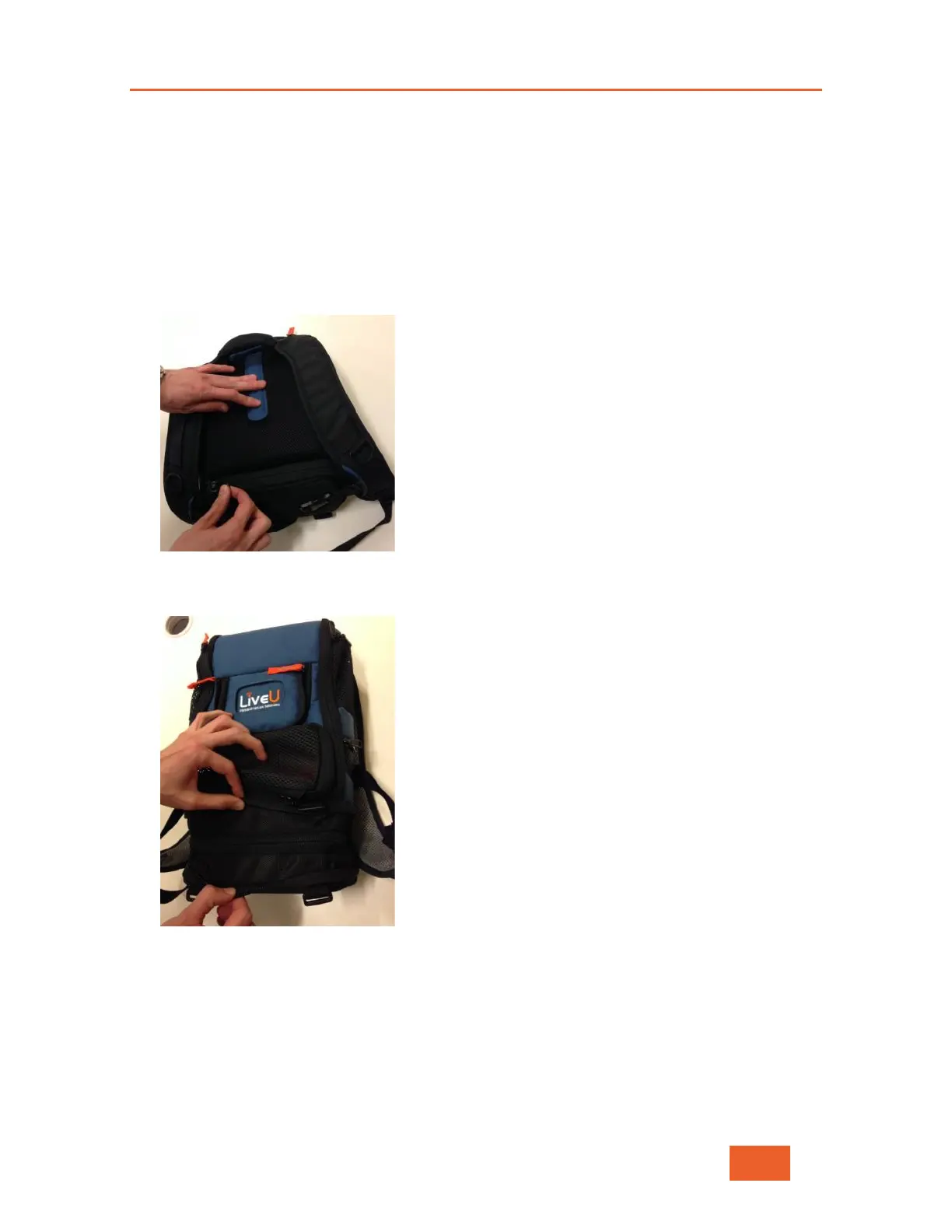
1 Lie the backpack on a flat surface and unzip its bottom compartment.
Figure 111: Unzipping the Bottom Compartment
2 Pull the bottom compartment apart to expand it.
Figure 112: Expanding the Bottom Compartment



 To Next Page