Using the LU600 LiveU LU600 User Guide
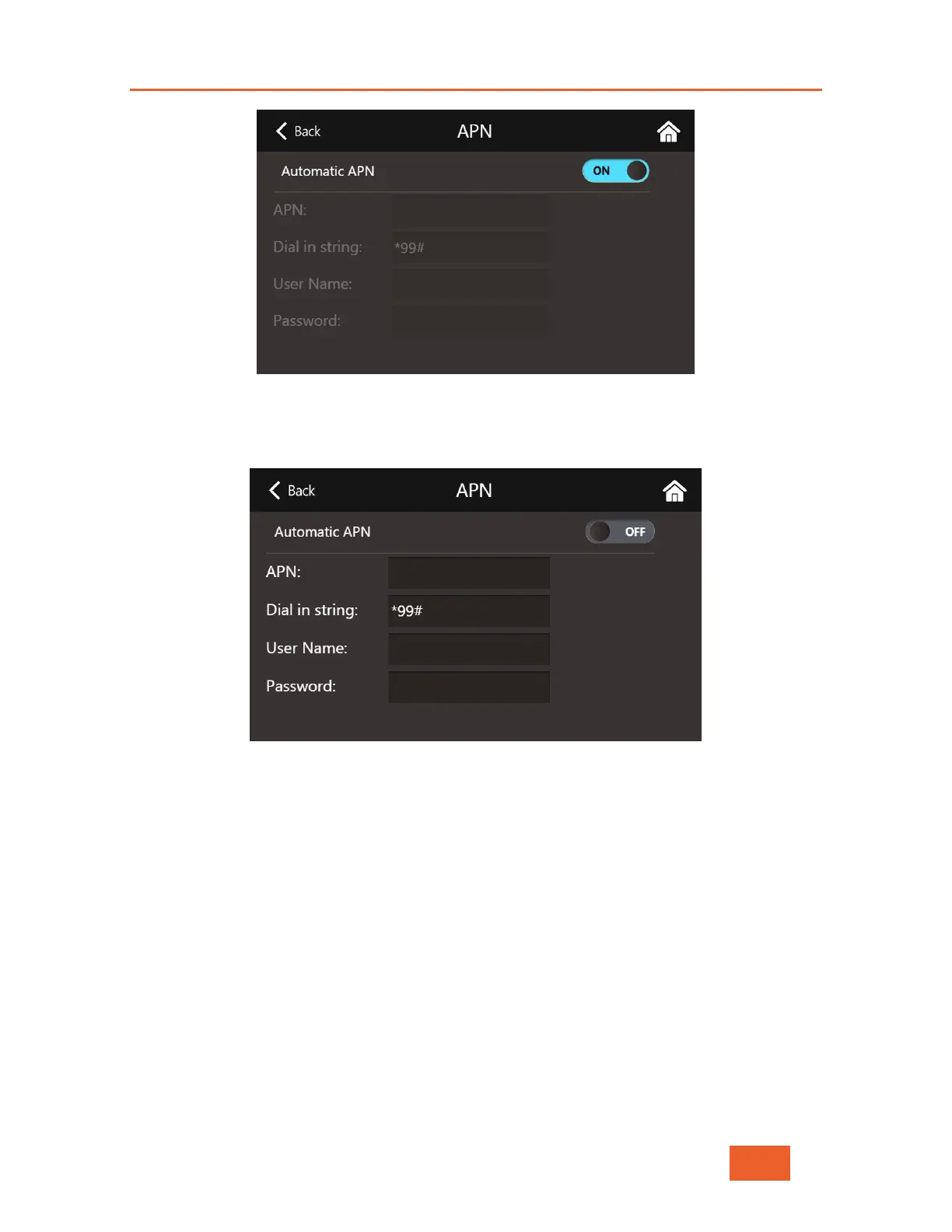
Figure 32: APN Configuration Screen
2 Tap the ON/OFF toggle button to allow you to change values in the rest of the
fields on this screen.
Figure 33: APN Manual Configuration
3 Once you have changed whatever necessary, tap on the Back at the top of the
screen, and the LU600 will attempt to reconnect this interface using the new APN
information.
Manual Network Selection
When roaming with the unit, you can select a different network to connect to by tapping
Mobile Networks, selecting Scan Networks, and then choosing the network from the list
that eventually appears below.
To manually select Cellular Operator:
4 In the Cellular Interface Screen, tap Mobile Networks to display the following
screen:



 To Next Page