Working with Metadata on the LU600 LiveU LU600 User Guide
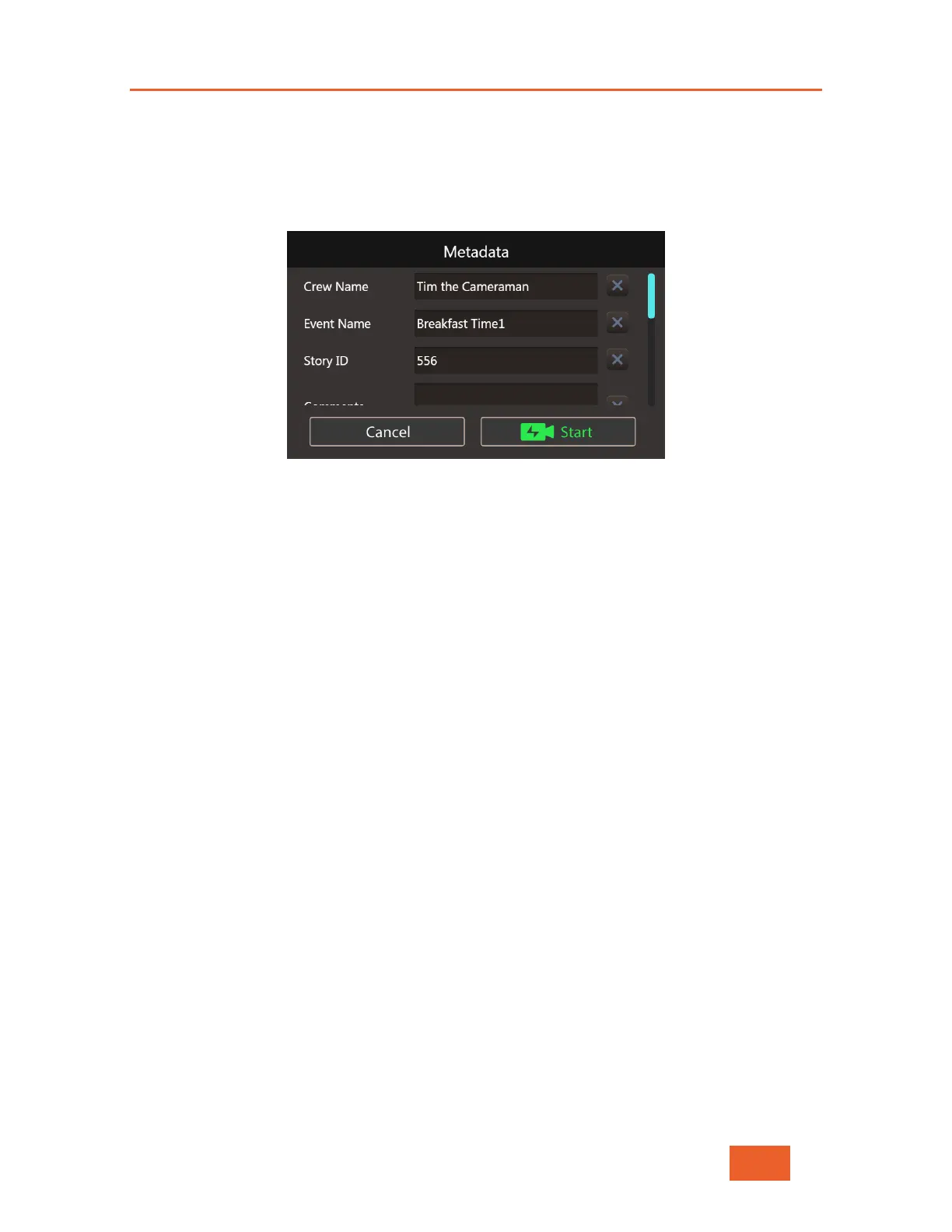
From this point on, whenever you press the START button to go live, the unit will pause,
showing you the Metadata Prompt window. To go live using the current field values, tap on
the Start button. If you wish, you can also change any of the fields’ values, and when
ready, tap the Start button. To cancel the transmission, just tap the Cancel button.
Figure 95: The Metadata Prompt Window
Metadata Field Entry
To change Metadata field values, simply tap on the field you wish to change and use the
built-in keyboard to enter your data. To clear the current value of any field, tap on the X
next to the field.
Please note that field values are constantly synchronized with LiveU Central and may be
changed by the LiveU Central operator at any time.



 To Next Page