Handling the LU600 LiveU LU600 User Guide
Once the module has been installed in the LU600, the unit will detect the Dual-SIM
automatically and you should be able to use the GUI to switch the active SIM slot
accordingly as detailed in Dual-SIM Modules – GUI Additions on page 37.
Connecting an Extra (9th) Modem
The LU600 has the option to add an additional (9
th
) modem. This additional modem will be
automatically dialed and combined into the consolidated broadband uplink connection in the
same way as the other modems installed inside the LU600 chassis.
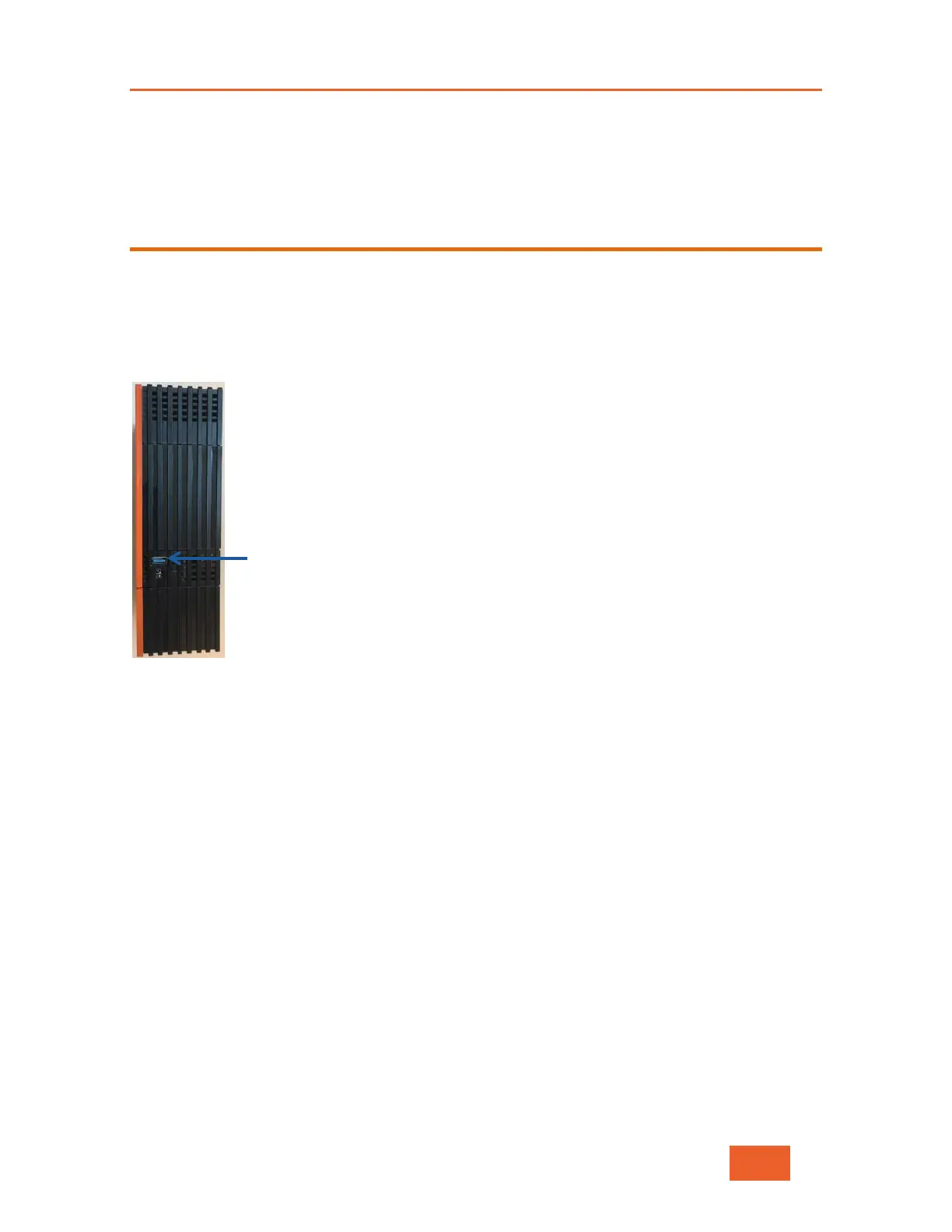
Connect the additional modem to the side USB port above the power connector on the
LU600.
Figure 107: USB Port
This additional modem appears in the list in the Connections screen.



 To Next Page