DataBridge Operation LiveU LU600 User Guide
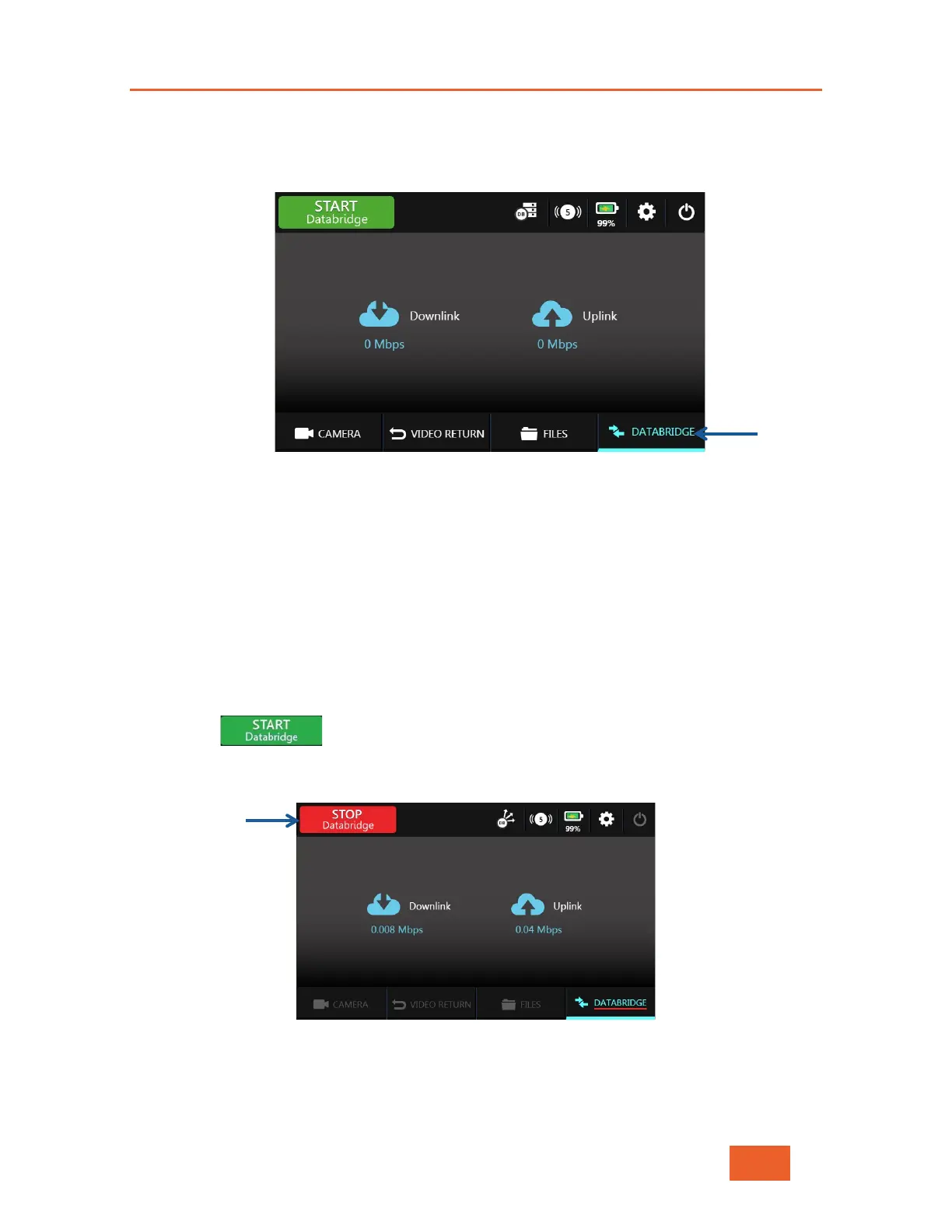
To switch to DataBridge mode:
1 Tap the DataBridge option at the bottom of the Home screen. This option is only
available if you already have DataBridge service.
Figure 86: DataBridge
Operating in DataBridge Mode
For the LU600 to operate as a DataBridge in Gateway operational mode, the unit must be
associated to a DataBridge Gateway instance in LiveU Central. To make sure that the
Gateway has been correctly set up, please contact LiveU Support and request that a
DataBridge Gateway instance be assigned to the LU600 unit for this purpose.
When using Multipath operational mode, there is no need to worry about having a
DataBridge Gateway available.
To start operating in DataBridge mode
1 Tap to connect to the DataBridge. The unit will automatically connect
to the gateway (if in Gateway operational mode) and the START button changes to STOP,
as shown below:
Figure 87: LU600 After Connecting to the DataBridge Gateway



 To Next Page