Handling the LU600 LiveU LU600 User Guide
Ethernet Connection
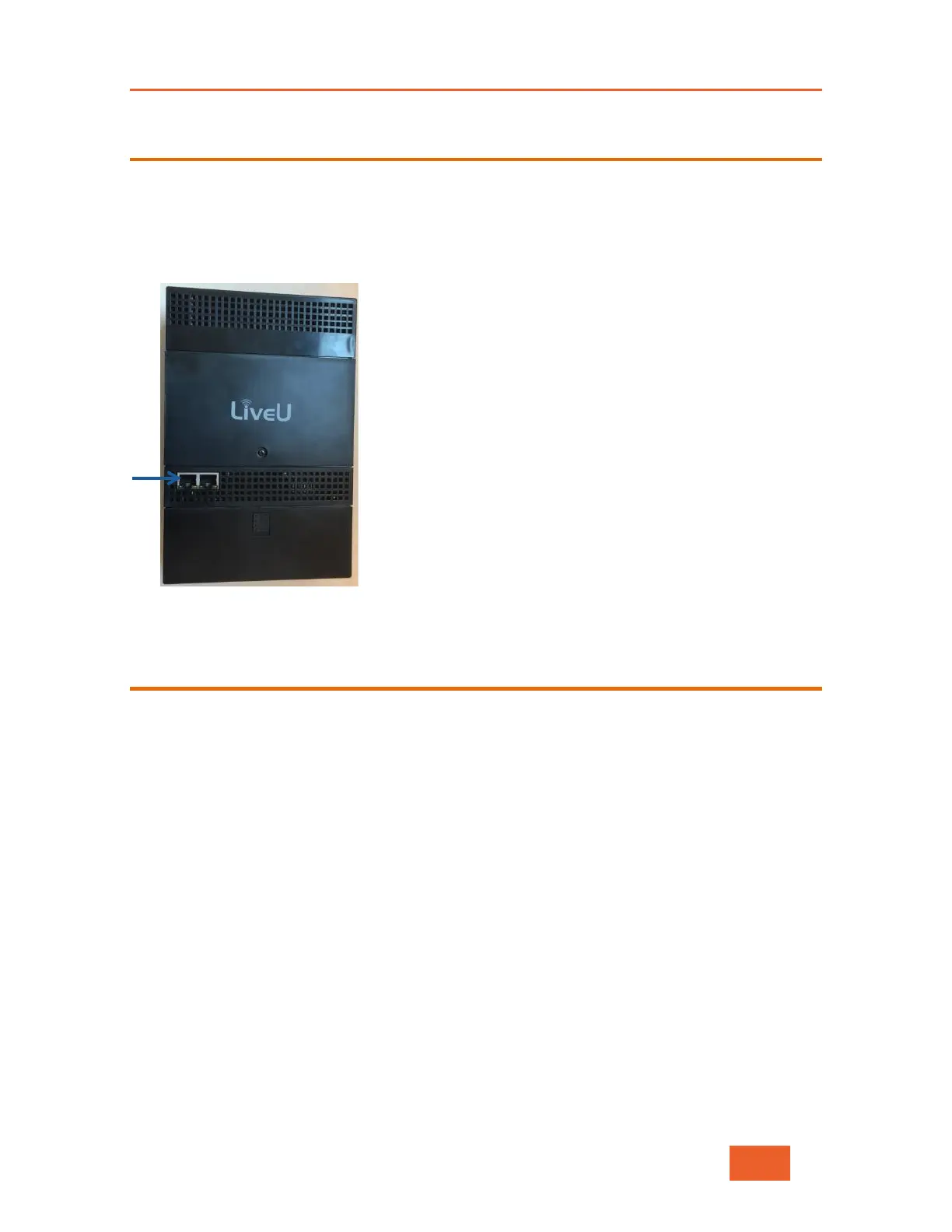
The LU600 contains a DHCP client. Two Ethernet ports are available.
To connect the LU600 to an Ethernet network:
• On the back of the LU600, plug in the Ethernet cable into one of the two available
Ethernet slots.
Figure 110: Ethernet Connections
Connecting to the LiveU Xtender
The LiveU Xtender can be connected to the LU600 either by an Ethernet cable or with a
remote wireless kit (sold separately as an accessory).
For more details about the Xtender and connecting the Xtender to the LU600, see the LiveU
Xtender User Guide.



 To Next Page