Using the LU600 LiveU LU600 User Guide
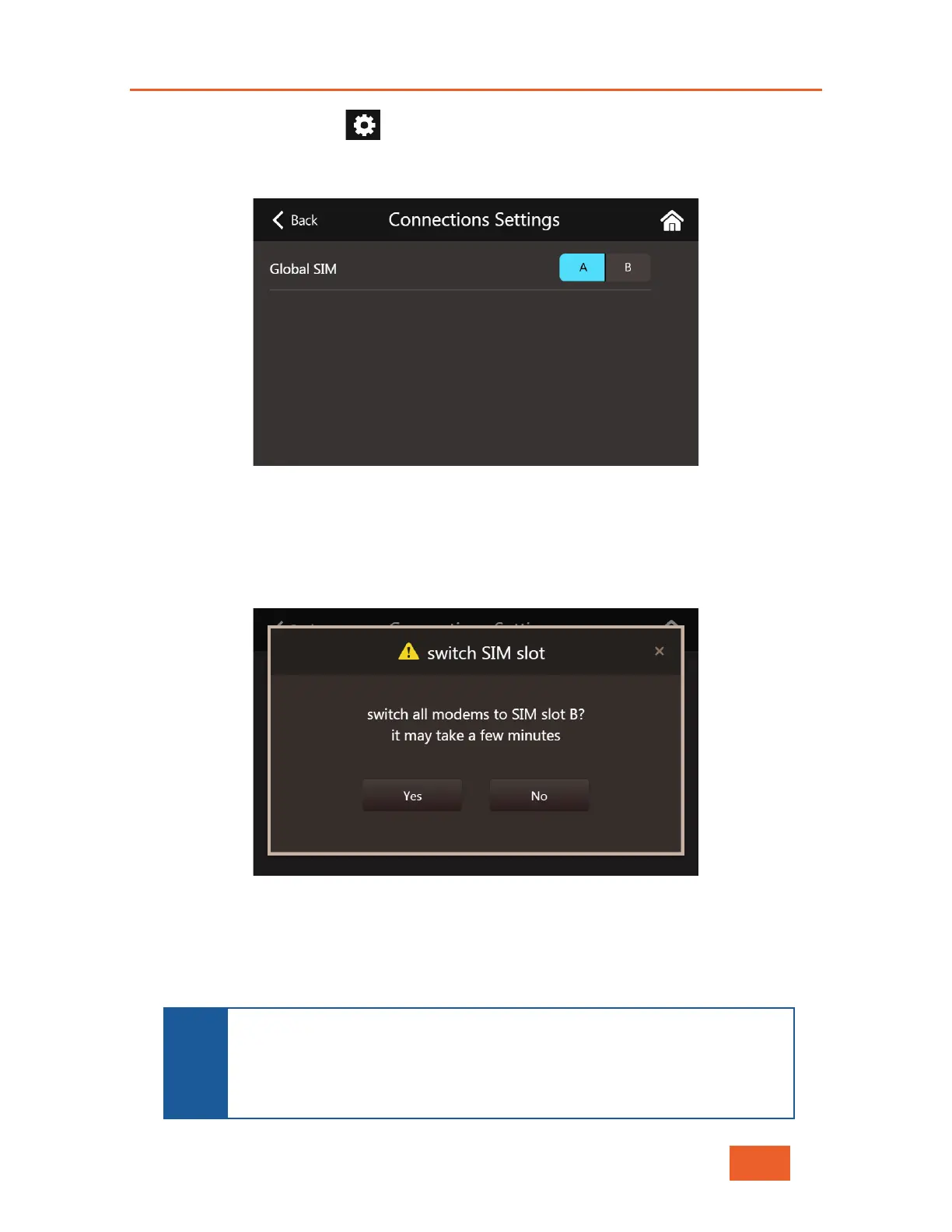
• Now tap on the gear icon at the top of the screen to open the Connections
Setting screen.
Figure 38: Connections Settings Screen
• Select the SIM slot that you’d like your LU600 to use for all of the installed Dual-
SIM modules (A or B). The system will display the following message
Figure 39: Global SIM Slot Switch Message
• Accept the change by tapping Yes or cancel, by tapping No. Once accepted, the
system will try to reconnect all SIMs in the slot you selected. This may take a few
minutes depending on your local network operator configuration.
NOTE
If you have set one or more of the Dual-
SIM modules to slot B, the system
will display a message immediately following your next reboot of the
LU600, reminding you to either switch back, or to leave it as is.



 To Next Page