Using the LU600 LiveU LU600 User Guide
Going Live
Once you are ready to start transmitting video to the channel that you selected, it’s time to
go live.
To go live:
1 Tap the button. All incoming video is now transmitted and should be
visible on the screen.
NOTE
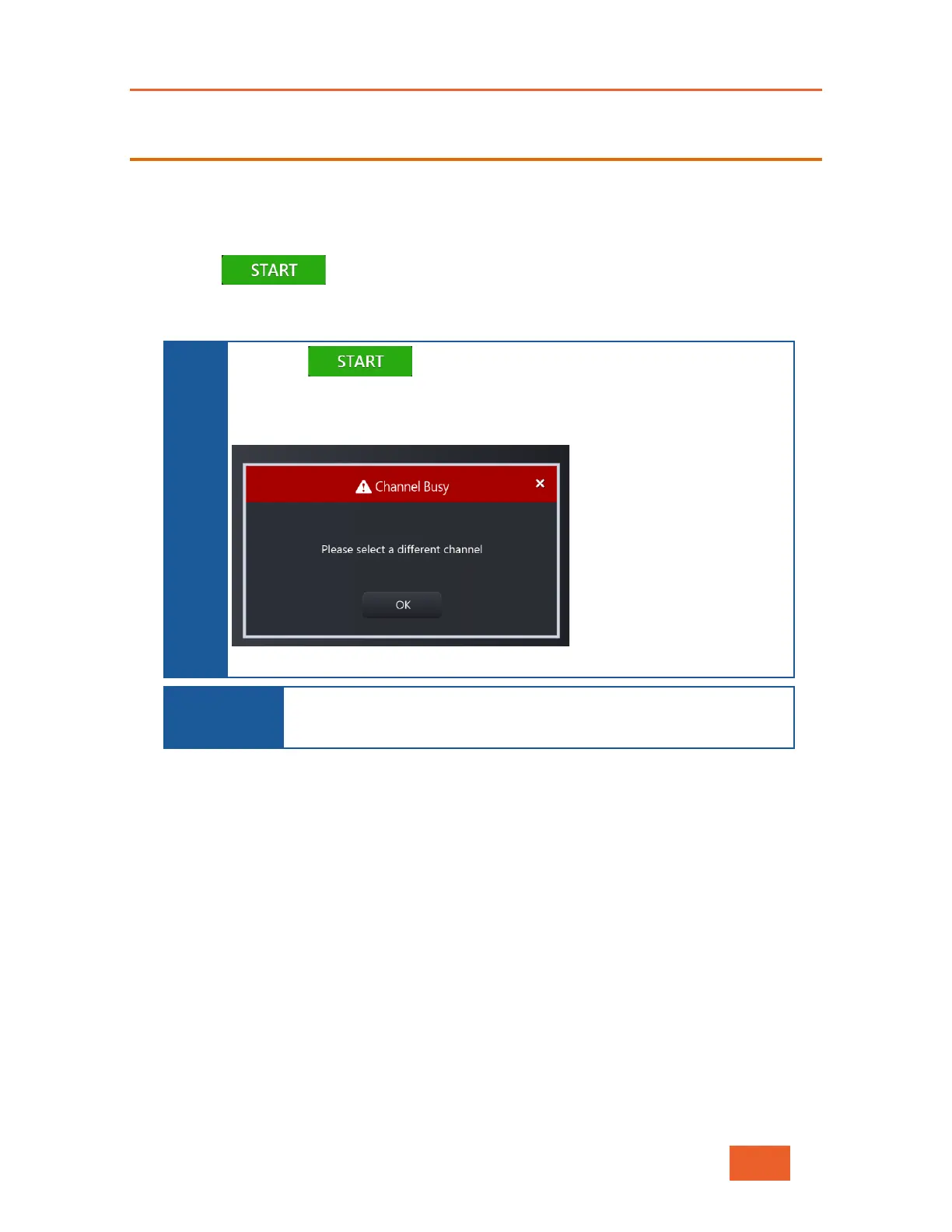
When the button is tapped, the LU600 attempts to connect
to the selected channel. If the channel is down or unavailable for any
reason, the LU600 displays the following message:
Figure 48: Channel Busy
IMPORTANT
NOTE
When streaming to a preview channel, you cannot
stream goes live. This can only be performed by a LiveU Central
To stop live transmission:
1 Tap the STOP button (which replaces the START button while the unit is streaming).



 To Next Page