Using the LU600 LiveU LU600 User Guide
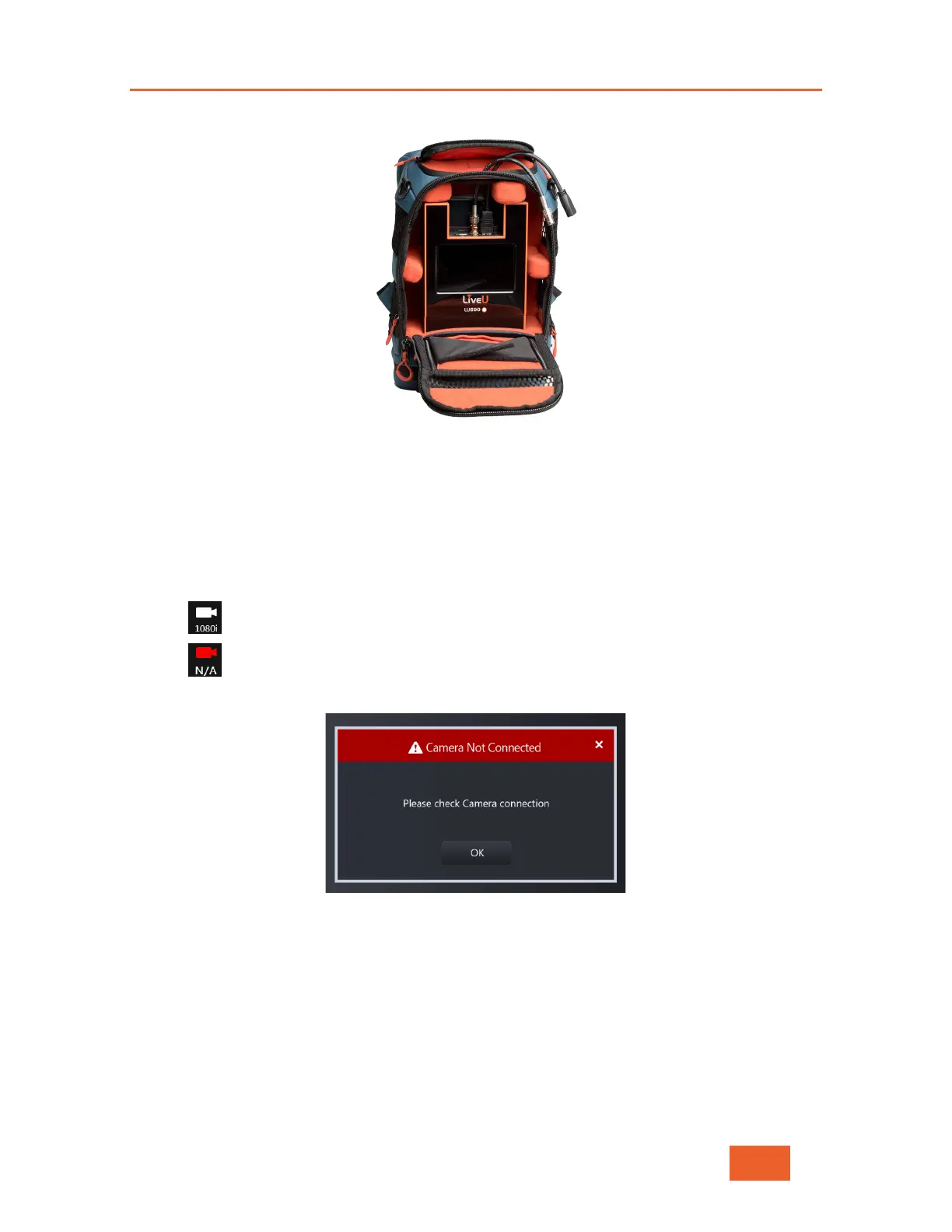
Figure 18: LU600 Unit Cable Extensions
The camera can be connected either before or after turning on the LU600. Please note that
only one camera can be connected directly to the LU600 at any time.
Viewing the Camera Resolution
The camera icon in the taskbar reflects the camera connection status and the detected
incoming resolution:
• Camera is connected (and sending video at 1080i resolution for example)
• Camera is not connected.
If no camera is connected when pressing Start, the following displays:
Figure 19: Camera Not Connected



 To Next Page