Using the LU600 LiveU LU600 User Guide
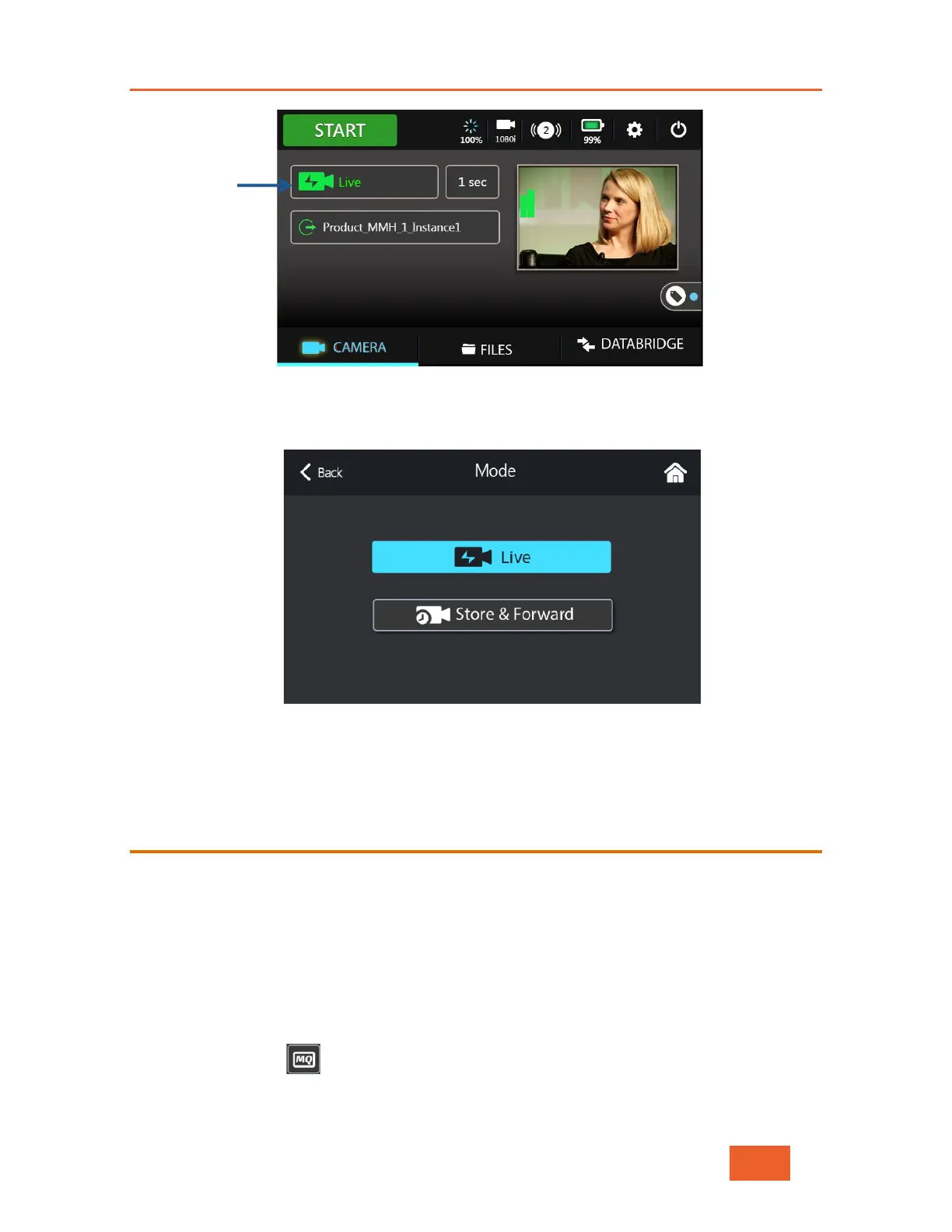
Figure 21: Selecting Operating Mode - 1
Tap the Live button (as shown above in Figure 21) to display the following screen.
Select either Live or Store & Forward video mode.
Figure 22: Selecting the Operating Mode
Specifying Store & Forward Streaming
Quality
If you have selected the Store & Forward profile you many now configure the quality and
encoding standard (H.264 or HEVC) of the file to be stored during Store & Forward
sessions.
NOTE: For HEVC Card owners, please use this configuration to determine the quality and
encoding standard (H.264 or HEVC) of the “Live & Store” file saved locally whenever going
live.
To specify the streaming quality:
1 Tap the Quality button to display the following screen:



 To Next Page