Using the LU600 LiveU LU600 User Guide
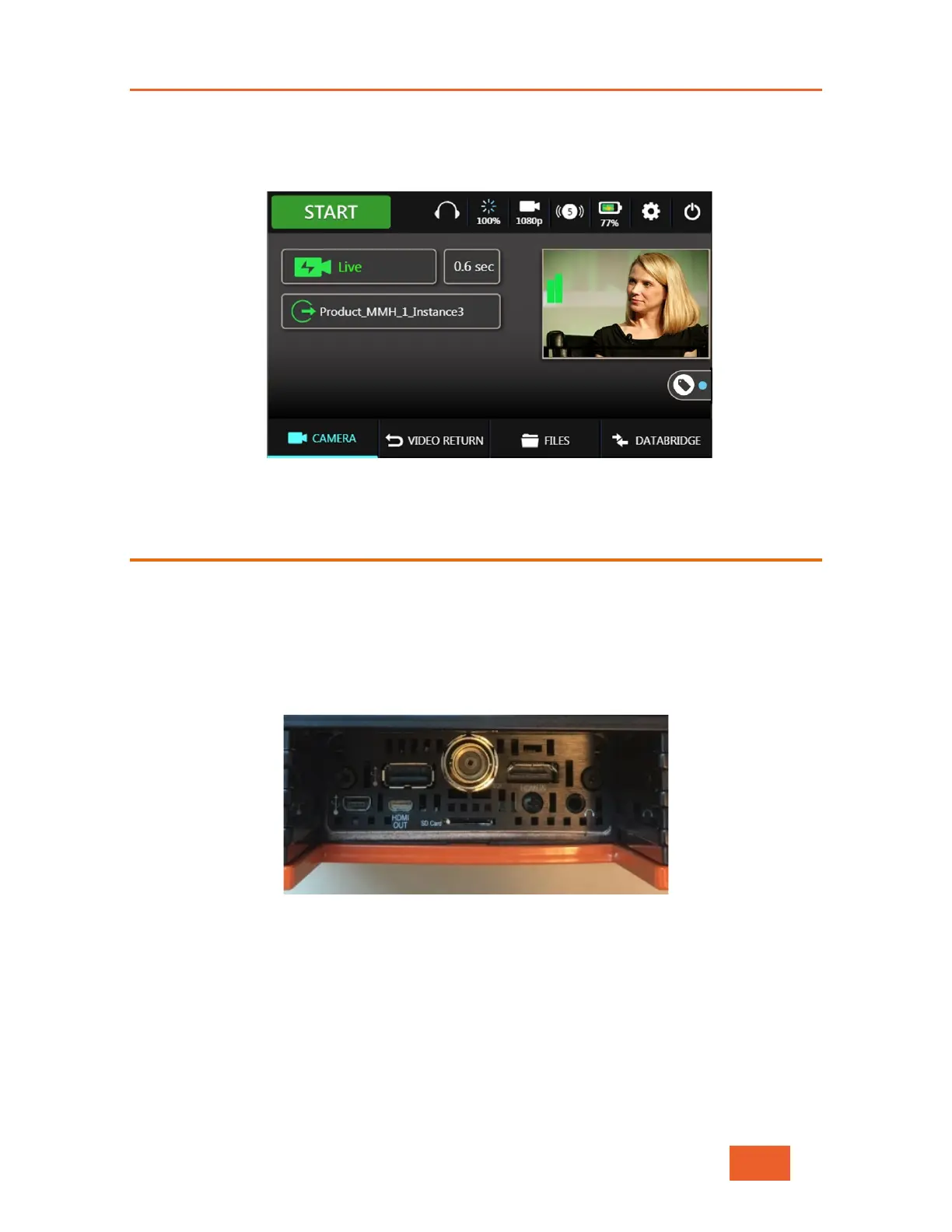
2 If the camera is on, properly configured and connected to the LU600, then the LU600
screen should display the scene that the camera is capturing, as shown below
Figure 16: LU600 Screen Showing Camera Scene
Connecting the Video Camera
To connect the camera:
1 Connect an SDI or HDMI cable to the video-out port on the video camera.
2 Connect the other end of the cable to the appropriate port (SDI or HDMI) on the LU600
unit (when outside the backpack), or to the appropriate cable extender when the LU600
is inside the backpack.
Figure 17: LU600 Unit Camera Connections



 To Next Page