File Transfer (FTP) LiveU LU600 User Guide
File Upload Indication
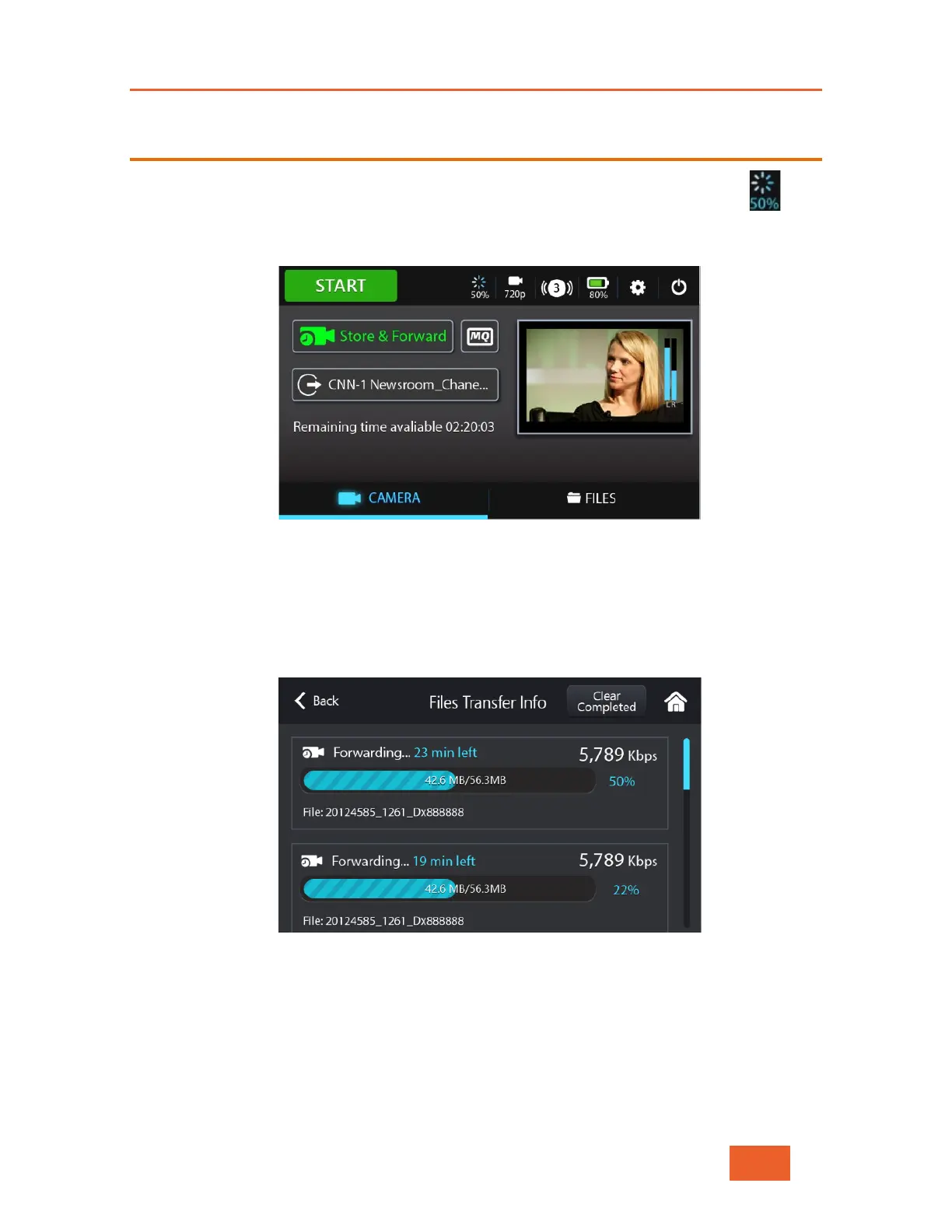
When a file upload is running in the background (FTP or Store & Forward), the
indication displays on the Home screen. This icon shows the overall progress for all file
transfers in the queue.
Figure 79: File Transfer Information – 1
Tapping this icon opens the following screen, which shows information about the
uploaded files in the queue and their status, including the time remaining and the
percentage remaining for the upload. Only one file is uploaded at a time. In order to
clear the list of files that were uploaded successfully, tap the Clear Completed button.
Figure 80: File Transfer Information – 2



 To Next Page