Using the LU600 LiveU LU600 User Guide
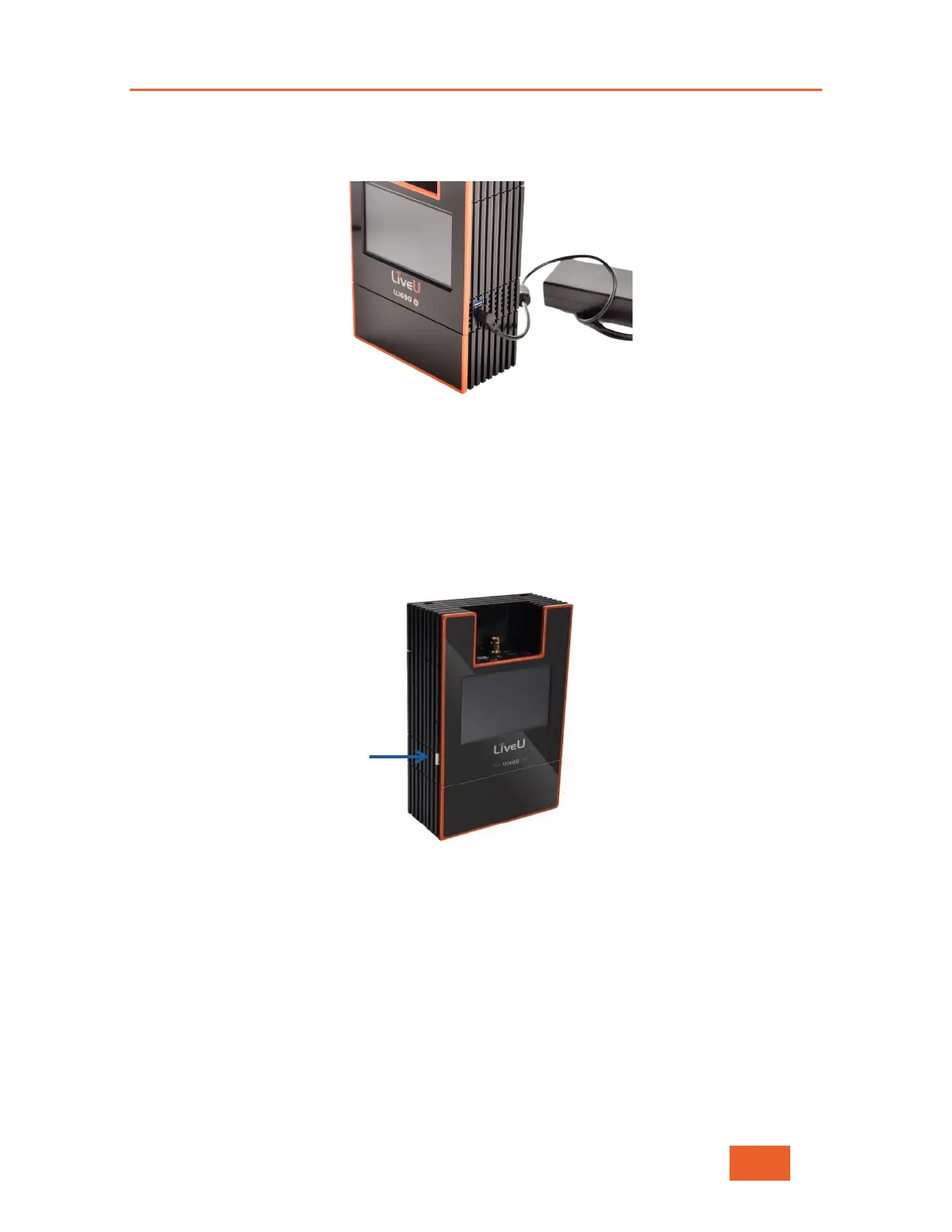
While charging, the LED near the DC IN connector will be red. When the battery is fully
charged, this LED will turn green. Note that the battery charges even when the unit is
turned off.
Figure 14: DC IN Connector
It is good practice to keep the unit plugged into a power outlet when it is not in use,
ensuring it is charged and ready for operation at a moment’s notice.
To turn on the LU600 unit:
1 Press the Power button for approximately two seconds until the LU600 lights up. The
battery does not need to be fully charged to use the unit. The entire boot-up and
modem connection process typically takes under 30 seconds.
Figure 15: Power Switch



 To Next Page