Using the LU600 LiveU LU600 User Guide
Shutting Down
There are 3 ways to turn off your LU600:
Software
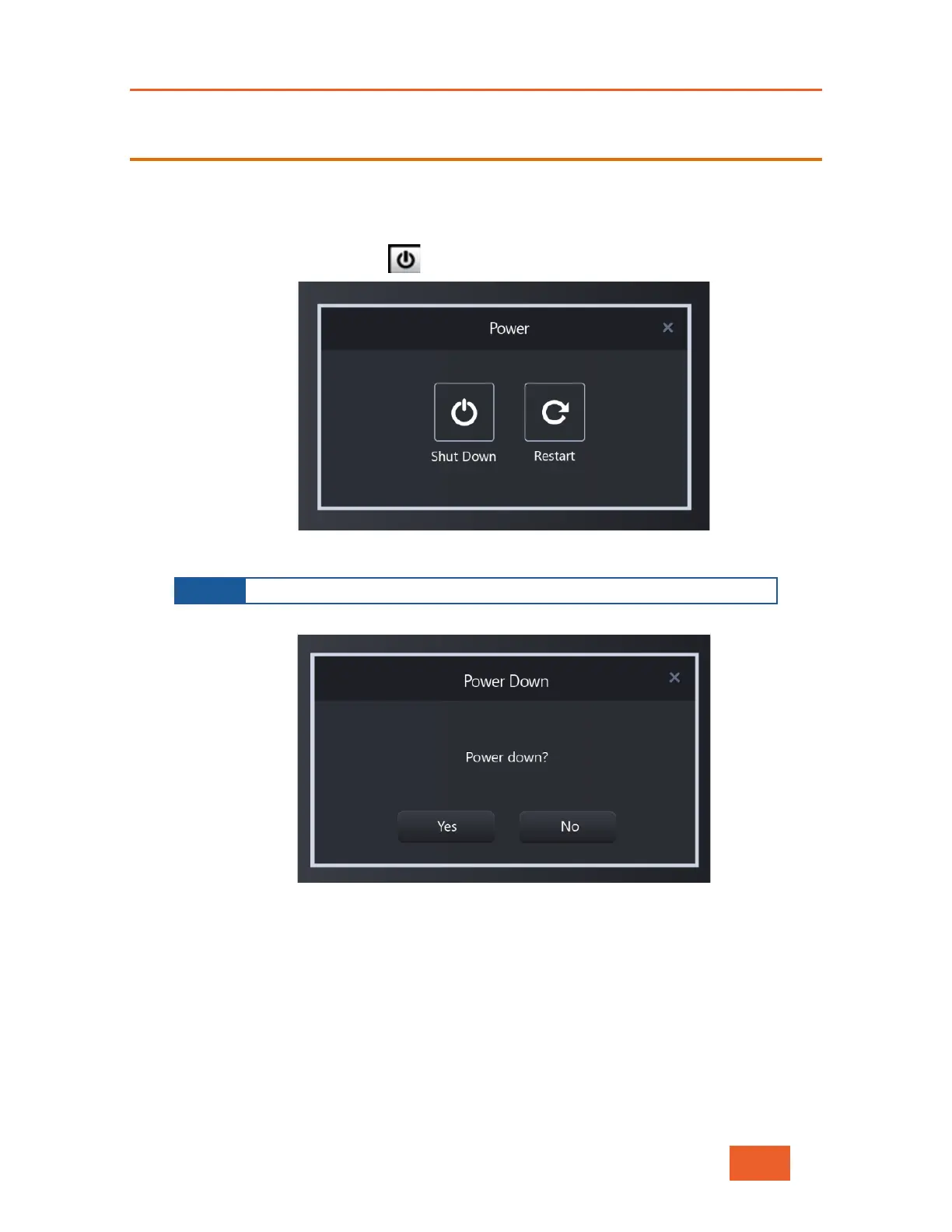
Tap the Power Down button to display the following screen:
Figure 49: Powering Down – 1
Tap Shut Down. The following screen displays:
Figure 50: Powering Down – 2
Tap Yes. The unit powers down.
NOTE
Pressing Restart boots the unit and restarts the LiveU application.



 To Next Page