Using the Wired Remote Control LiveU LU600 User Guide
Connecting the Remote to the Unit
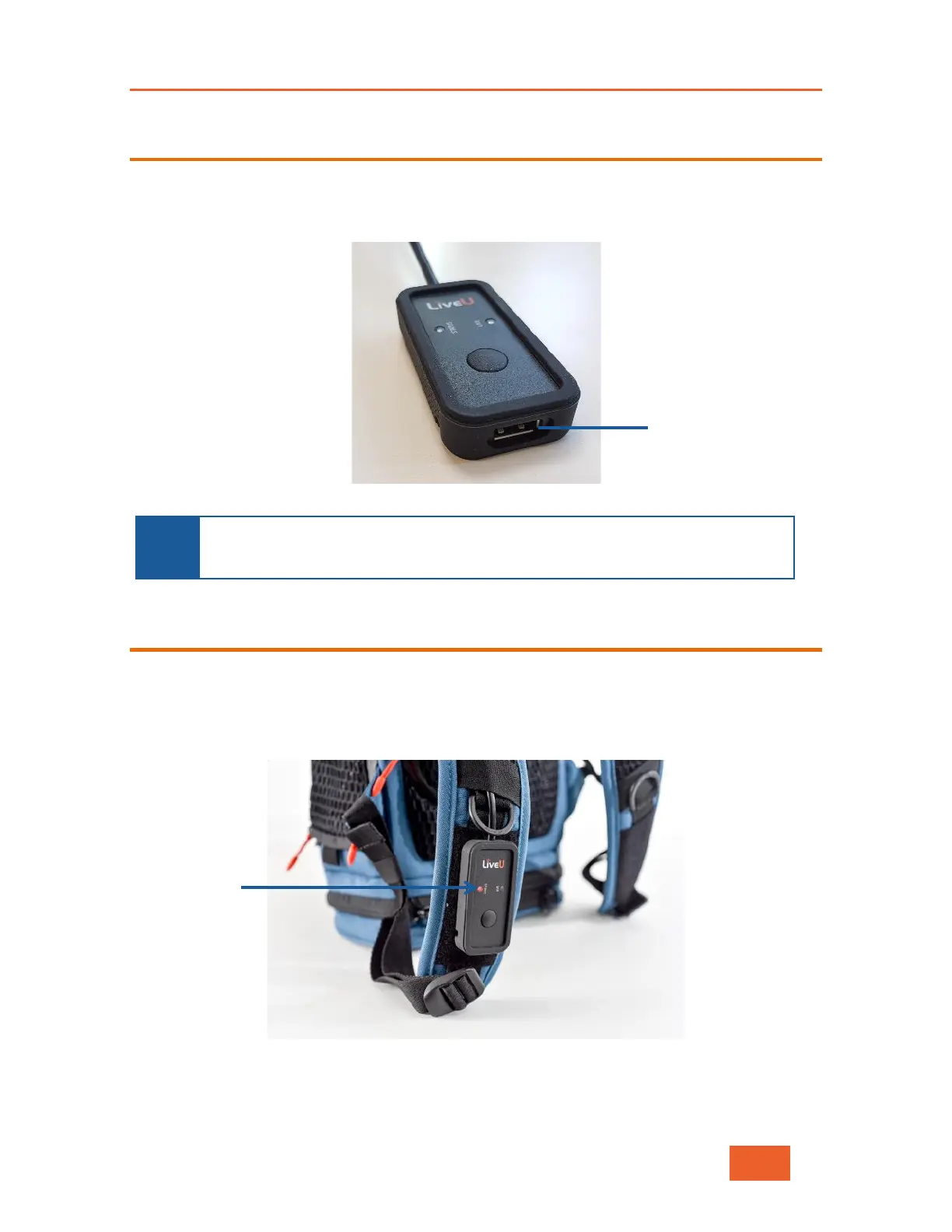
The wired remote control should be connected to the USB port located above the DC power
input. For additional utility, the remote control includes a USB port, which can be used to
connect an additional modem or USB memory stick for uploading files.
Figure 97: LU600 Wired Remote Control
NOTE
The wired remote control is designed to work only with the LU600. Plugging it
into other LiveU products or any other device (such as a PC) may cause
damage to the device and/or the remote.
Turning the Unit On/Off
Turning the Unit On
While the unit is turned off, press the remote button for one to two seconds. After the unit
is turned on, the status LED indication switches to red.
Figure 98: LU600 is Turned On, But Not Ready to Stream
When the unit is powered up, connected to the internet and a valid video input is detected,
the status LED will turn green, indicating that the unit is ready to stream.



 To Next Page