Using the LU600 LiveU LU600 User Guide
• Network Status: To indicate the status of the network, which can be one of the
following:
Connected: The WiFi network is currently connected.
Known: The LU600 has previously connected to this network and knows its
password.
Unknown: The LU600 has not previously connected to this network or does not
know its password.
• Lock /No Lock : Indicates whether this WiFi network is open or encrypted.
• Signal Strength Indicator (SSI)
The following describes the buttons at the top of this screen:
• Refresh : Tap this button to rescan the WiFi networks in the vicinity.
• Enable/Disable WiFi : Set this button to ON to enable WiFi and OFF to
disable WiFi on the LU600.
Connecting to a WiFi Network
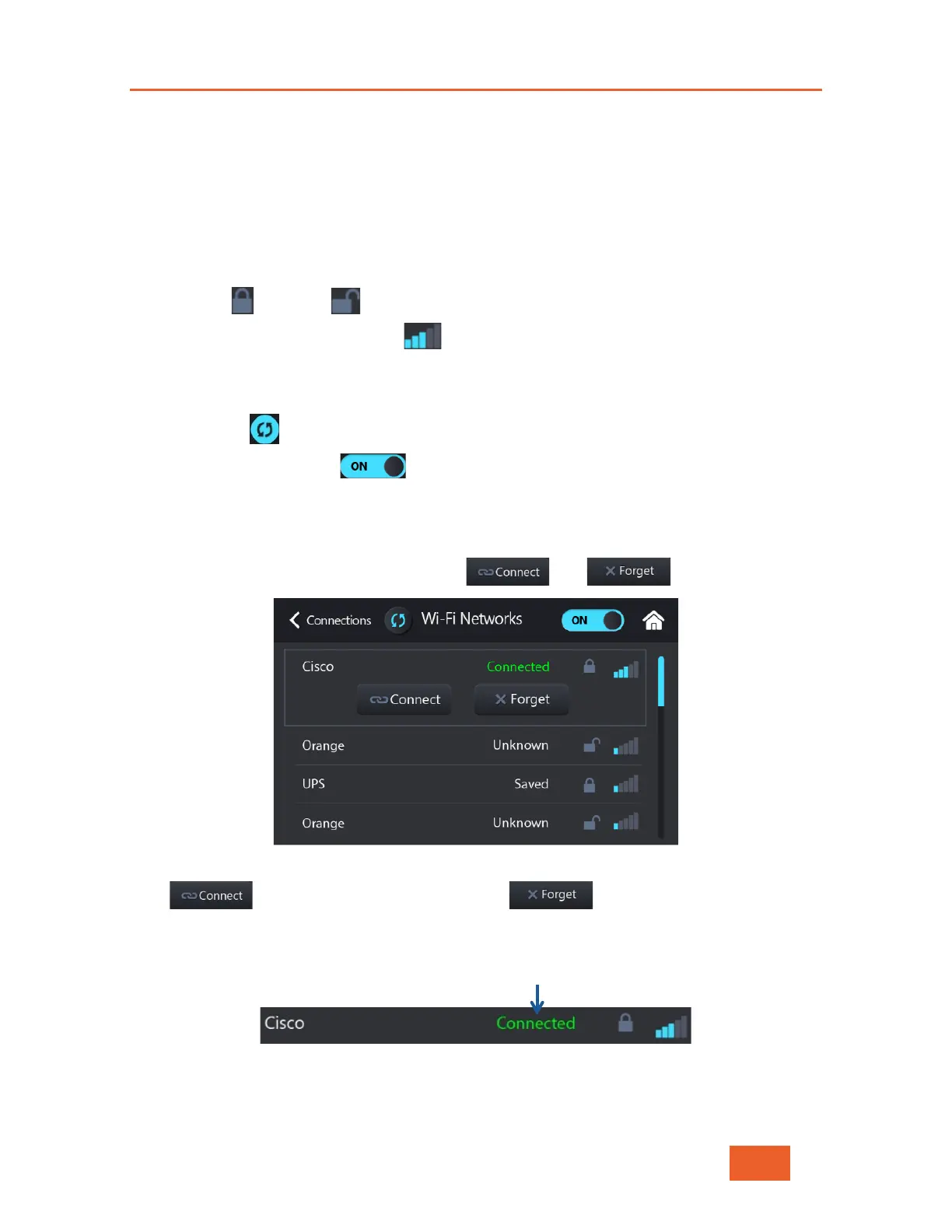
Tap a WiFi network in the list to display the and buttons for it.
Figure 46: WiFi Networks – 2
Tap to connect the WiFi network. Tap to erase the network from
the LU600 unit (which changes the network from Known to Unknown).
When a WiFi network is connected, it shows Connected in green, as shown below:
Figure 47: WiFi Network Connected



 To Next Page