Using the LU600 LiveU LU600 User Guide
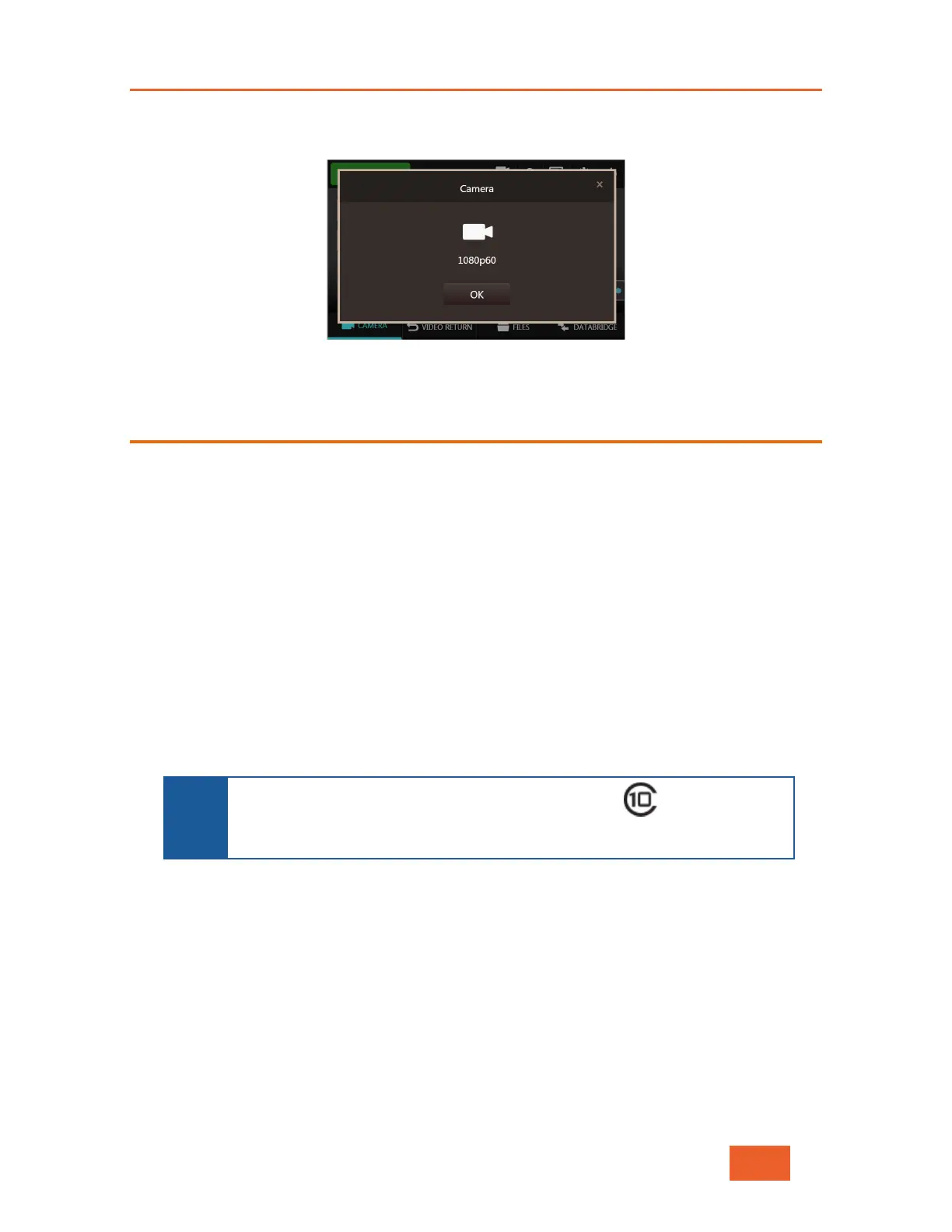
You can see the currently detected input resolution by tapping the camera icon, for
example:
Figure 20: Currently Detected Video Input Resolution
Streaming Operation Mode Selection
The LU600 provides two streaming operational profiles which determine what and how the
LU600 will stream:
• Live: When selecting this profile, the LU600 automatically starts streaming any
incoming video when it goes live (as described in the Step 7, Going Live section on
page 43). This is the default profile. Video is streamed according to the delay that is
specified in the Main screen. Note that when an HEVC Pro card is installed, Live &
Store mode will be automatically enabled when going live. For more details please
see Live & Store on page 50
• Store & Forward: When this profile is selected, the LU600 stores incoming video
on internal storage or on an installed micro SD card, while simultaneously uploading
the stored video at the highest quality. You can configure Store & Forward quality
and other related parameters in the Configuration menu. For more details see page
50
NOTE
The micro SD card must be at least a 4GB, Class 10 SD card from an
established manufacturer. The LU600 supports micro SD cards of up to
The Store & Forward profile is typically used when you are in an area with limited
bandwidth as it allows you to store the video on the LU600 unit and to transmit it once
bandwidth improves. When this option is selected, the Delay option is not active.
To select a profile:



 To Next Page