Store & Forward LiveU LU600 User Guide
More Options
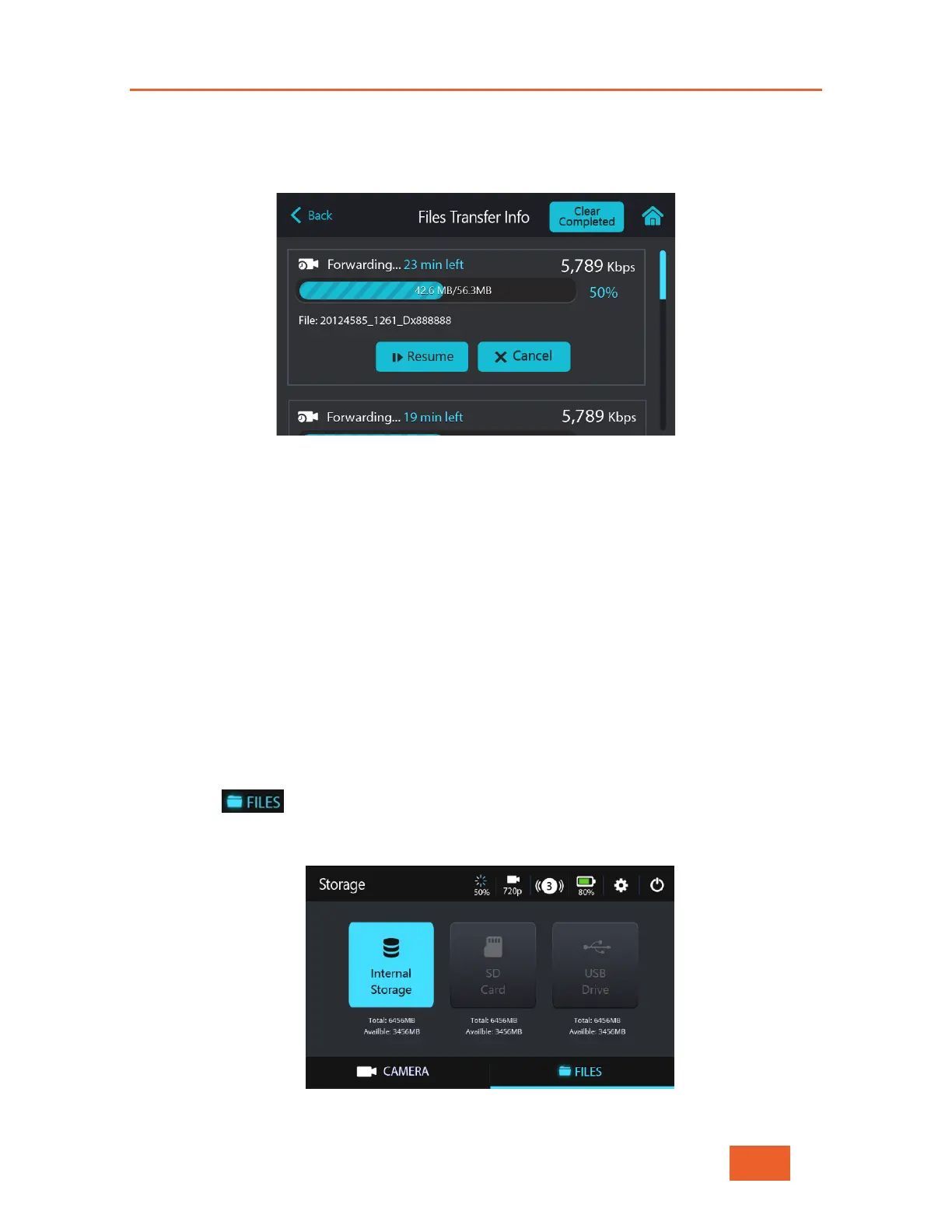
Tap on a file transmission row in this screen to display a screen of options (as shown
below), such as Stop/Resume forwarding or Pause/Cancel.
Figure 68: Options during an S&F Session
The Pause/Cancel options are disabled for S&F sessions that are still in progress.
Resuming
If for any reason the LU600 and the LU2000 are disconnected for under three minutes,
then the LU600 will automatically resume forwarding the file once reconnected.
If, however, there is a loss of connection for more than three minutes, then the only way to
resume transmission is to use the Resume button.
Monitoring – FILES Screen
The FILES screen displays a File Explorer that shows the content of the LU600’s storage
devices.
To display the FILES on the LU600 unit:
1 Tap the button at the bottom of the Home screen. The following displays
showing three types of storage containers – Internal Storage, SD card and USB
drive.
Figure 69: Storage Containers



 To Next Page