Store & Forward LiveU LU600 User Guide
Internal Storage
Displays a list of the files that were being forwarded by the Store & Forward option, but
that did not complete for some reason. Files for which the Store & Forward operation is
still in progress are also shown. These files are not deleted from the LU600 unit’s
storage until the upload has been completed and verified.
USB Drive
Displays a list of files on the USB drive. This option is only active when a USB drive is
inserted in the LU600.
SD Card
Displays a list of the files on the LU600’s micro SD card. This option is only active when
a micro SD card is inserted in the LU600.
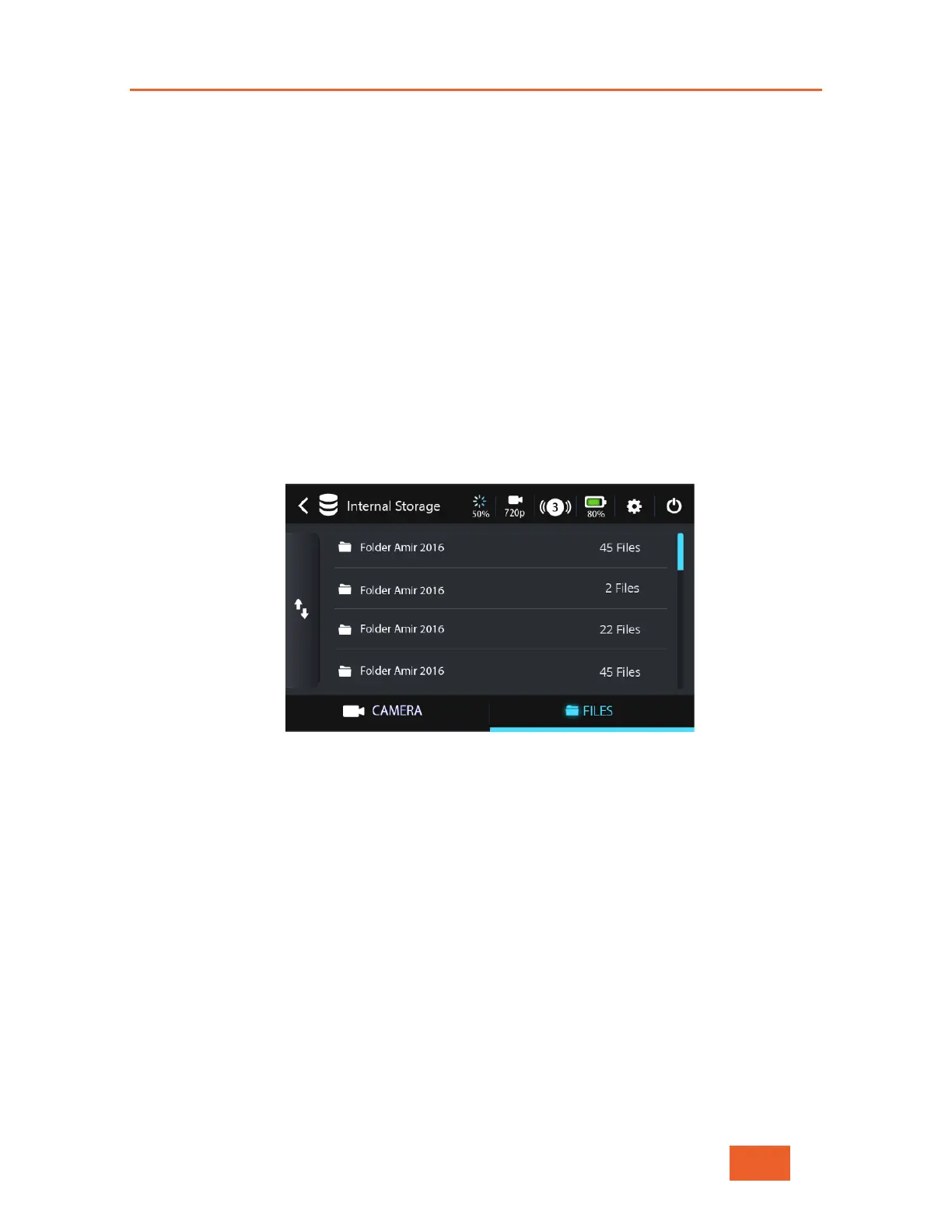
Tap one of the storage containers (Internal Storage, SD card and USB drive) to display
the list of folders/files that it contains. For example, as shown below:
Figure 70: Folders List
You can browse the S&F folder to see which files remain in the queue and to restart the
transmission of any files that were not fully transferred.



 To Next Page