Using the LU600 LiveU LU600 User Guide
Hardware
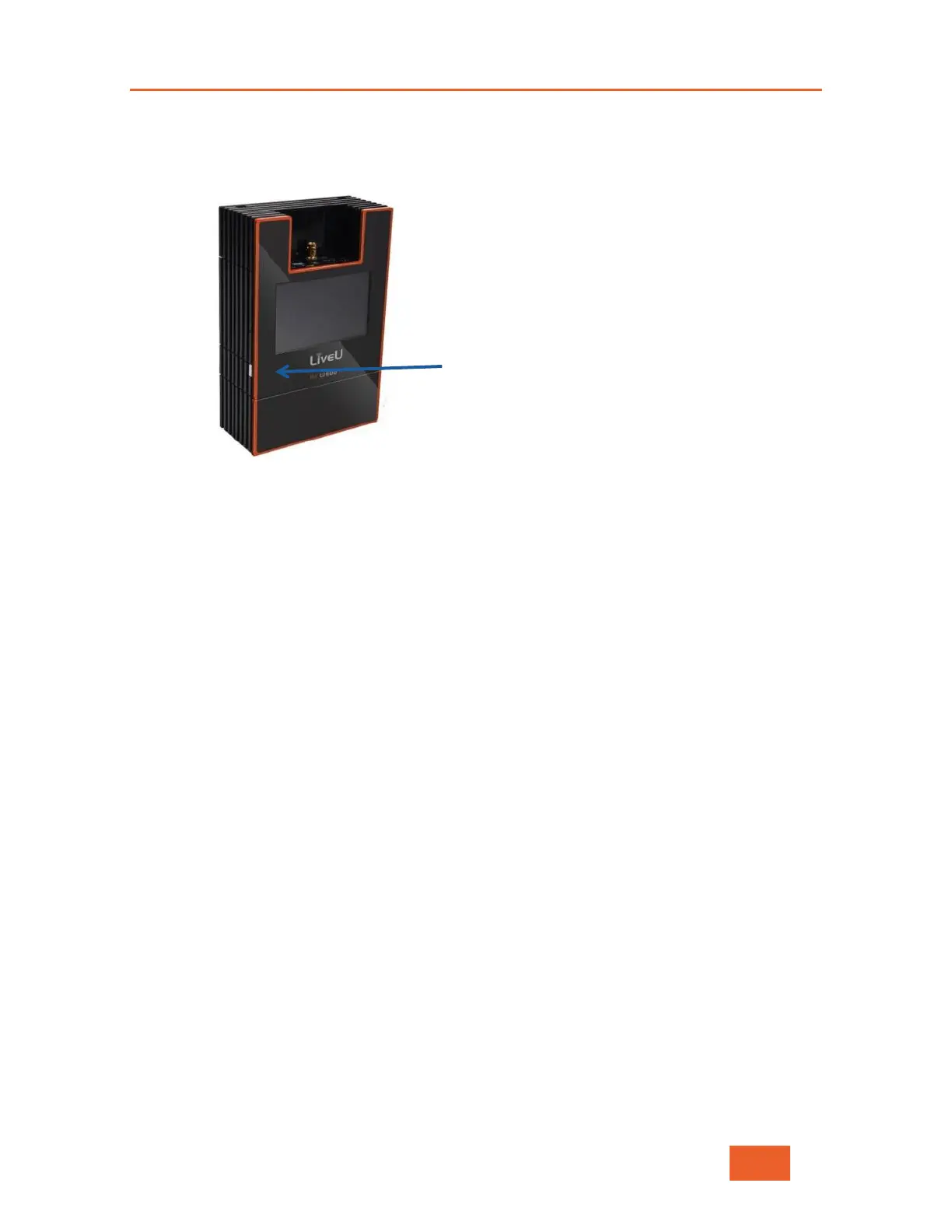
Hold down the power button for eight seconds to perform a hard shutdown of
the unit.
Figure 51: Power Button
Using the Wired Remote Control
To turn off the unit, long press the remote button, as follows:
Software Reset (Recommended): Press and hold the remote button for
approximately four seconds. After the status LED starts to blink, the unit
starts its shutdown process, which can take approximately 15 seconds to
complete. After the unit shuts down, the status LED turns off.
Hard Reset: Press and hold the remote button for approximately eight
seconds. Both the unit and the status LED immediately turn off.



 To Next Page