Handling the LU600 LiveU LU600 User Guide
To replace the battery:
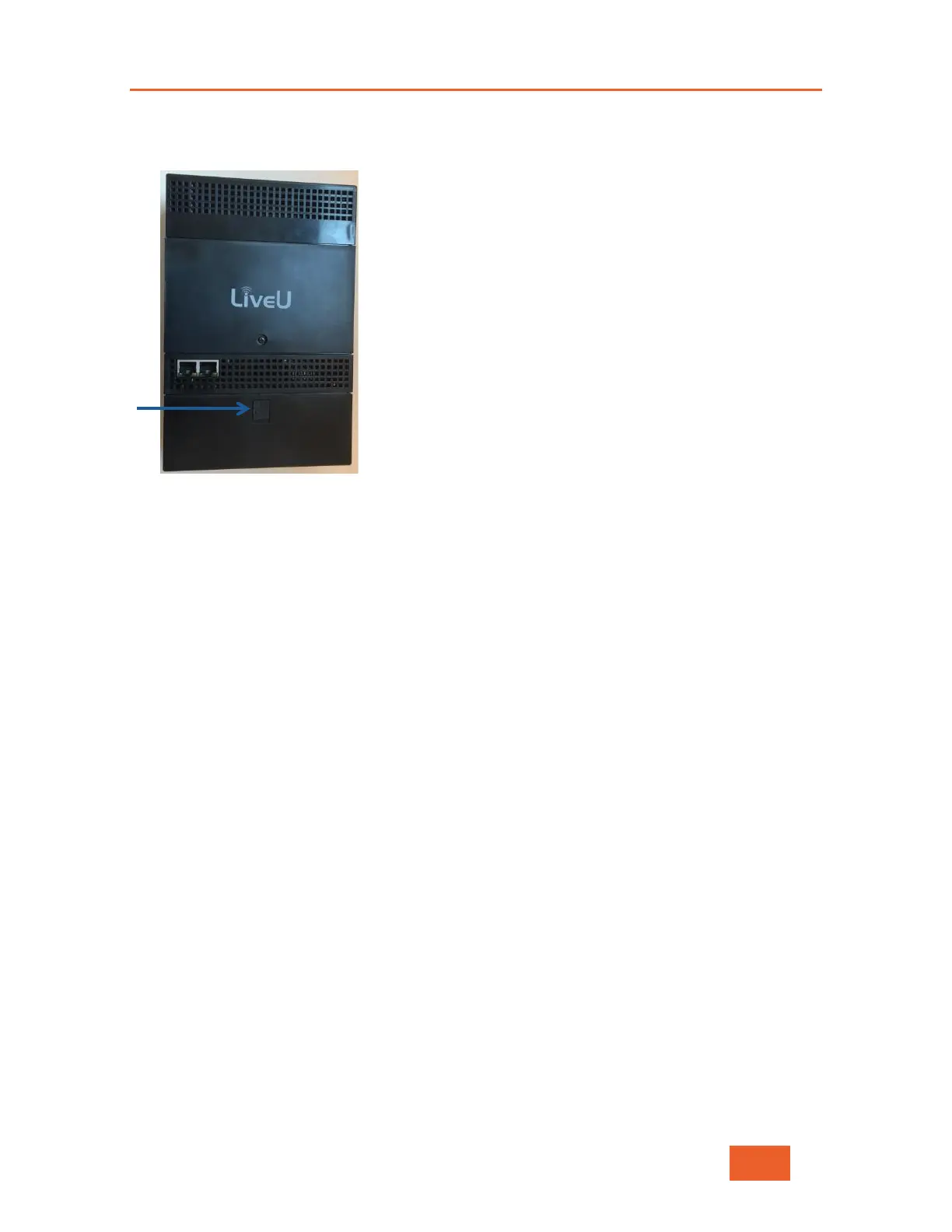
1 Press the battery release button on the battery, as shown below:
Figure 109: Releasing the Battery
2 Slide the body of the LU600 towards you and gently lift the LU600 body up and away
from the battery.
3 Position the body of the LU600 so that it is hovering slightly above the replacement
battery.
4 Use both hands to press the two battery latch buttons on the left and right sides of the
battery and snap the LU600 body onto the battery. You should hear a click when it is in
place.



 To Next Page