File Transfer (FTP) LiveU LU600 User Guide
NOTE
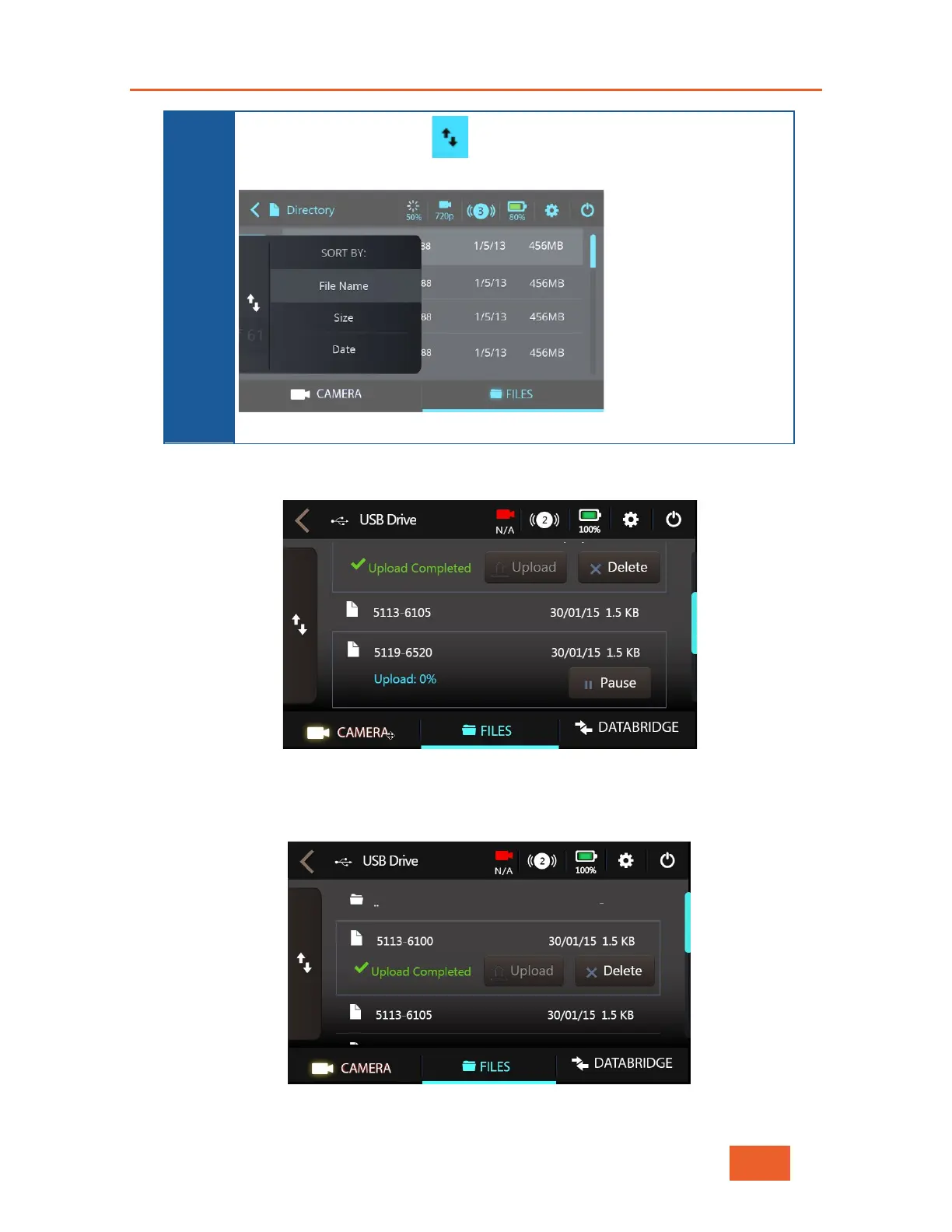
You can tap the up/down arrows on the left to sort the list by File
Name, Size or Date
, as shown below:
Figure 76: Sorting the File List
6 Tap the Upload button to start sending this file to the LU2000 or the Delete button to
delete this file.
Figure 77: Uploading
To pause the file upload of a specific file during the transfer, tap the Pause button.
After the file was uploaded successfully, the file shows Upload Completed.
Figure 78: Upload Completed



 To Next Page