File Transfer (FTP) LiveU LU600 User Guide
USB Drive
Tap this icon to display a list of files on the USB drive. This option is only active when a
USB drive is inserted in the LU600.
SD Card
Tap this icon to display a list of the files on the LU600’s micro SD card. This option is
not active if the LU600 does not have a micro SD card inserted.
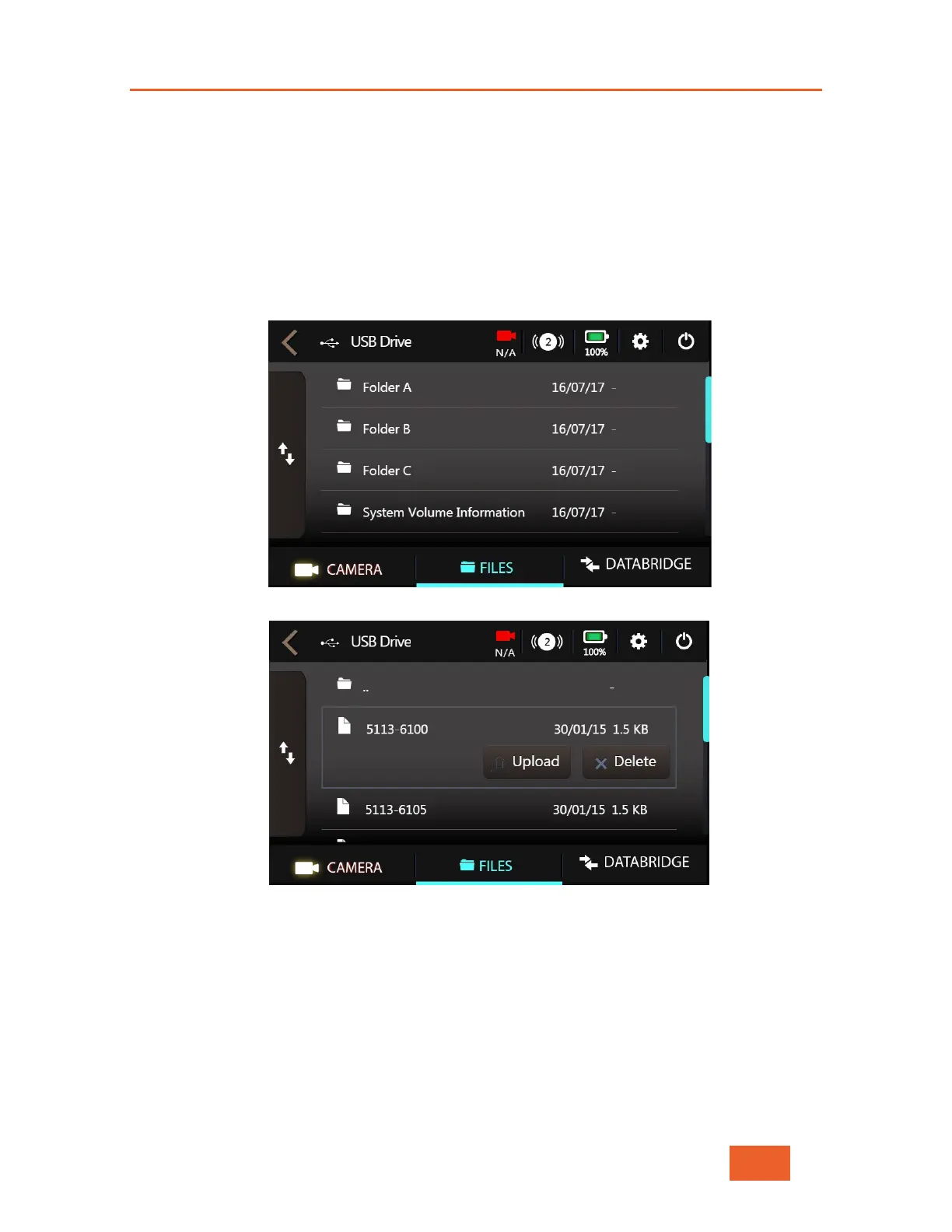
5 A browser screen displays. Select a file or folder in the list.
Figure 74: Folder Selection
Figure 75: File Selection



 To Next Page