File Transfer (FTP) LiveU LU600 User Guide
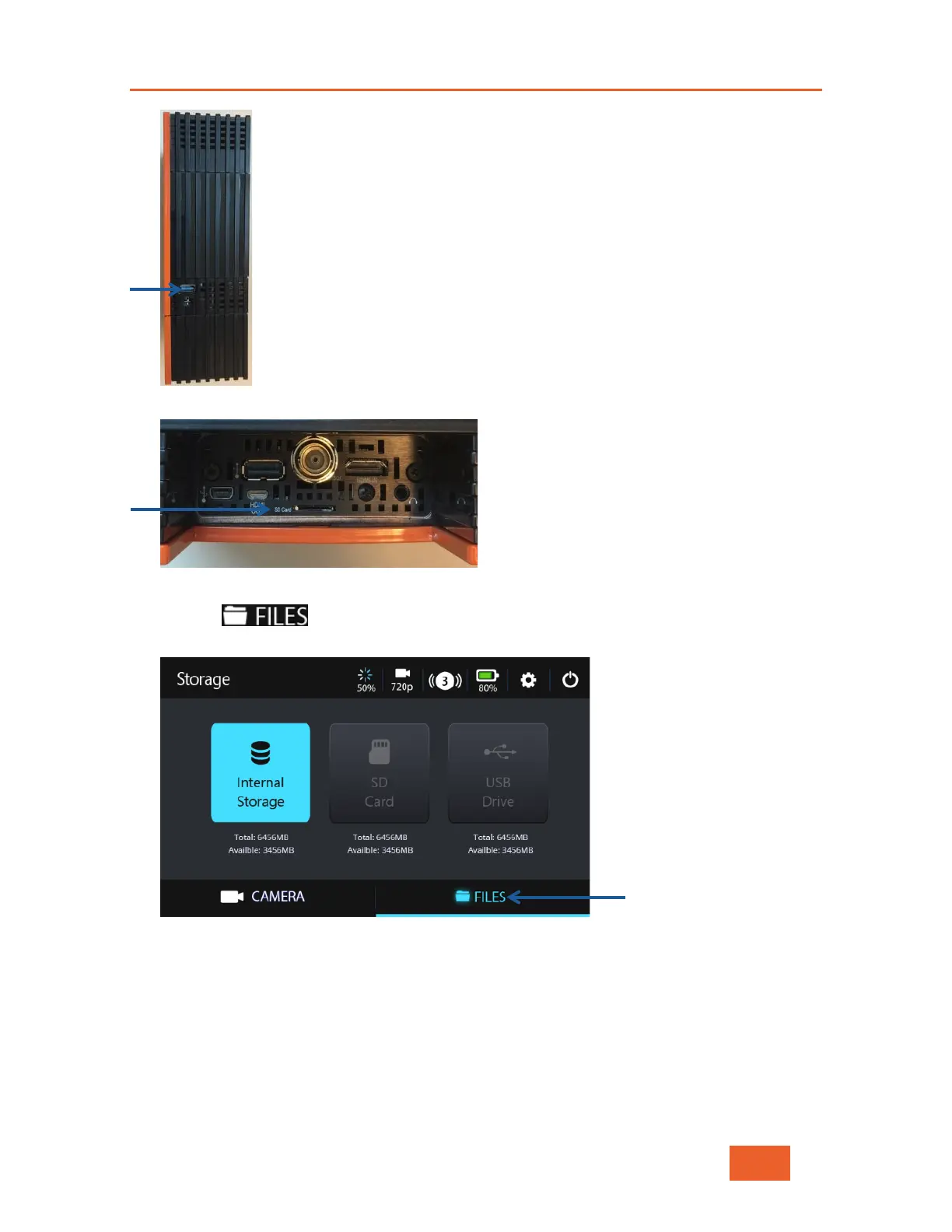
Figure 71: USB Port
Figure 72: LU600 Micro SD Card Slot
4 Tap the button at the bottom of the Home screen. The following screen
displays:
Figure 73: Storage Selection
This screen displays three types of file containers, as follows:
Internal Storage
Tap this icon to display a list of the files that were being forwarded by the Store &
Forward option, but that did not complete for some reason. Files for which the Store &
Forward operation is still in progress are also shown.



 To Next Page