DataBridge Operation LiveU LU600 User Guide
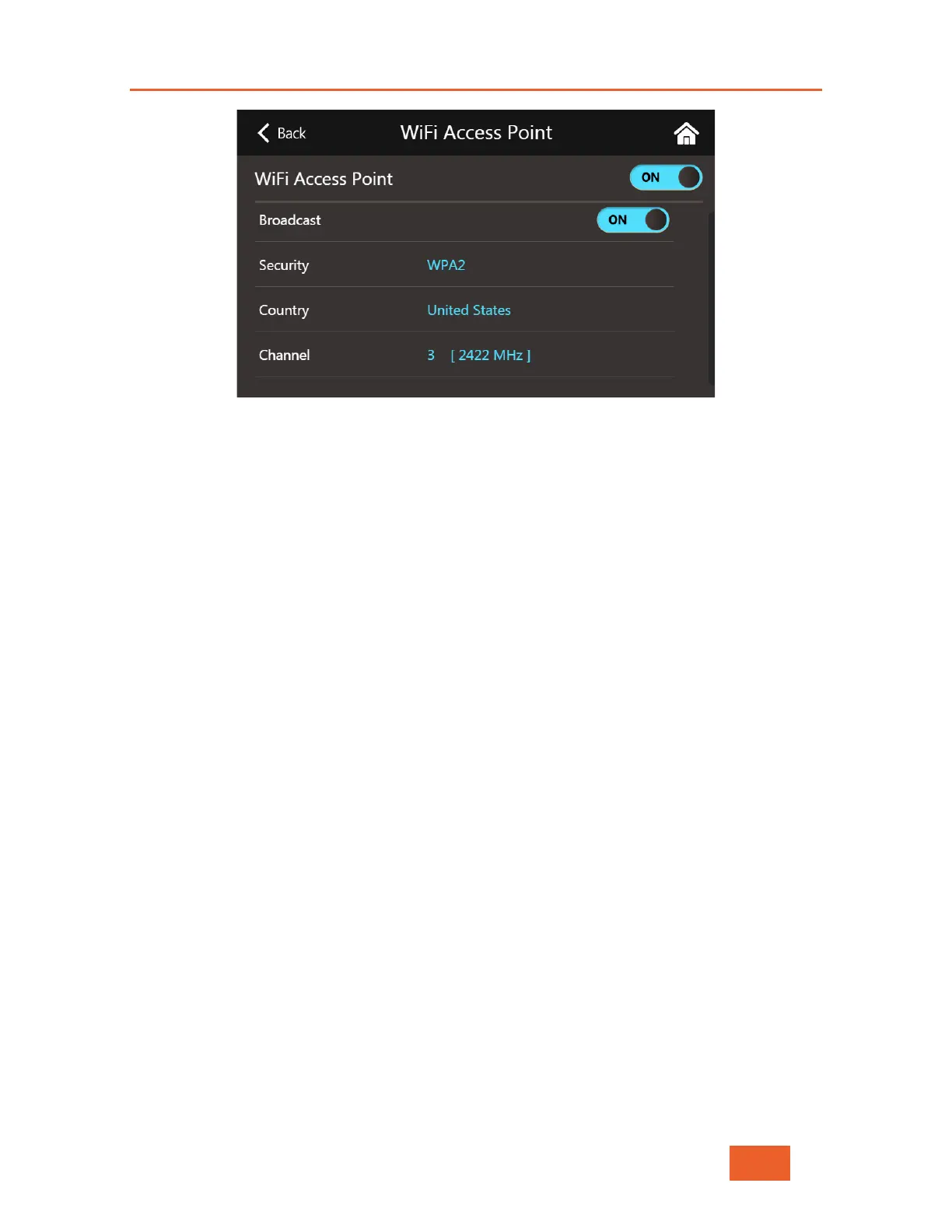
Figure 92: DataBridge Hotspot Screen (part 2)
Turning the Hotspot On / Off
To turn the Hotspot feature on or off, simply slide the ON/OFF switch that appears at the
top of the screen labelled WiFi Access Point. The access point will only be activated once
the DataBridge has been started (see page 69).
Setting the SSID (station ID)
Type in the name of the Hotspot WiFi station that will appear on any clients list of WiFi
stations when performing a WiFi scan.
Setting the WiFi Hotspot Password
Enter the password for accessing the Hotspot WiFi station. Note that the password needs to
be at least 8 characters long (as required for WPA2 keys). If you enter a password shorter
than this, the field will be highlighted in red and your entry won’t be accepted.
Toggling Hotspot Station Broadcast Status
You can tell the LU600 to open the Hotspot, yet not broadcast its SSID by toggling the
ON/OFF switch next to Broadcast. When set to OFF, the WiFi hotspot will be active
however any clients that wish to connect to it will need to explicitly configure their WiFi to
find and connect. Note that clients that have already connected to this SSID / password
combination in the past, should be able to connect automatically.
Setting WiFi Hotspot Security
Use the Security field setting to choose either WPA2 security or no security for this
Hotspot. WPA2 is the recommended setting for this field.



 To Next Page