66
SC100/200 Series Users Manual EM-6337-B Rev.15
Group
Group
CLR Ent
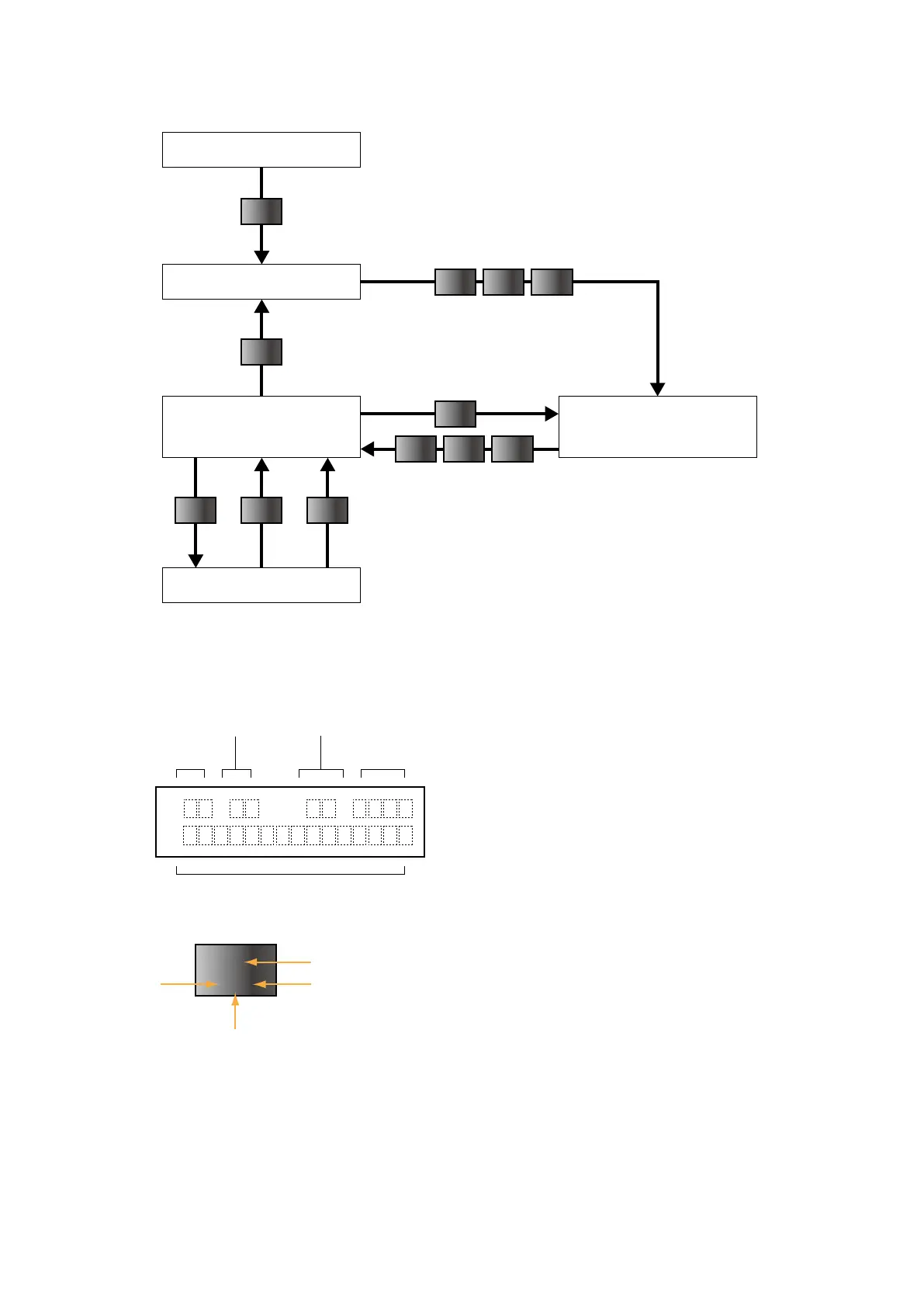
■ OPERATION FLOWCHART
Initial state
Waiting GROUP No. input
Waiting DATA No. input Waiting ITEM No. input
Data
Entering DATA No.
Cancel Set
Item
Item N N
Group N N
N: 0 to 9
N: 0 to 9
Enter only necessary number of digits.
First set ITEM 01 DATA 1 to enable the programming mode
to change any setting.
GROUP and ITEM numbers are blank.
Data to be entered or message
GROUP No.
# (Shift Key Position) *
1
ITEM No.
Response
(error indication) *
2
GI ()
D
1
VLB
[#] key is used to enter alphabets.
Shift key position indication switches in order of
#1, #2, #3, #0 … every time the key is pressed.
Level #0 is for entering numeric, and levels #1
to #3 indicate the position of alphabets (below
the numeric) from the right to left.
*1.
Response message after format check
OK : OK
NG : No good
ER : Communication error
OE : Operation procedure error
DE : Data syntax error
VE : Non-registered input unit table (not initialized)
WE : Input unit table writing error
*2.
[Example]
#3 #1
#2
#0
■ PROGRAM DATA FIELD & KEYPAD


 To Next Page