215922 162 Revision A
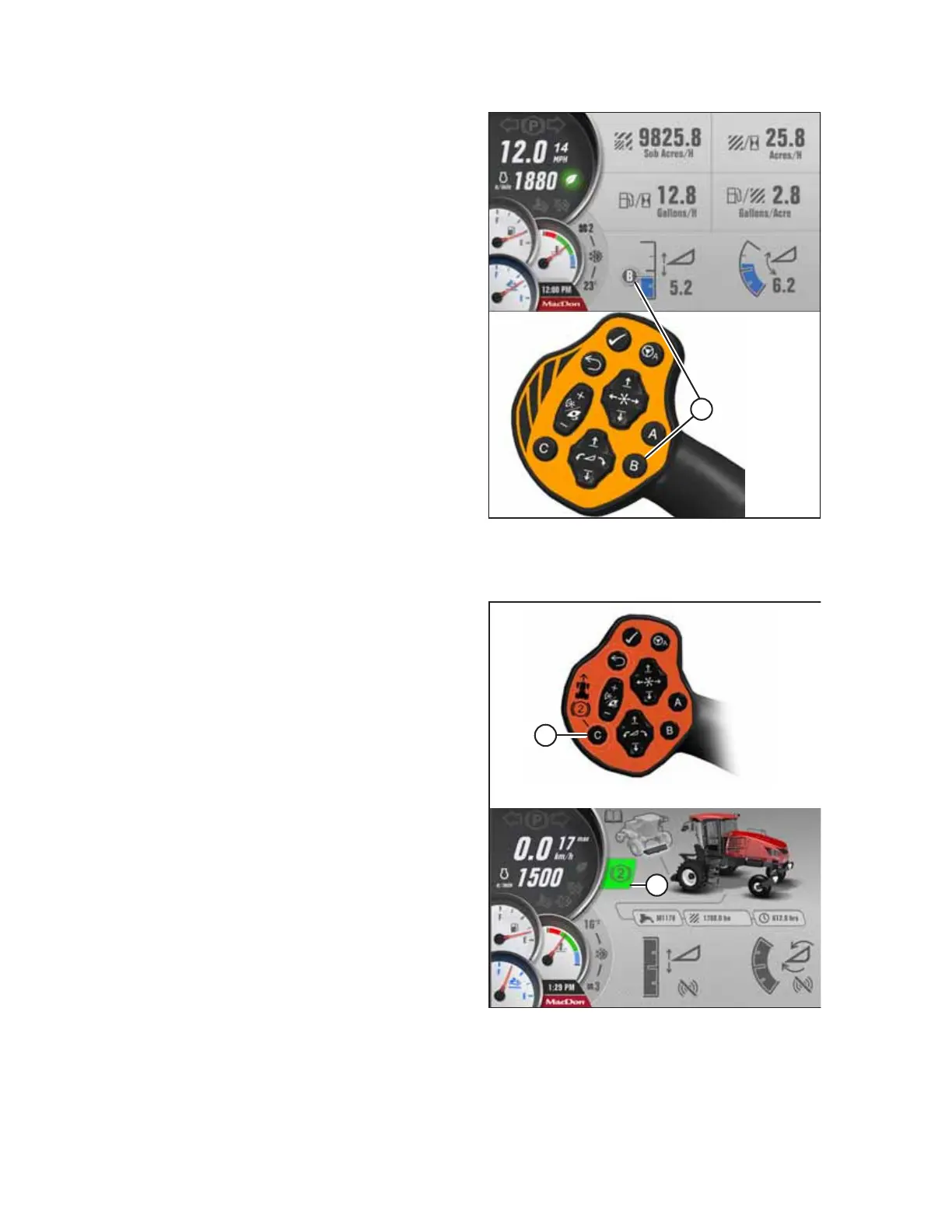
Figure 4.90: One-Touch-Return Buttons on GSL
Pressing a programmed button opens a run screen that shows
corresponding letter (A) on the screen for the preset.
Secondary braking system
Figure 4.91: Secondary Braking System Button on GSL
Pressing button “C” (A) while in the engine forward mode
enables the secondary braking system.
While enabled, the secondary braking system icon (B) appears
on the HPT.
OPERATION


 To Next Page
 Loading...








