215922 77 Revision A
One-Touch-Return Buttons
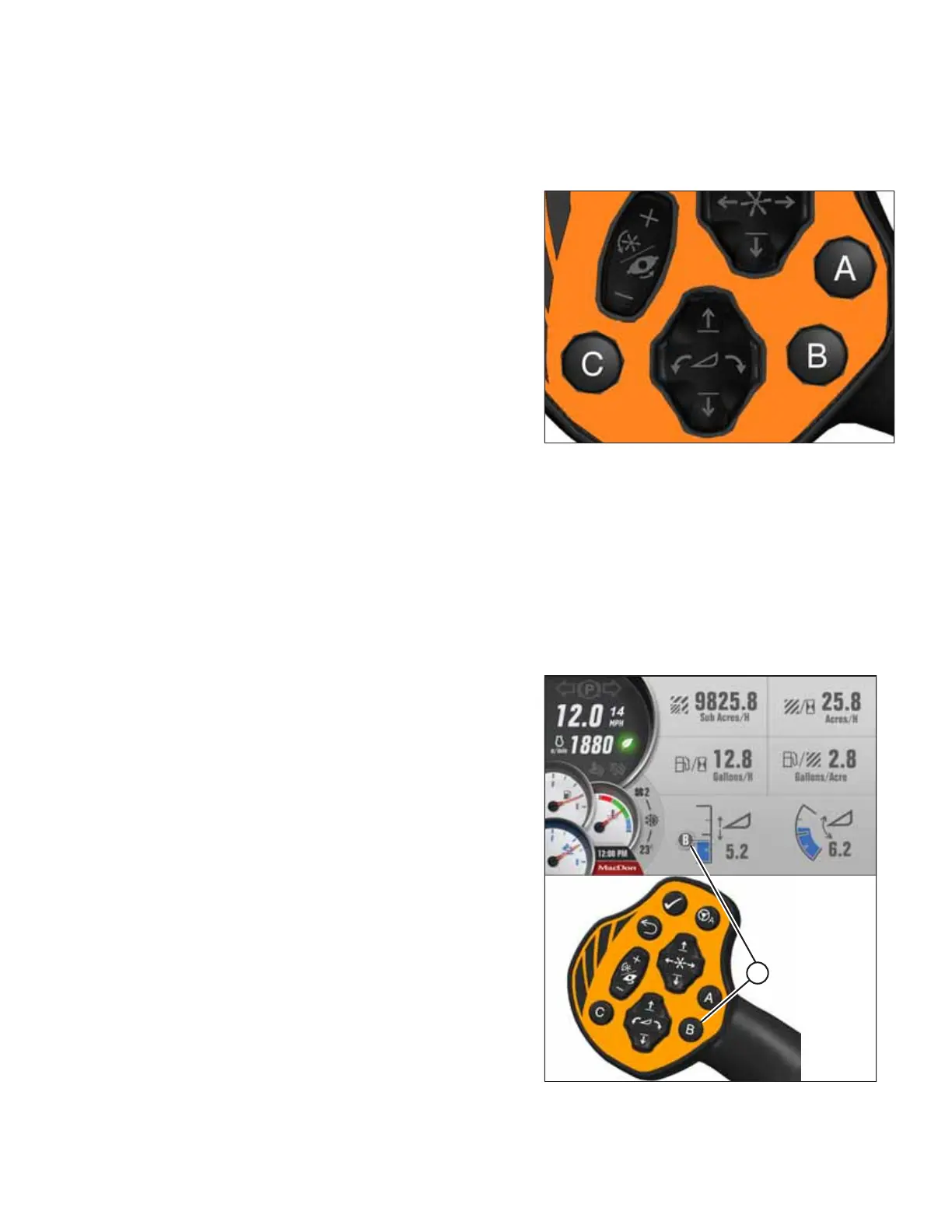
The One-Touch-Return buttons (A, B, C) on the ground speed lever (GSL) save header configuration settings and serve as
presets for quickly returning the header to specific settings.
Figure 3.63: One-Touch-Return Buttons on GSL
The One-Touch-Return buttons A, B, and C always save header
height settings, but the following settings can also be saved
depending on the header type:
• Header tilt
• Deck position/header float selection
• Double windrow attachment (DWA) or swath compressor
raise/lower
• Double Windrow Attachment (DWA) speed
• Knife speed
• Draper speed
• Reel speed
• Reel height
• Reel fore-aft
• Disc speed
To program the One-Touch-Return buttons, press and hold button A, B, or C on the GSL handle for 3 seconds until an
audible tone is heard, indicating that the current header settings have been saved.
NOTE:
To return the header to a preset condition, tap the A, B, or C button quickly. Holding the One-Touch-Return button too long
can inadvertently reprogram the current header settings.
Figure 3.64: One-Touch-Return Buttons on GSL
Pressing a programmed A, B, or C button opens a run screen
that shows corresponding letter (A) on the screen for the
preset.
OPERATOR’S STATION



 To Next Page