215922 201 Revision A
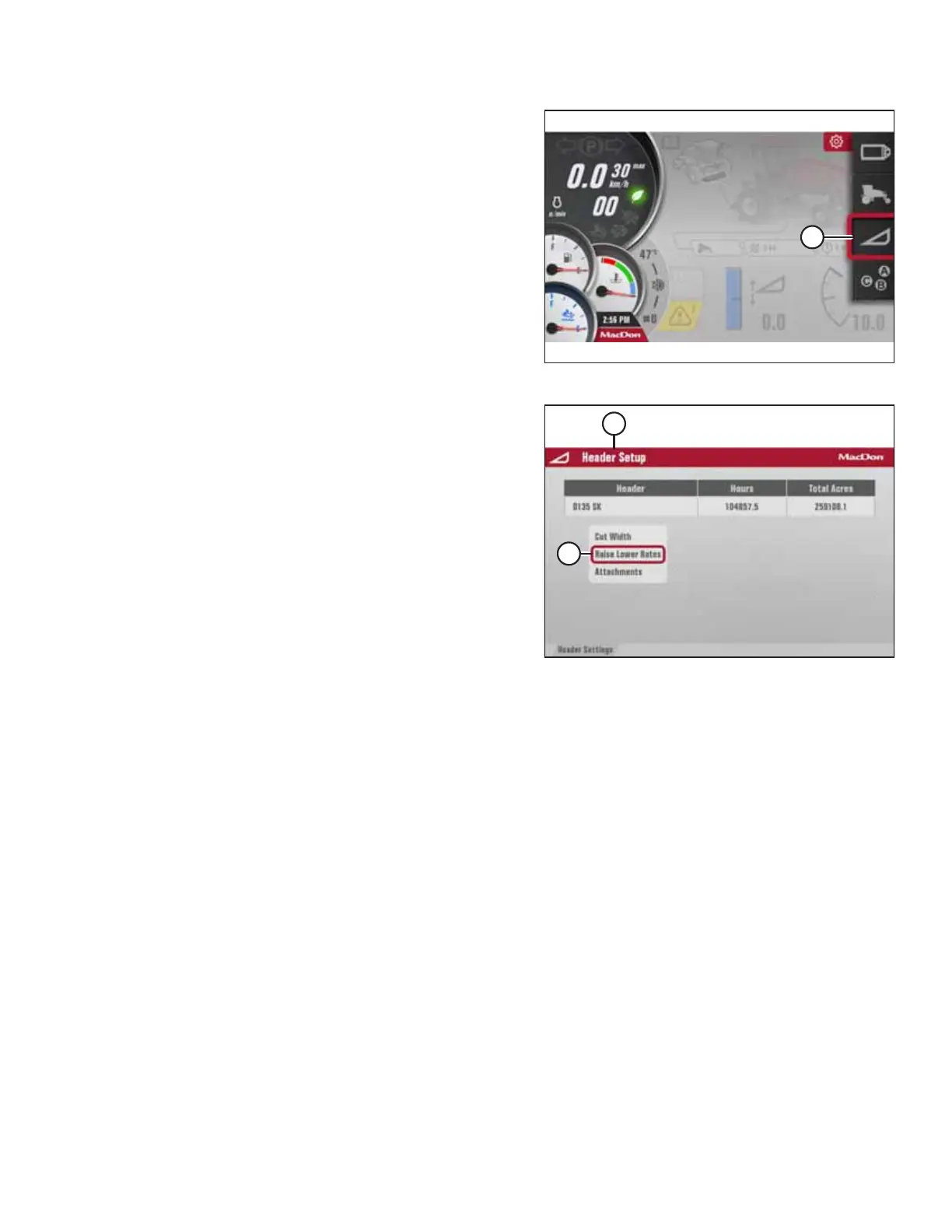
Figure 4.182: Header Settings Icon
3. Use the HPT scroll knob to move the red cursor to HEADER
SETTINGS icon (A).
Figure 4.183: Set-Up Header Menu List
4. Press the HPT scroll knob. HEADER SETUP page (A) appears.
NOTE:
The F4 shortcut button on the operator’s console also will
display the HEADER SETUP page.
5. Scroll to RAISE LOWER RATES (B), and press SELECT. A
menu for adjusting header lower/raise rates opens with the
last header setting as the default starting point.
OPERATION



 To Next Page