3-54
[14] CHECKING OUTRIGGER DISPLAY FOR OPERATION
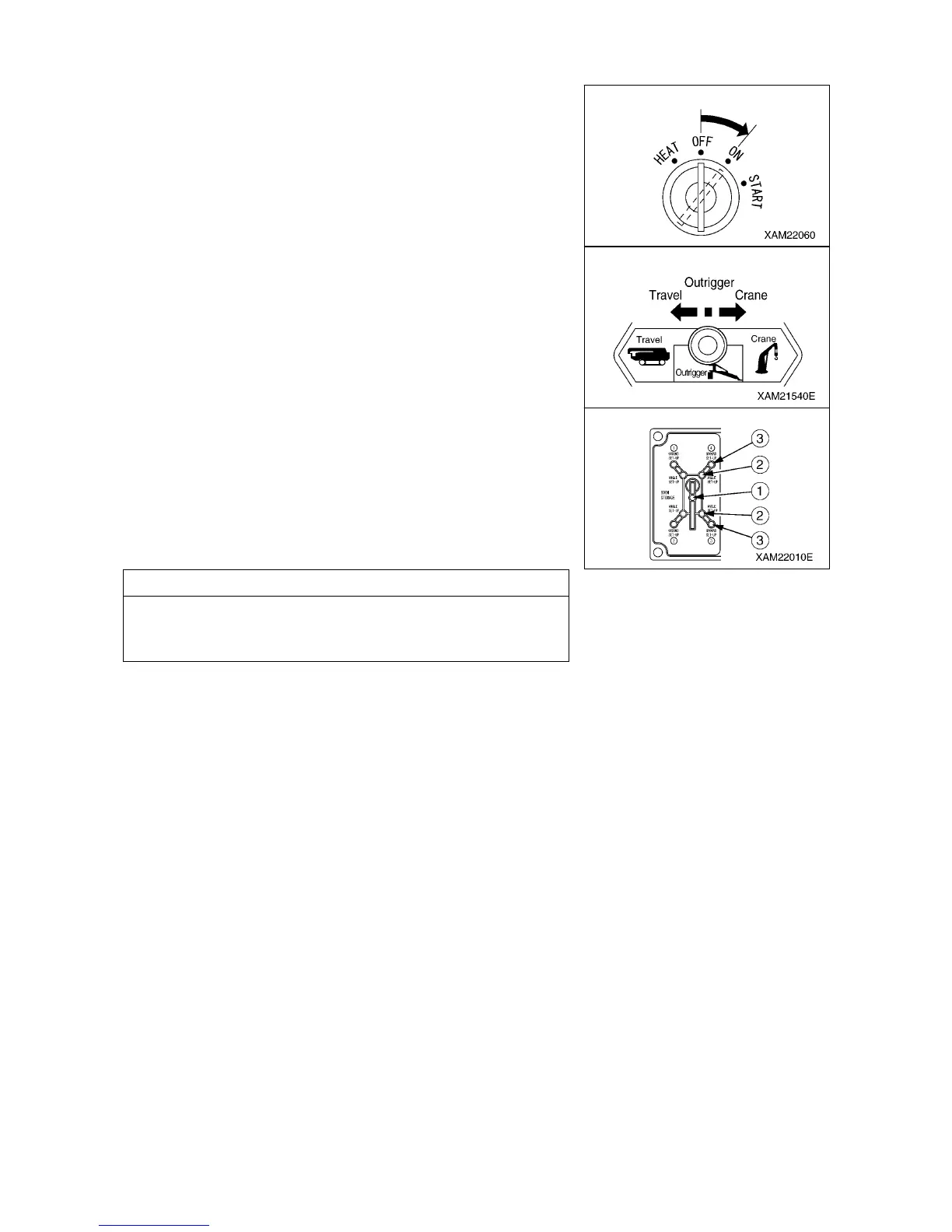
1. Turn the starter switch to the “ON” position.
2. Operate the work selector switch on the outrigger operation
panel to the “OUTRIGGER” position.
3. Verify that the lamps on the outrigger display light up and go off
in the order shown below.
(1) All of the boom stowing lamp (1), extension lamps (2), and
setting lamps (3) light up in green for 2 seconds, and go off.
(2) The boom stowing lamp (1) (green) lights up, and at the same
time, all the extension lamps (2) and setting lamps (3) flash in
red.
NOTES
If a lamp on the outrigger display does not light up for 2 seconds
in green, the outrigger display may be faulty.
Please ask us or our sales service agency for repair.
4. Verify that the outrigger un-set warning lamp flashes and the red
of the working status lamp lights up.



 To Next Page