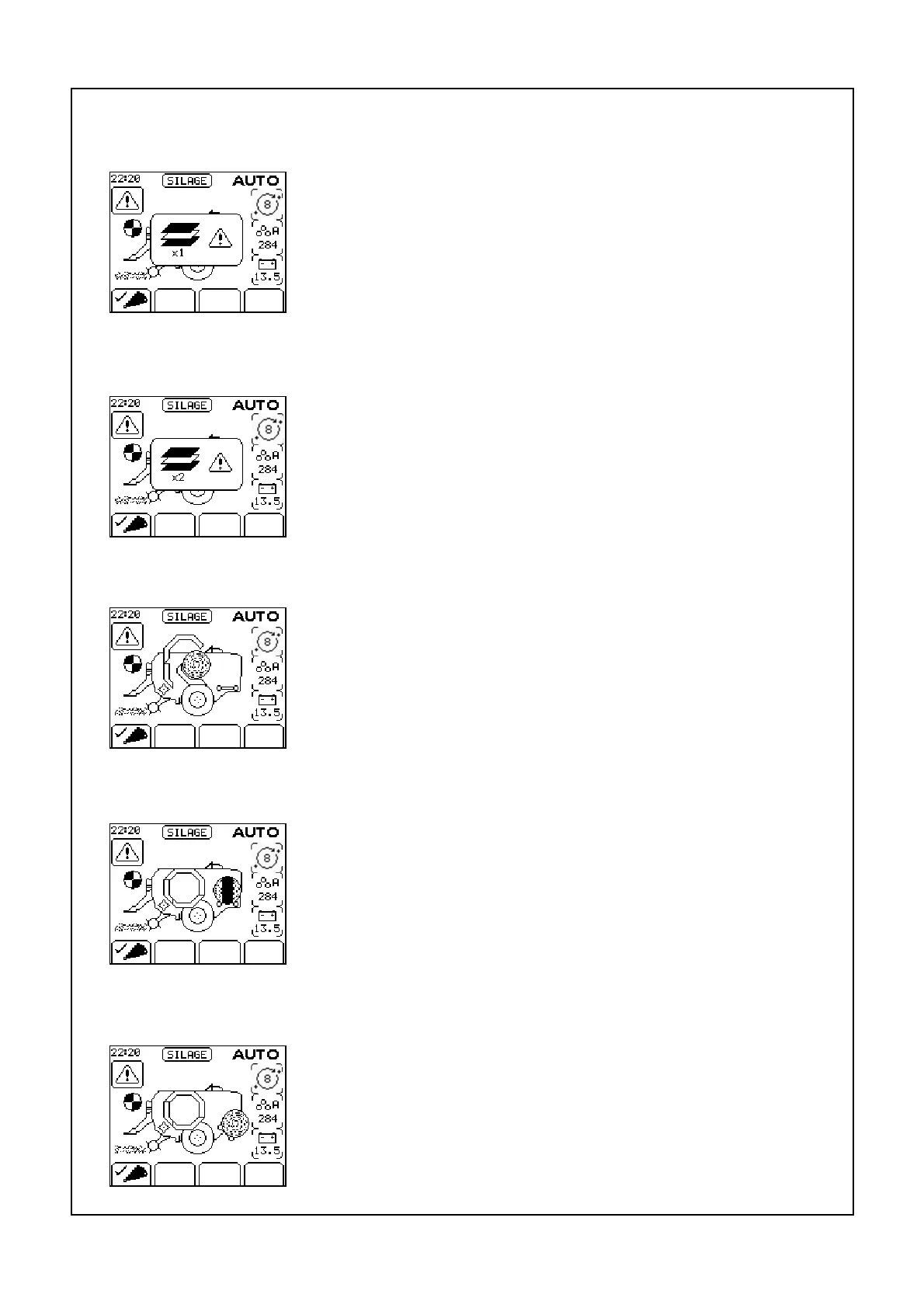
McHale Fusion 2 electronic control system section
11- 33
McHale Fusion 2 round baler wrapper technical service manual
Issue 1: 0208
“1 Dispenser Only”
When the film sensor is switched on, failure of one dispenser
to feed film will flash
1 Dispenser Only on the display and the wrapping rollers will
operate in 50/50 mode giving a correct wrap with the
remaining film roll. Press ESC to silence the alarm.
“Out of film”
When both film rolls empty “Out of Film” is flashed on the
display and the dispenser rotates slowly to the loading position
where the first roll is replaced, the door is closed, the rear
mounted dispenser rotate button is pushed to bring the second
dispenser to the loading position where the second roll is
replaced. The ends of the rolls are next secured in the slots
provided, the door is closed and the cycle is resumed.
“Transfer not complete”
If the red stop button is pushed during transfer of a bale this
error is displayed when the control box is next switched to
‘Auto’. To correct the error ‘Top chamber door open’ switch is
pushed for one second to transfer the bale and advance the
cycle. Pushing ESC on the control box will cancel the error
warning.
“Wrap not complete”
If the red stop button is pushed during wrapping of a bale this
error is displayed when the control box is next switched to
‘Auto’. To correct the error ‘Resume/Re-wrap’ button is
pushed to complete the wrapping cycle. Pushing ESC on the
control box will cancel the error warning.
“Tip not complete”
If the red stop button is pushed during tipping of a bale this
error is displayed when the control box is next switched to
‘Auto’. To correct the error ‘Tip Bale’ button is pushed to
complete the tipping cycle. Pushing ESC on the control box
will cancel the error warning.



 To Next Page