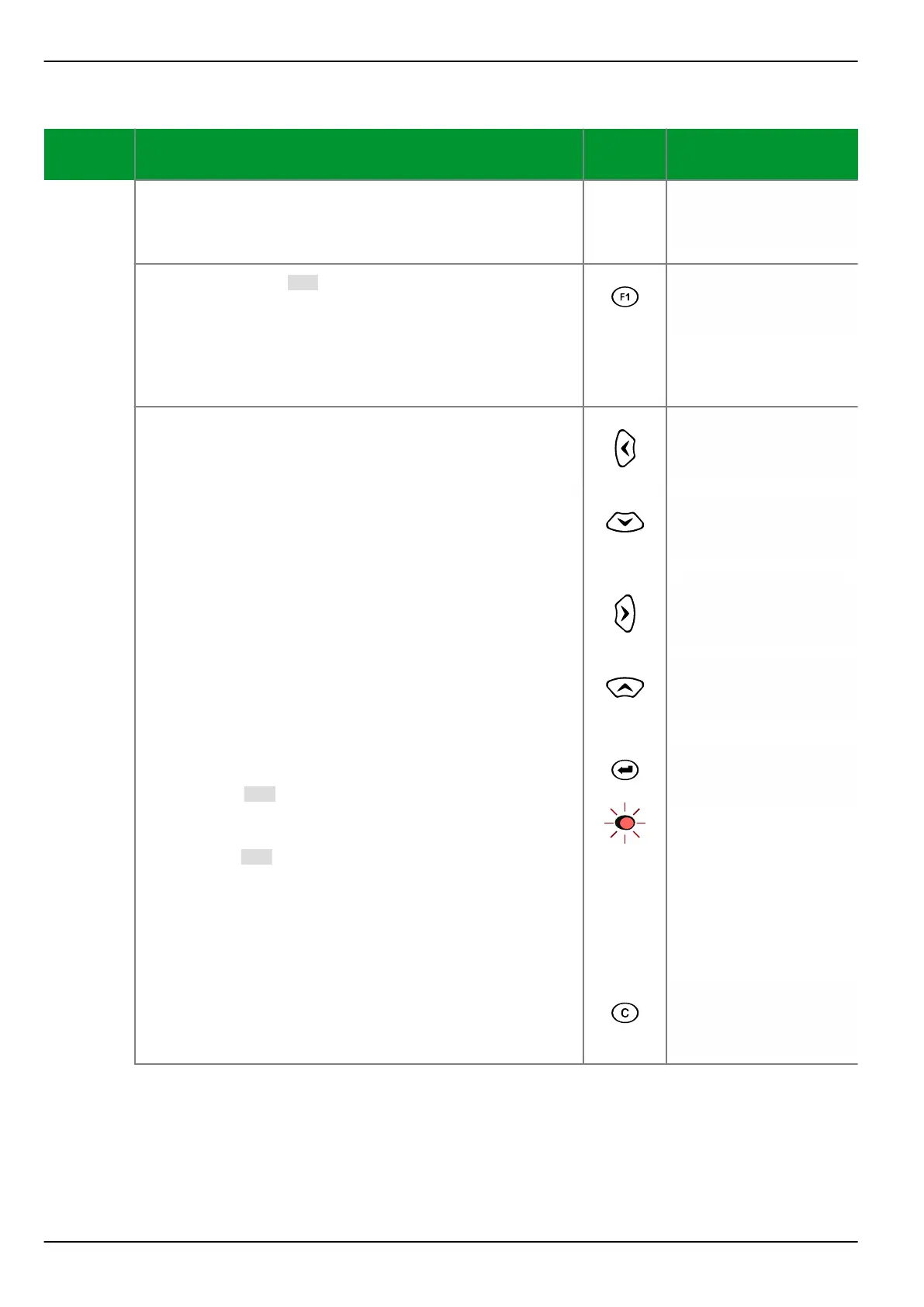
Control Step / Description Control
Action
Display
Step 0
Display example.
Voltage A-B prim.
20.7 kV
Voltage B-C prim.
20.6 kV
Step 1
Press function key [F1].
Eight asterisks (*) appear in the fourth line as a prompt
to enter the password if it is required.
(By default, i.e. no password required, this step and the
next do not exist and the function key is effective
immediately as described in Step 3.)
********
Step 2a
If a password is set, press the keys corresponding to
the set password, for example:
“Left”
*
“Down”
*
“Right”
*
“Up”
The display will change as shown in the right hand side
column.
*
Now press the ENTER key. If the correct password has
been entered, the active display will re-appear.
Function key [F1] is now effective for the set return
time.
By default, no password is required and therefore
function key [F1] is always effective.
Each function key can be assigned its own password,
and the return time is running after correct password
entry for each individual function key!)
If an invalid password has been entered, the display
shown above in Step 1 will appear.
Voltage A-B prim.
20.7 kV
Voltage B-C prim.
20.6 kV
Step 2b This control step can be canceled at any time by
pressing the CLEAR key before the ENTER key is
pressed.
Voltage A-B prim.
20.7 kV
Voltage B-C prim.
20.6 kV
P634 6 Local Control (HMI)
6-12 P634/EN M/R-42-A // P634‑311‑653



 To Next Page