6.9 Changing Between Display Levels
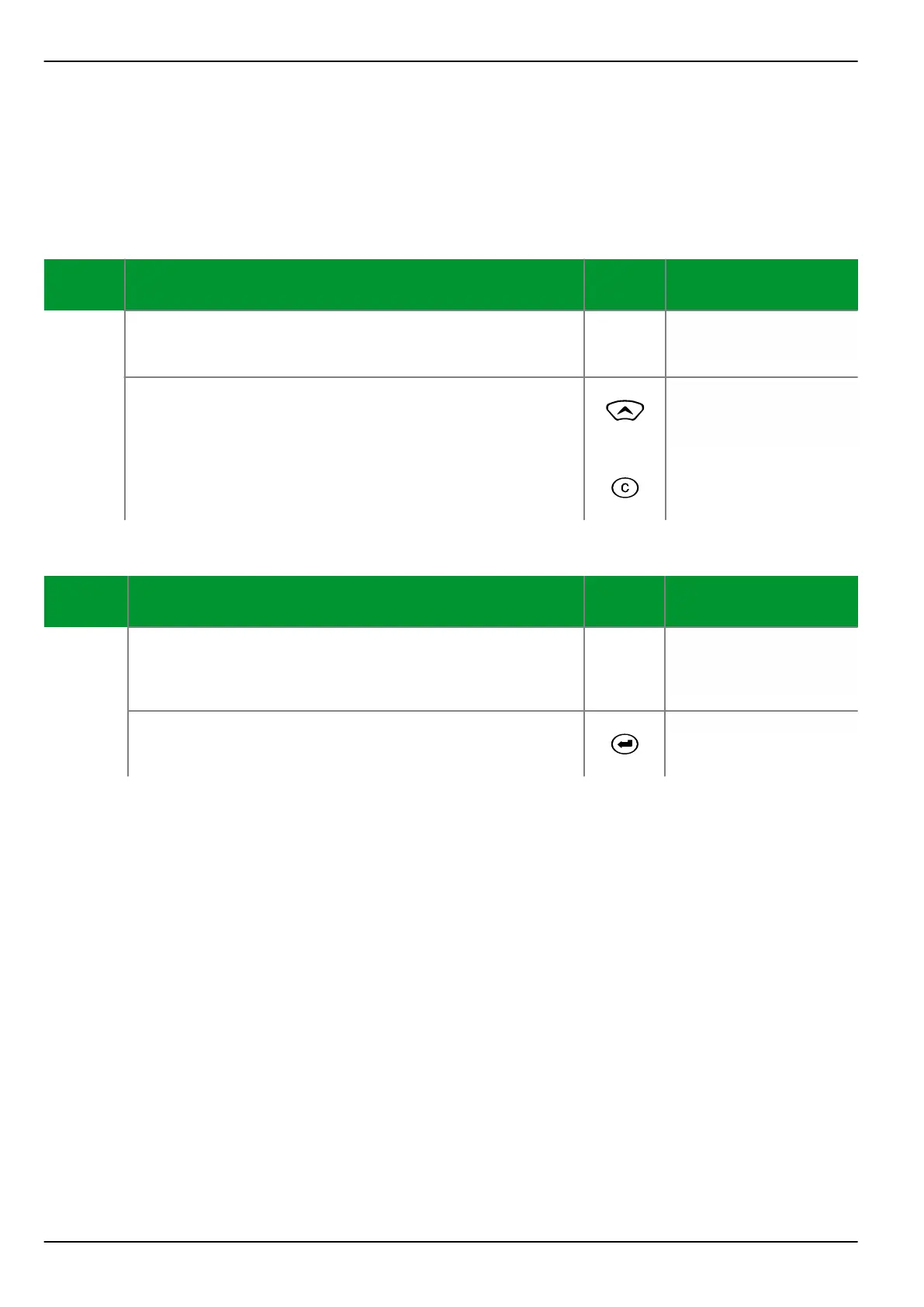
Jumping from Menu Tree Level to Panel Level
After start-up of the device, the menu tree level is displayed.
Control Step / Description Control
Action
Display
Step 0
From the Menu Tree Level, the user can jump to the
Panel Level from any position within the menu tree.
Par/Func/Glob/MAIN
Device on-line
No (=off)
Step 1
First press the “up” key and hold it down while pressing
the CLEAR key.
Note: It is important to press the “up” key first and
release it last in order to avoid unintentional resetting of
stored data.
+
Voltage A-B prim.
20.7 kV
Voltage B-C prim.
20.6 kV
Jumping from Panel Level to Menu Tree Level
Control Step / Description Control
Action
Display
Step 0
Example of a Measured Value Panel.
Voltage A-B prim.
20.7 kV
Voltage B-C prim.
20.6 kV
Step 1
Press the Enter key to go from the Panel Level to the
Menu Tree Level.
P634
After the set return time has elapsed (setting in menu tree: “Par/Conf/LOC”), the
display will automatically switch to the Panel level if a Measured Value Panel has
been configured.
P634 6 Local Control (HMI)
6-14 P634/EN M/R-42-A // P634‑311‑653



 To Next Page