6.11.2 Switching Between Address Mode and Plain Text Mode
The display on the local control panel can be switched between address mode
and plain text mode. In the address mode the display shows settings, signals,
and measured values in numerically coded form, that is, as addresses. In plain
text mode the settings, signals, and measured values are displayed in the form
of plain text descriptions. In either case, control is guided by the menu tree. The
active branch of the menu tree is displayed in plain text in both modes. In the
following examples, the display is shown in plain text mode only.
Control Step / Description Control
Action
Display
Step 0
In this example, the user switches from plain text mode
to address mode.
Par/Func/Glob/MAIN
Device online
No (=off)
Step 1
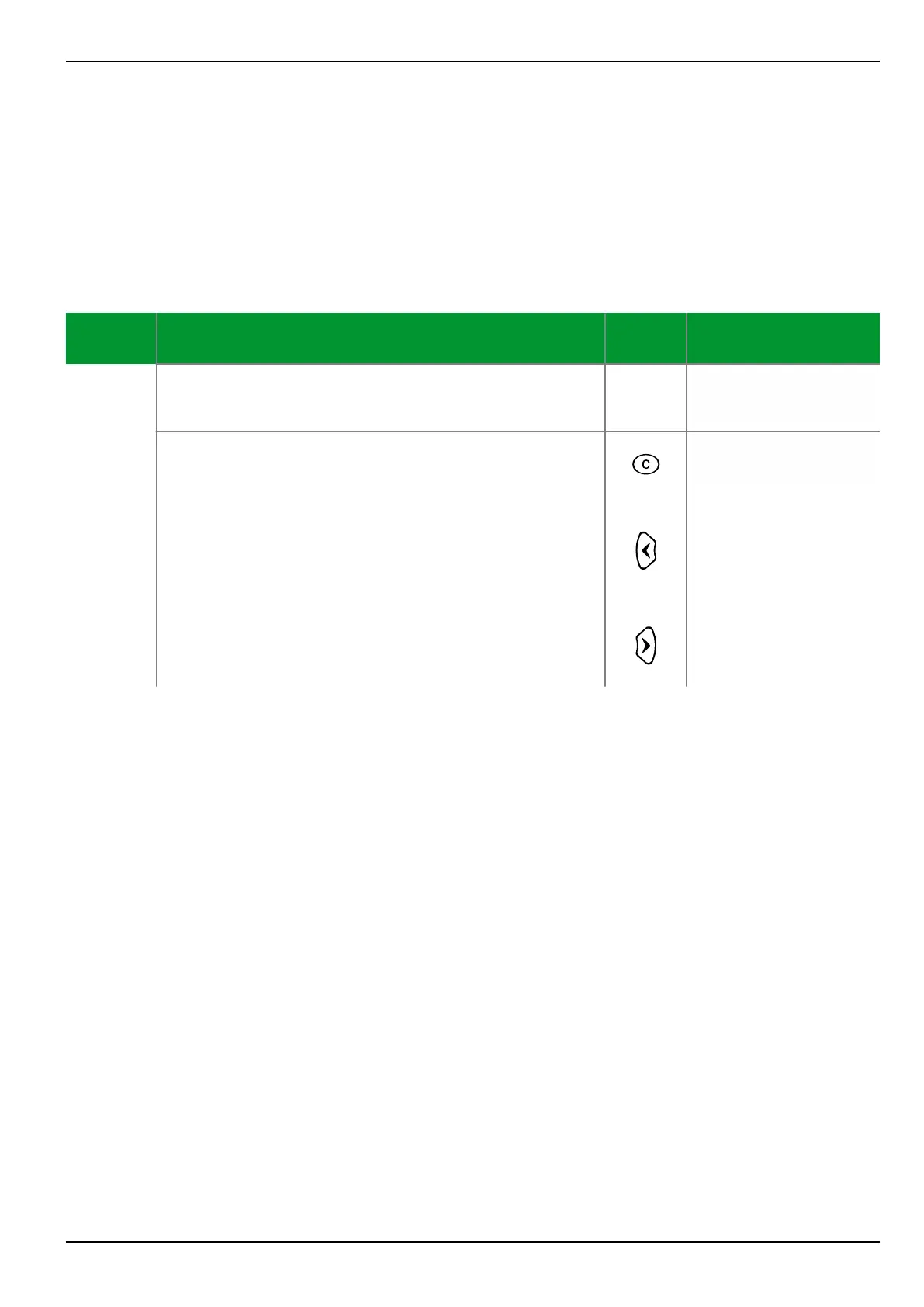
To switch from address mode to plain text mode or vice
versa, press the CLEAR key and either the “left” key or
the “right” key simultaneously. This can be done at any
point in the menu tree.
+
or
Par/Func/Glob/MAIN
003.030
0
6 Local Control (HMI) P634
P634/EN M/R-42-A // P634‑311‑653 6-17



 To Next Page