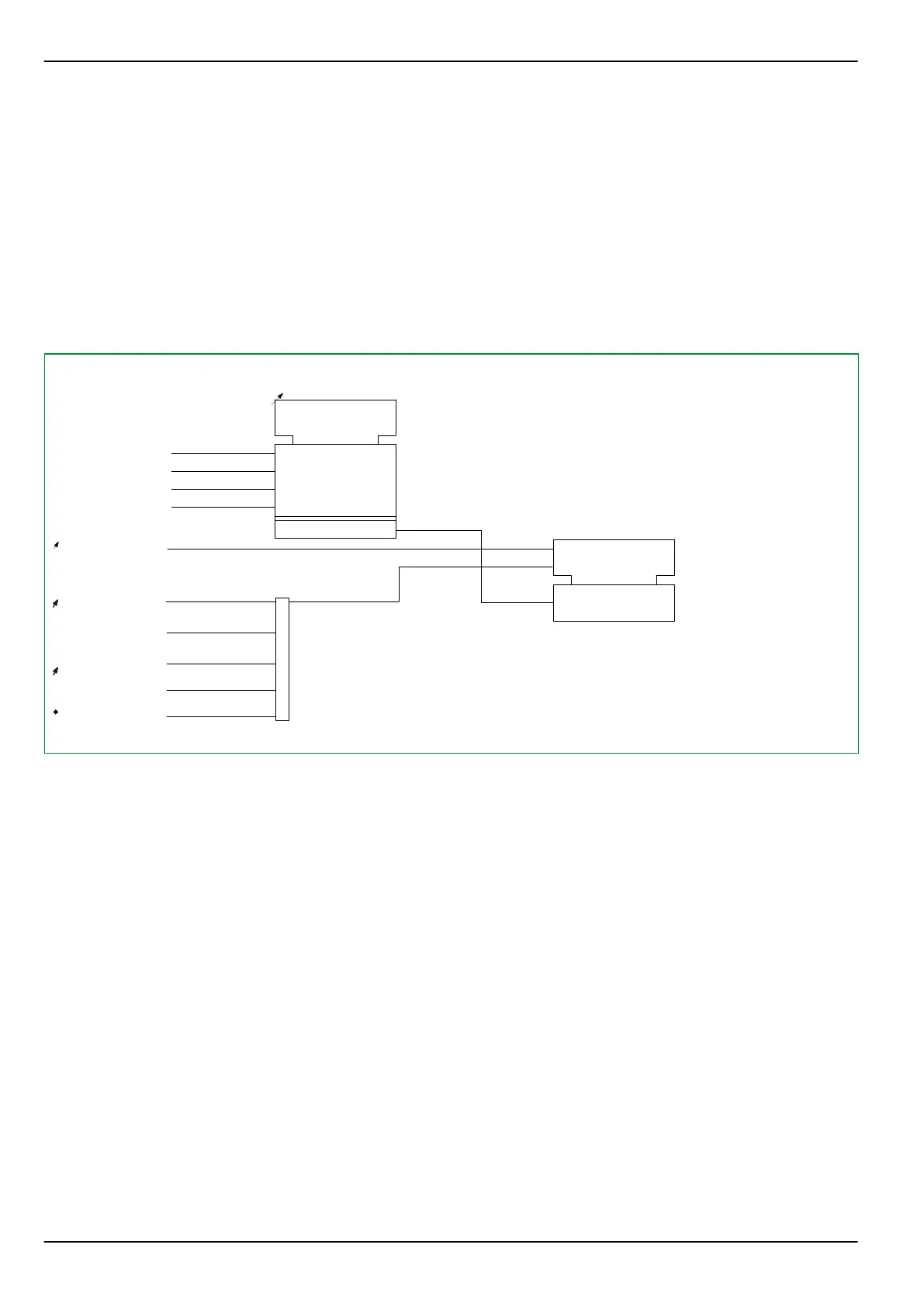
3.3.2 Fault Panel
The Fault Panel is displayed in place of another data panel when there is a fault,
provided that at least one measured value has been configured. The Fault Panel
remains on display until the LED indicators or the fault memories are cleared.
The user can select the measured fault values that will be displayed on the Fault
Panel by setting an “m out of n” parameter. When more measured fault values
are selected for display than the LC display can accommodate, then the display
will either switch to the next set of measured fault values at intervals defined by
the setting for LOC: Hold-time for Panels or when the appropriate key on the
local control panel is pressed.
50Z01EJA
MAIN:
Reset LED
306 020
1: execute
MAIN:
General reset EXT
[ 005 255 ]
FT_RC:
Reset record. USER
[ 003 006 ]
1: execute
MAIN:
General reset USER
[ 003 002 ]
≥1
FT_RC:
Reset record. EXT
[ 005 243 ]
LOC:
Fct. Fault Panel
[ 053 003 ]
Measured value 1
Measured value 2
Measured value 3
Measured value N
Selected meas. val.
m out of n
Fault Panel
R
LOC:
Hold-time for Panels
[ 031 075 ]
Fig. 3-3: Fault panel.
P634 3 Operation
3-6 P634/EN M/R-42-A // P634‑311‑653



 To Next Page