11. Commissioning
MiR1350 User Guide (en) 05/2022 - v.1.2 ©Copyright 2021-2022: Mobile Industrial Robots A/S. 148
There are several tools in the robot interface that you can use to improve your
map:
•
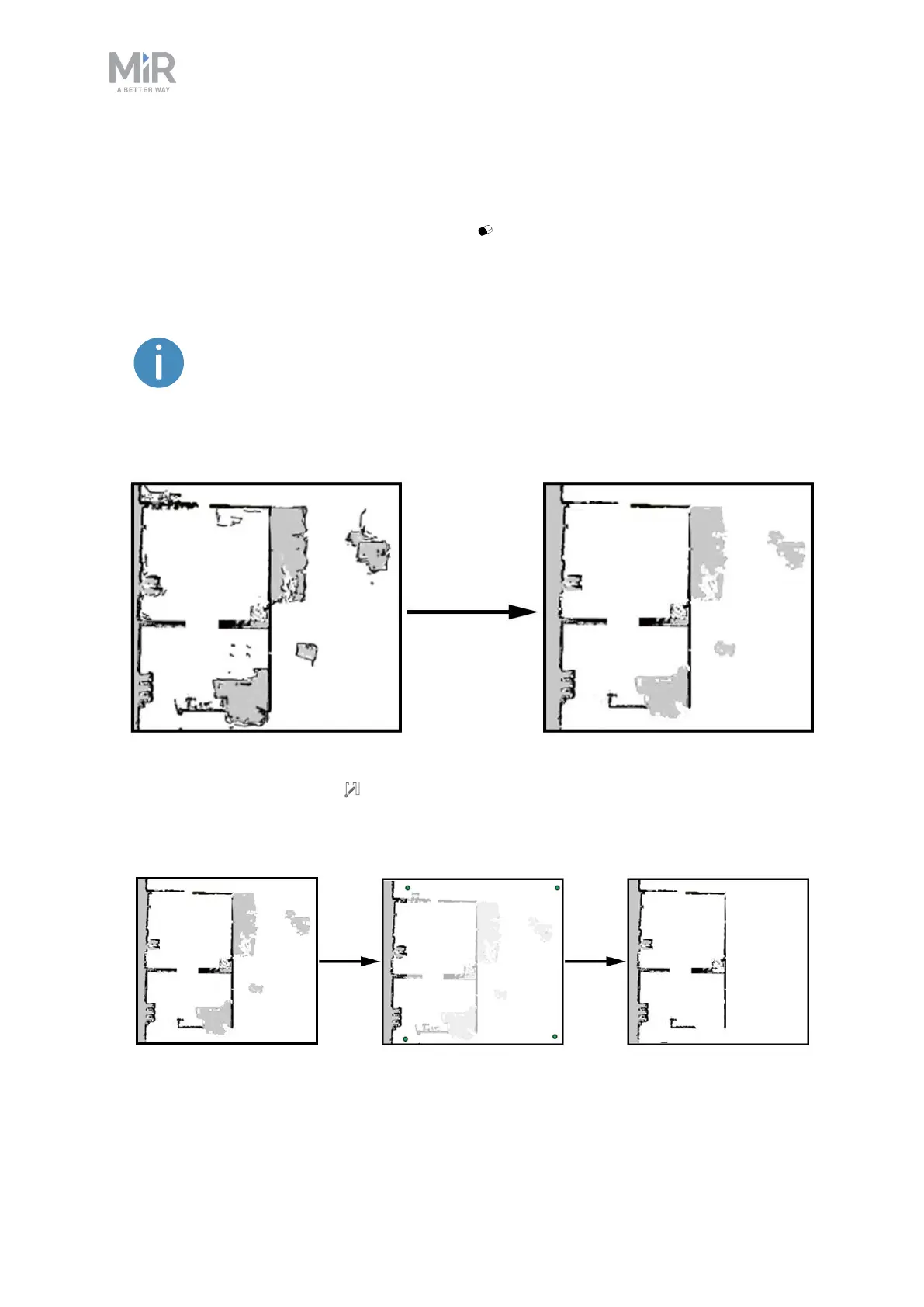
Use Erase uploaded or recorded data when editing walls to remove walls
that were created around dynamic obstacles and noise on the map.
Noise refers to recorded data that originates from interfering
elements. This can be physical obstacles that make the robot
record walls where there are none or more subtle interferences
that can make recorded walls appear pixelated.
•
Use Draw a new shape when editing floors to fill out the gray areas where
there should be floor. When using this tool, you do not affect the walls on the
map.



 To Next Page