12. Usage
MiR1350 User Guide (en) 05/2022 - v.1.2 ©Copyright 2021-2022: Mobile Industrial Robots A/S. 213
To create the mission Variable docking, it is assumed you have completed the
following:
•
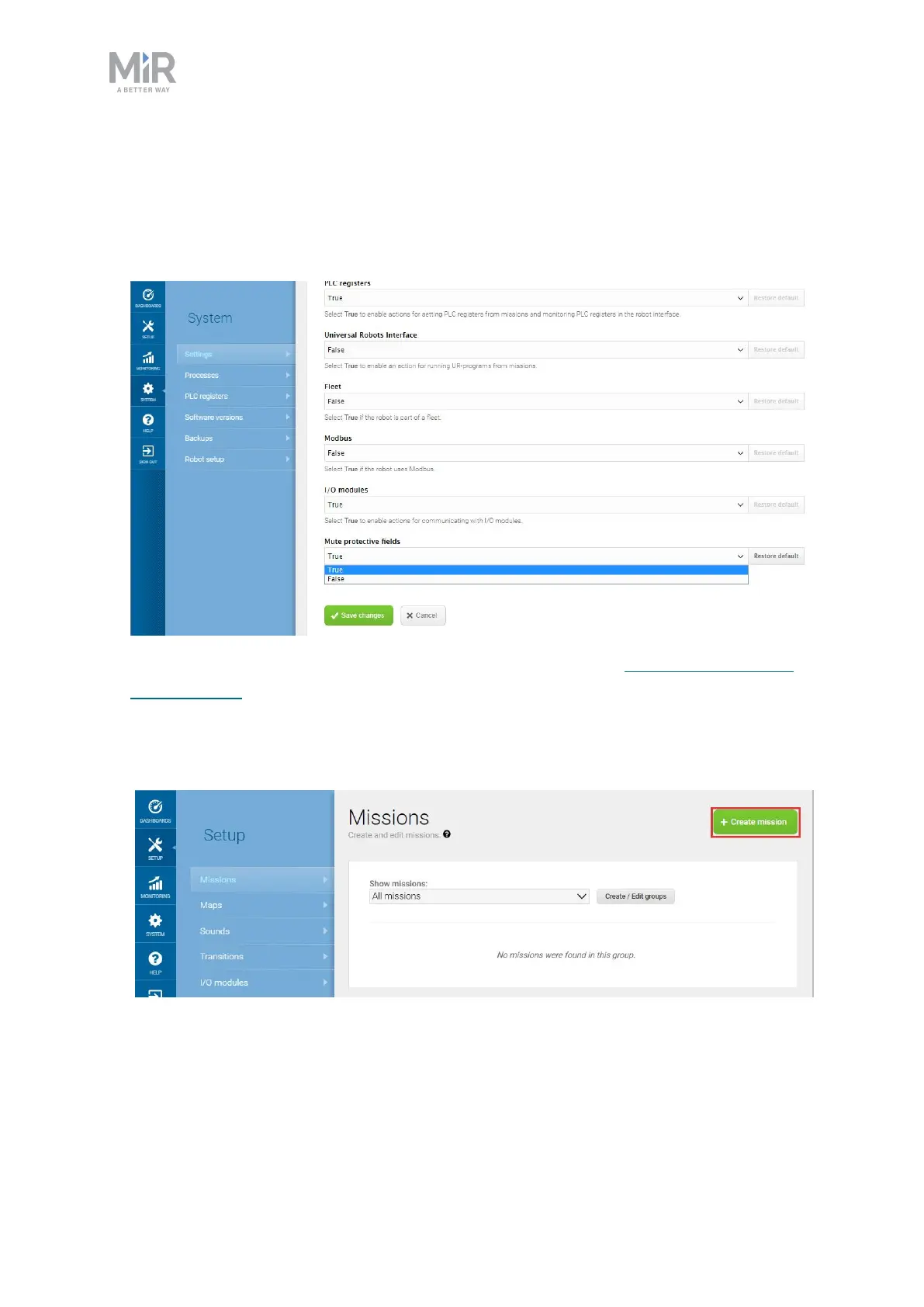
Enabled the muting of the Protective fields. Go to System > Settings >
Features, and set Mute protective fields to True.
•
Created several markers that the robot can dock to—see Creating markers
on page193.
To create the mission, follow these steps:
1. Go to Setup > Missions. Select Create Mission.



 To Next Page