17. Interface specifications
MiR1350 User Guide (en) 05/2022 - v.1.2 ©Copyright 2021-2022: Mobile Industrial Robots A/S. 262
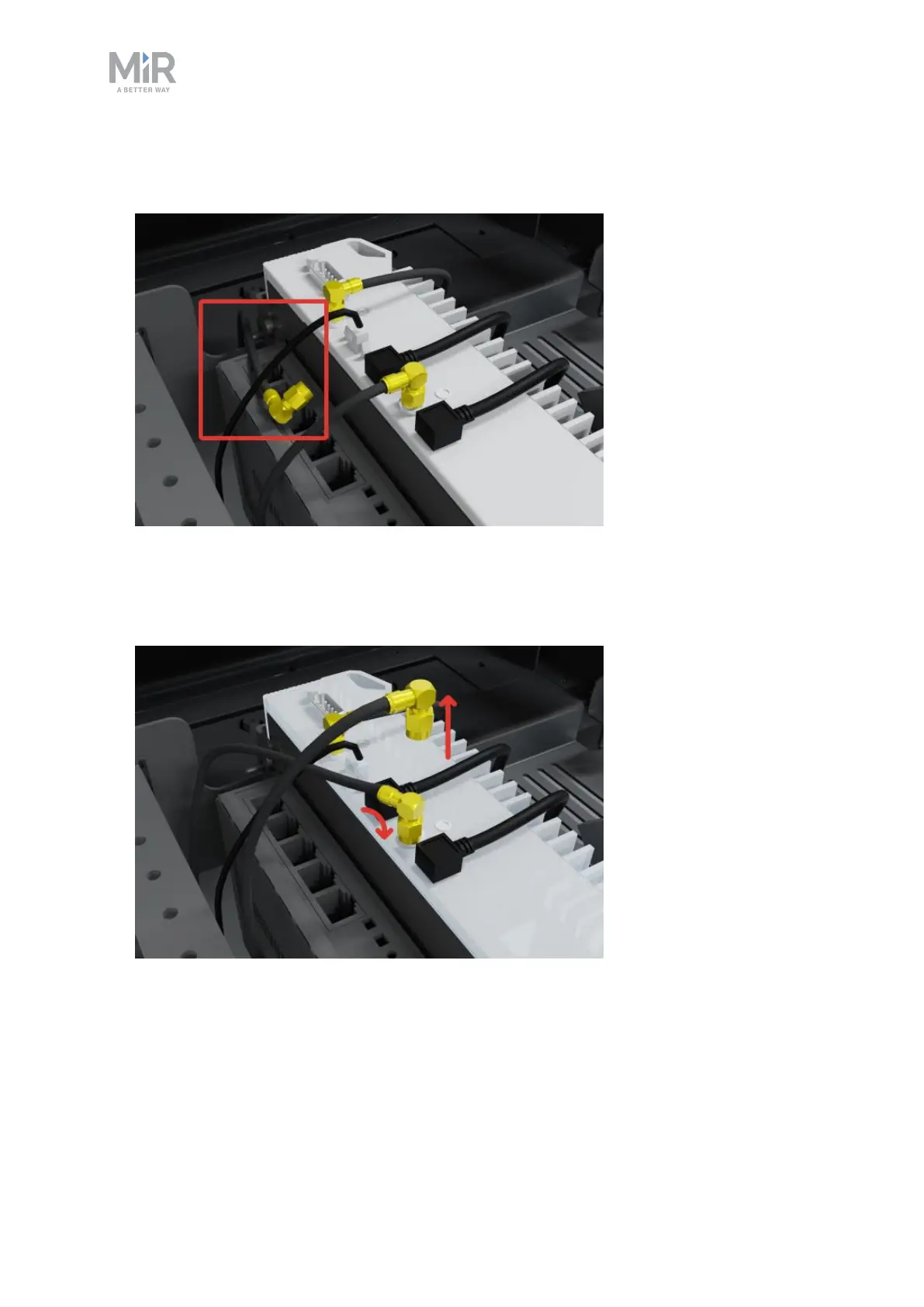
3. Locate the loose RP-SMA antenna cable that is not yet connected. The cable
will be nearby the robot computer.
4. Disconnect one of the connected antenna cables from the robot computer
and connect the other antenna cable in its place. Use an 8mm wrench to
loosen and tighten the connectors.
5. Close the front compartment.



 To Next Page