MOOR INSTRUMENTS moorLDI2 RESEARCH USER MANUAL
25
Referring to Figures 3F and 3G:
1. Connect one end of the 25-way cable to the control box connector marked "PORT1" and the
other end to the scanning head 25-way connector. Secure the connectors with the screw
fixings which should be finger tight. This cable is not directional.
2. Connect one end of the short 8-way cable to the control box connector marked "PORT2" and
the other end to the scanning head 8-way connector. Secure the connectors with the screw
fixings which should be finger tight. This cable is not directional.
3. Connect the phono end of the video cable to the control box connector marked "Video" and
the BNC end to the scanning head video connector.
SAFETY NOTE: With the system powered
ON
, the user must not touch the patient and parts
of either the connecting leads or mating sockets at the same time.
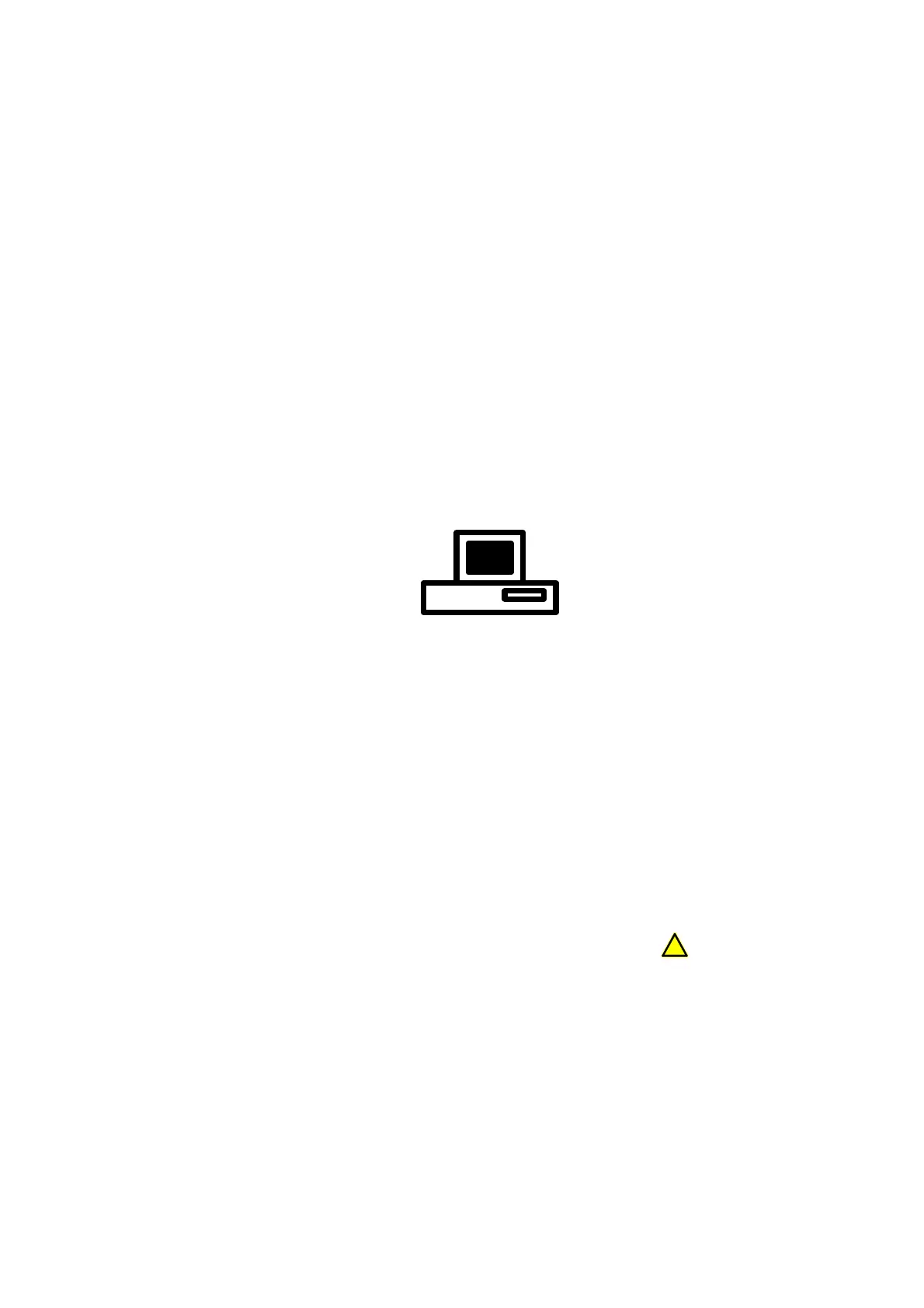
4. Connect male end (with exposed pins) of the long 9-way cable to the control box connector
marked with the computer symbol:
Connect the other end of the cable to one of the computer's serial ports. This will generally be
at the rear of the computer and will be a 9-way male connector marked "COM1" or "COM2"
or "SERIAL1" or "SERIAL2", any of these is ok (one of these may already be in use by a
mouse or modem). If you are unable to identify the connector or if it has 25 pins rather than
9 please contact Moor Instruments for further advice. Secure the connectors with the screw
fixings provided which should be finger tight.
5. Connect one end of the Firewire cable to the control box connector marked with IEEE 1394.
Do not connect the other end of the cable to the Firewire connector of the computer at this
stage.
SAFETY NOTE: The computer must be compliant with IEC 950 and be configured to
comply with IEC 60601-1. The connector port is marked with the
!
symbol to indicate this.



 To Next Page