MOOR INSTRUMENTS moorLDI2 RESEARCH USER MANUAL
31
6.
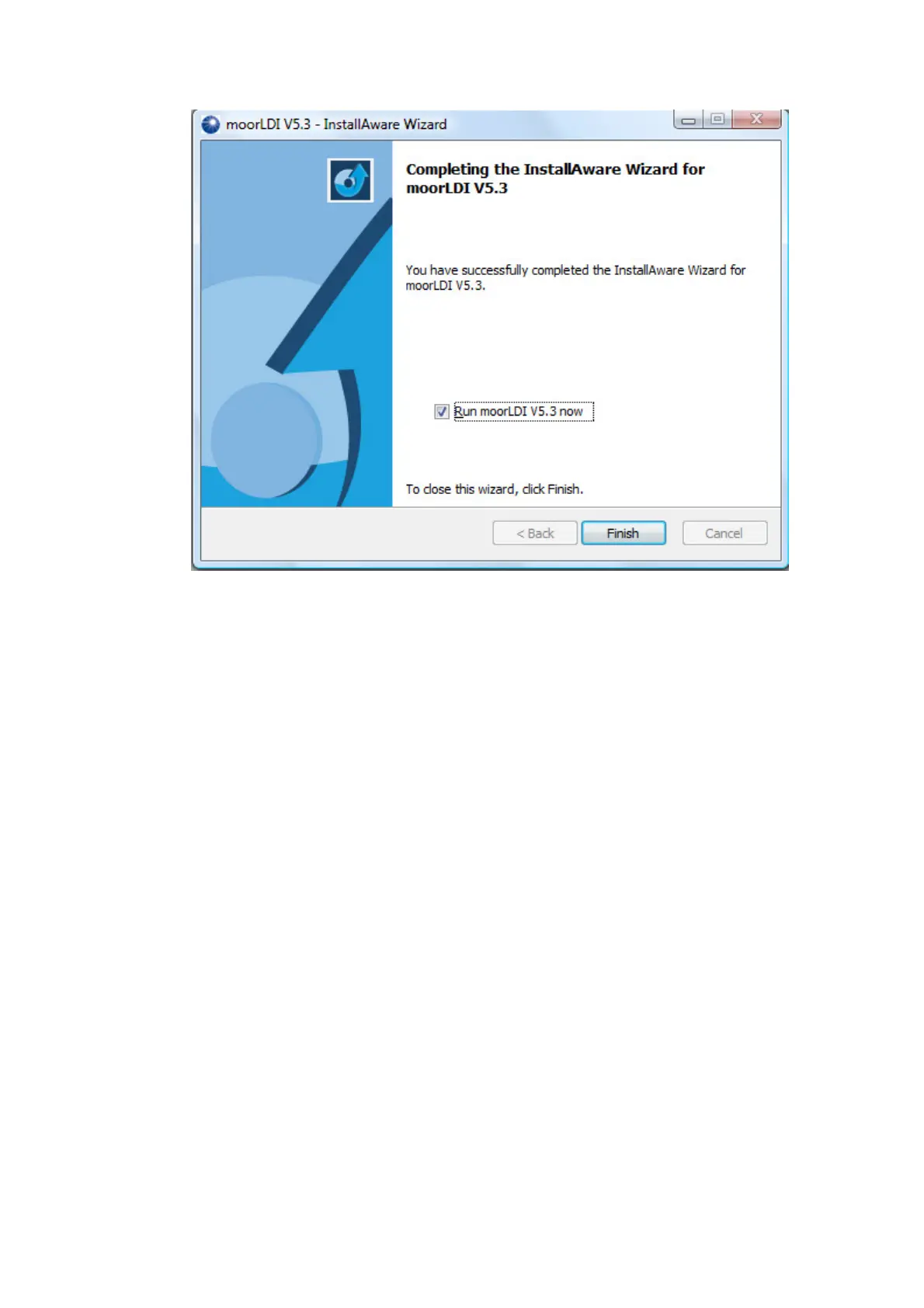
Connect the RS232 or USB cable to the PC and the system is ready for use.
The above installation is designed for use with the new Firewire camera model, if you are
using the analogue camera with the F6 card and the F6 driver has not been installed on the PC
before, you will need to install the driver separately after the above installation.
F6 card driver installation for Windows (not NT):
1. Switch on your PC, and Windows will automatically detect the card you have just installed.
2. The ‘New Hardware Found’ screen will be displayed.
3. Select ‘
Driver from the disk provided by hardware manufacturer
’, click OK.
4. Click
Browse
, select the directory C:\Program Files\moorLDI
V5.3\InstallFiles\F6\F6\Win2000 if you have not changed the location during installation.
Click
OK
on the following screens.
For Windows NT:
The F6 driver for Windows NT is not a true multi-media driver, so does not install from the Control
Panel.
To install the driver run INSTALL.EXE (located in
C:\Program Files\moorLDI V5.3\InstallFiles\F6\F6nt\ if you have not changed the location during
installation) and choose f6c_nt from the list box.



 To Next Page