GENESYS User Manual Issue 1
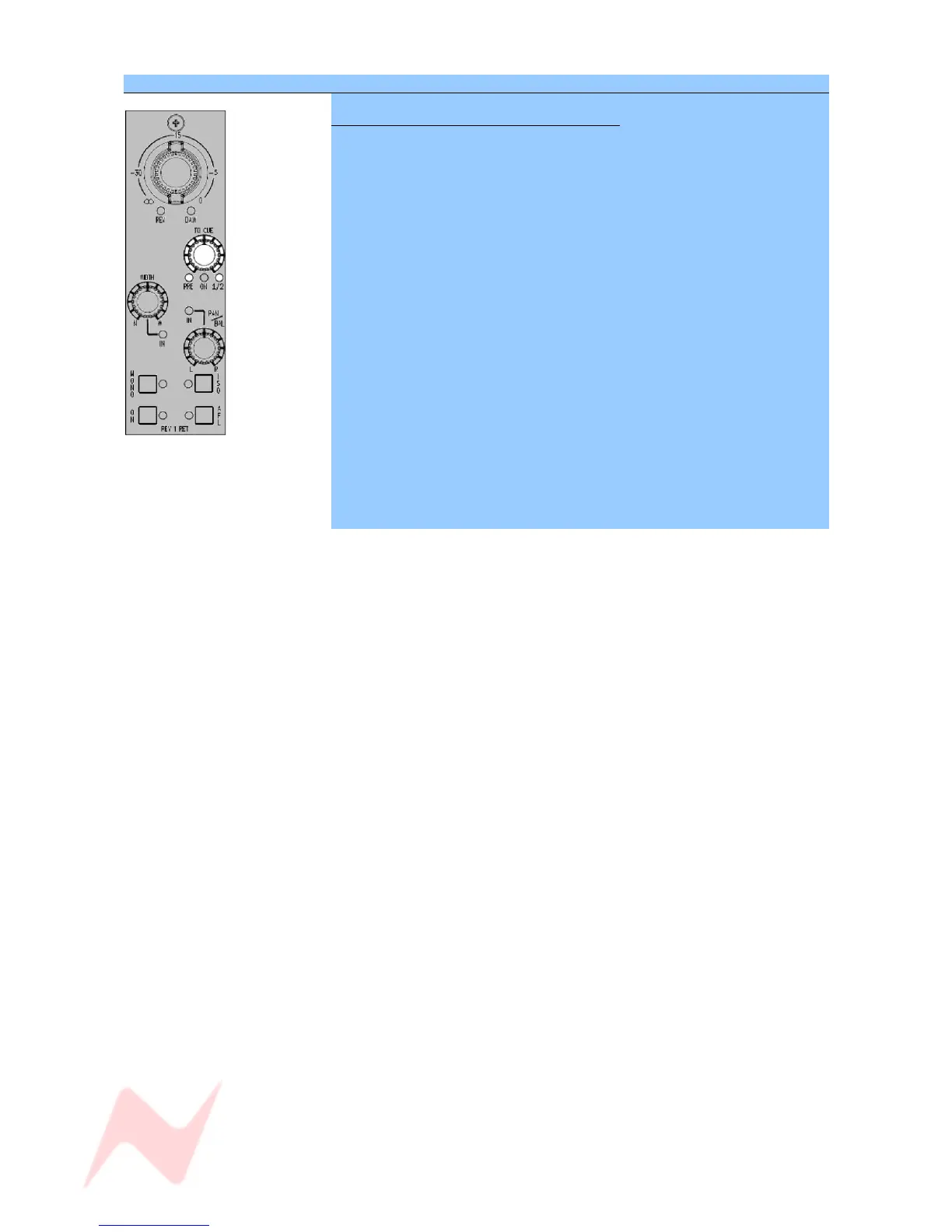
SEL Mode on the REV RETURN Section
To set how the Rev Returns feed the Cues
The Rev Return can be sent to either Cue or both of them.
> Put the 8T/REV Channel into SEL Mode by pressing and holding down
the SEL button.
The 1/2 led is tri-state in colour and uses these colours to indicate which
Cue(s) the Rev Return is routed to.
• Cue 1 – Red
• Cue 2 – Green
• Both cues – Yellow
For each press of the TO CUE level control, you will cycle round the
following feeds (the PRE led will light when you are sending these Cues
Pre-fader):
> Cue 1, Post fader (Red)
> Cue 1, Pre fader (Red)
> Cue 2, Pre fader (Green)
> Cue 2, Post fader (Green)
> Both Cues, Post fader (Yellow)
> Both Cues, Pre fader (Yellow)
> At any point in the cycle, press SEL to exit SEL Mode and apply these
changes.
- 32 -



 To Next Page