GENESYS User Manual Issue 1
control.
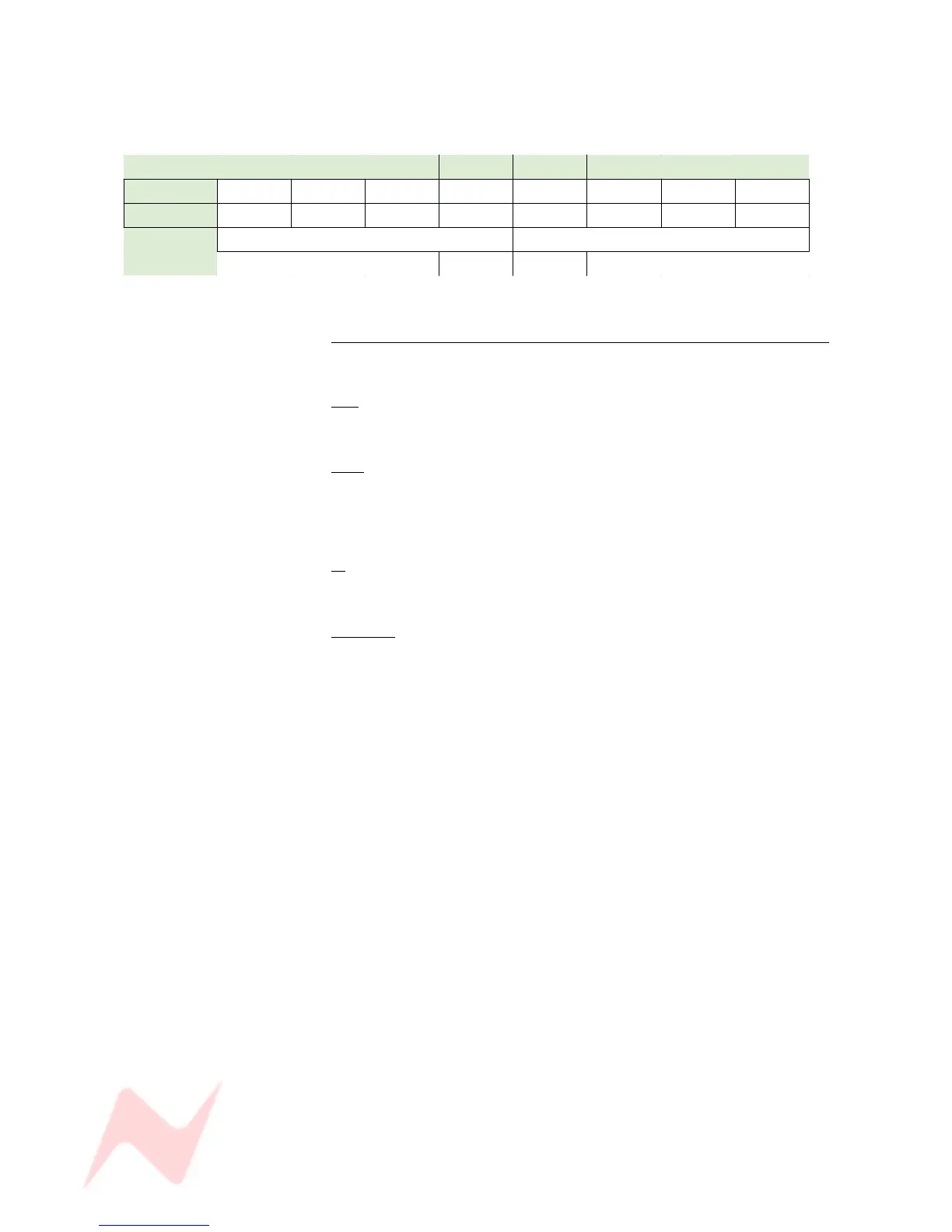
The screen-printing on this section of the meterbridge refers to the
different path types that can be displayed:
1 2 3 4 5 6 7 8
8T 8T 1 8T 2 8T 3 8T 4 8T 5 8T 6 8T 7 8T 8
EXT & CRM 1/L 2/R 3/C 4/S 5/LS 6/RS - -
AUXES
4 x Mono 2 x Stereo
A 1 A 2 A 3 A 4 A 5L A 5R A 6L A 6R
2T MTRS
lights yellow and selects the feeds to the 2t Meters.
MIX
Selects the L & R Mix Output to the 2T meters.
CRM
Selects the L&R Control Room Source to the 2T meters.
As you change the control room monitoring, so the meters will follow this
selection.
2T
Selects the 2T Output to the 2T meters.
CUE 1 / 2
Selects either CUE 1 or CUE 2 to the 2T meters.
> First press lights red and indicates Cue 1 is selected.
> Second press lights green and indicates Cue 2 is selected.
- 38 -


 To Next Page