GENESYS User Manual Issue 1
2 TRK
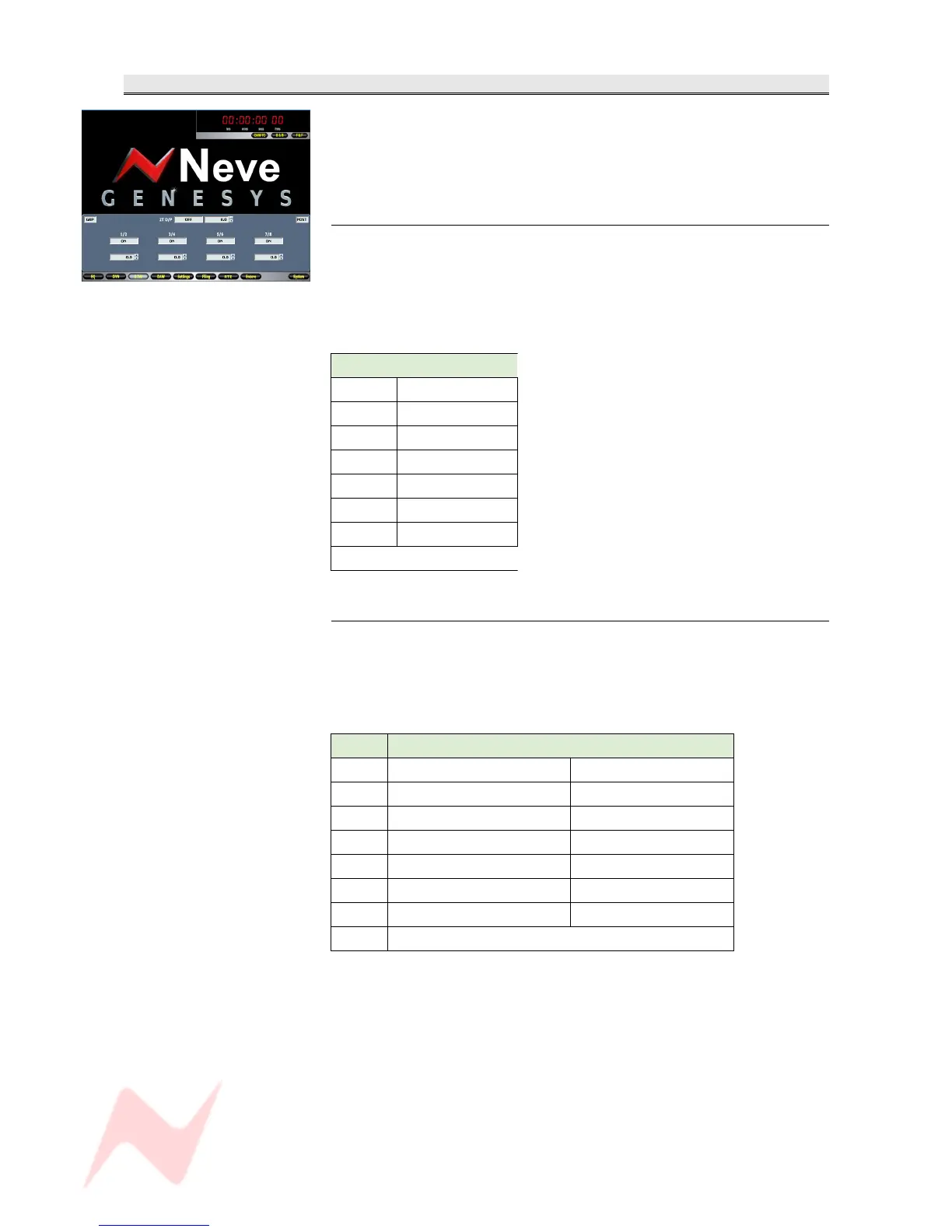
Allows setup and control of the 2T paths from the 8T Groups.
The screen that opens depends on how the 2T has been set up to operate, either
in Group Mode (shown left) or 5.1 Mode.
Group Mode
You have individual On/Off control and +/-10dB of Trim for each 8T Group
contribution, plus a global On/Off and level control ranging from 0dB to ∞
for the 2T Output.
In this mode, the allocation of the group contributions to the 2T mix will
be:
8T Output to:
8T 1 Left 2T Mix
8T 2 Right 2T Mix
8T 3 Left 2T Mix
8T 4 Right 2T Mix
8T 5 Left 2T Mix
8T 6 Right 2T Mix
8T 7 Left 2T Mix
8T 8 Right 2T Mix
5.1 Mode
You have individual On/Off control and +/-10dB of Trim for each of the C,
S and LS/RS contributions to the 2T Output, plus a global On/Off and
level control ranging from 0dB to ∞ for the 2T Output.
In this mode, the allocation of the group contributions to the 2T mix will
be:
8T Speaker Destination Output to:
8T 1 Left Left 2T Mix
8T 2 Right Right 2T Mix
8T 3 - not used - - not used -
8T 4 - not used - - not used -
8T 5 Left Surround Left 2T Mix
8T 6 Right Surround Right 2T Mix
8T 7 Centre Left & Right 2T Mix
8T 8 Sub Left & Right 2T Mix
For details on how to swap between Group Mode and 5.1 Mode, see
chapter on Control Room Monitor panel.
- 68 -


 To Next Page